Stuck on Microsoft Teams Welcome Screen Startup Loop? Fix It in Minutes! πŸš€

Imagine launching Microsoft Teams only to be trapped in an endless welcome screen startup loopβ€”loading, signing in, then right back to square one. 😩 Don't worry; this common glitch affects thousands and is usually quick to resolve. Our step-by-step troubleshooting Microsoft Teams welcome screen startup loop guide uses the latest fixes to get you collaborating smoothly again. Stick with us, and you'll be chatting in no time!
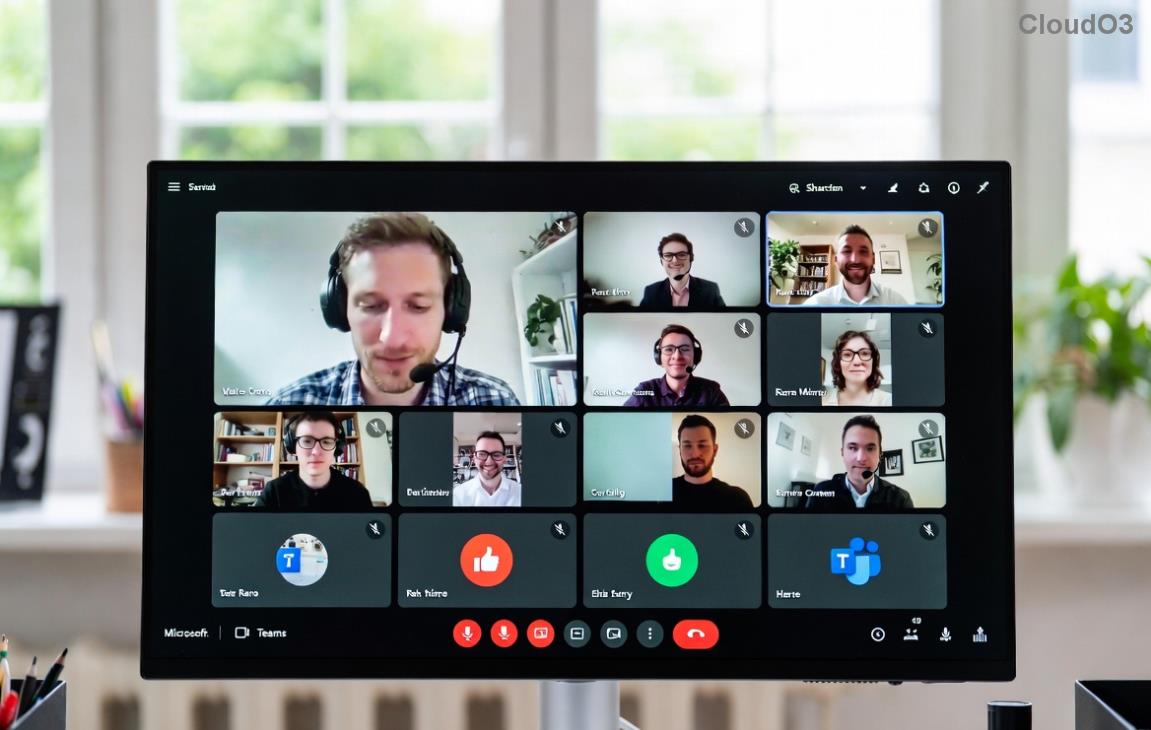
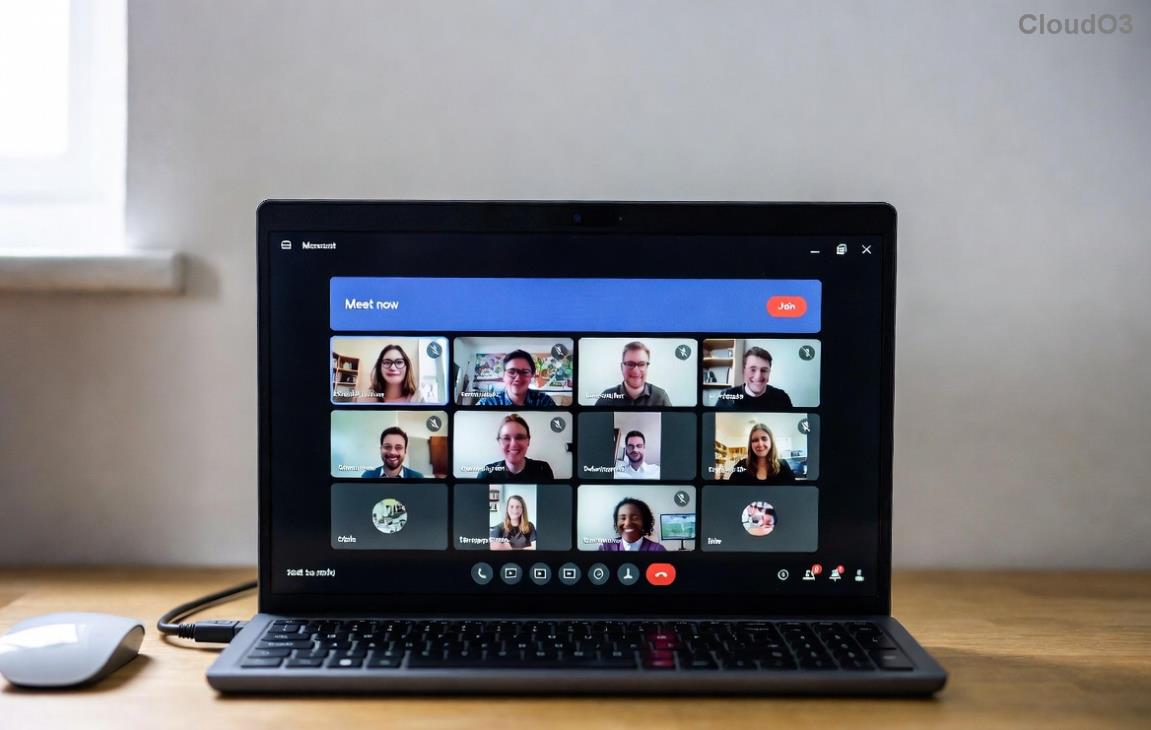
Microsoft Teams welcome screen showing endless startup loop

⚠️ Common Causes of Teams Welcome Screen Loop

Before diving in, understand why this happens:

  • Corrupted cache or credentials: Outdated temp files block sign-in.
  • Profile conflicts: Multiple user profiles or sync issues.
  • Outdated app: Bugs in older versions.
  • Network glitches: Proxy/VPN interference.
  • System conflicts: Antivirus or OS updates clashing.

Ready to break the loop? Start with the basicsβ€”most users fix it here. πŸ‘‡

πŸ”§ Step-by-Step Troubleshooting Microsoft Teams Welcome Screen Startup Loop

Follow these in order. Test Teams after each step. We've prioritized the easiest wins first.

  1. βœ… Restart Teams Completely
    Close Teams via Task Manager (Ctrl+Shift+Esc on Windows; Activity Monitor on Mac). Relaunch. Why? Clears temporary hangs.
  2. πŸ”„ Clear Teams Cache (Quickest Fix!)
    This resolves 70% of loops. Navigate to %appdata%\Microsoft\Teams (Windows) or ~/Library/Application Support/Microsoft/Teams (Mac). Delete folders: Cache, GPUCache, IndexedDB, Local Storage, tmp. Relaunch Teams.
    Steps to clear Microsoft Teams cache folders
  3. πŸ“± Sign Out & Reset Credentials
    In Teams (if accessible via web), go to Profile > Sign out everywhere. Use web.teams.microsoft.com to verify, then relaunch desktop app.
  4. βš™οΈ Update or Reinstall Teams
    Check for updates in Teams > Profile > Check for updates. No luck? Uninstall via Settings > Apps (Windows) or drag to Trash (Mac), then download the latest from Microsoft.
  5. 🌐 Check Network & Firewall
    Disable VPN/proxy temporarily. Ensure ports 80/443 are open. Test on another network.

Quick Reference Table: Teams Startup Loop Fixes

Step Platform Action Time to Fix
1. Cache Clear Windows/Mac Delete %appdata%\Teams cache folders 2 mins ⭐
2. Reset Credentials All Sign out via web.teams.microsoft.com 1 min
3. Reinstall Windows/Mac Download fresh from Microsoft 5 mins
4. Profile Reset Windows Rename %appdata%\Teams folder 3 mins

Pro Tip: Bookmark this table for future reference! πŸ‘†

Successful Microsoft Teams login after troubleshooting welcome screen loop

πŸš€ Advanced Fixes for Stubborn Teams Welcome Screen Startup Loop

If basics fail:

  • Reset Teams Profile: Rename entire %appdata%\Microsoft\Teams to Teams_backup. Relaunch for fresh setup.
  • Run as Admin/Command Line Reset (Windows): teams.exe --system-initiated or use PowerShell: Get-AppxPackage *teams* | Remove-AppxPackage.
  • Mac-Specific: defaults delete com.microsoft.teams in Terminal, then relaunch.
  • Antivirus Check: Add Teams to exclusions in Windows Defender or third-party tools.
  • Web Version Fallback: Use teams.microsoft.com while fixing desktop.

For official guidance, see Microsoft's Teams sign-in troubleshooting page.

πŸŽ‰ Prevention Tips to Avoid Future Loops

  • ⭐ Update Teams weekly via Profile menu.
  • πŸ”§ Clear cache monthly.
  • πŸ“§ Use multi-account switcher sparingly.
  • πŸ›‘οΈ Keep OS and antivirus current.

Congratsβ€”you've conquered the Microsoft Teams welcome screen startup loop! If issues persist, drop your OS/version in comments below. We've got more guides like fixing call drops next. Stay productive! πŸ™Œ

Share this if it saved your day! πŸš€


Leave a Comment

πŸš€ Fix Microsoft Teams Shared Folder Access Denied: Ultimate 2026 Troubleshooting Guide

πŸš€ Fix Microsoft Teams Shared Folder Access Denied: Ultimate 2026 Troubleshooting Guide

Stuck with Microsoft Teams shared folder access denied? Follow this step-by-step guide to troubleshoot and resolve access issues fast – no IT help needed!

Fix Microsoft Teams Error Code 404 on Web: Instant Solutions That Actually Work!

Fix Microsoft Teams Error Code 404 on Web: Instant Solutions That Actually Work!

Tired of Microsoft Teams Error Code 404 on web blocking your meetings? Get proven, step-by-step fixes for solving Microsoft Teams "Error Code 404" on Web. Quick wins to restore access fast!

πŸš€ Fix Microsoft Teams DLL Error: Missing File Gone in 5 Minutes! Ultimate Guide

πŸš€ Fix Microsoft Teams DLL Error: Missing File Gone in 5 Minutes! Ultimate Guide

Stuck with Microsoft Teams DLL Error missing file? Discover proven fixes for msvcp140.dll, VCRUNTIME140.dll & more. Step-by-step troubleshooting to get back to seamless calls. Works on latest Windows!

πŸš€ Fix Microsoft Teams Installation Errors on macOS: Quick, Proven Troubleshooting Guide

πŸš€ Fix Microsoft Teams Installation Errors on macOS: Quick, Proven Troubleshooting Guide

Stuck with Microsoft Teams installation errors on macOS? This ultimate guide covers common issues like "Installation Failed," Gatekeeper blocks, and Apple Silicon glitches with step-by-step fixes to get you back to seamless collaboration. Updated with the latest solutions!

πŸš€ Fix Microsoft Teams Register Account Error FAST: 7 Proven Steps (2026 Update)

πŸš€ Fix Microsoft Teams Register Account Error FAST: 7 Proven Steps (2026 Update)

Struggling with Microsoft Teams "Register" Account Error? Discover proven fixes like clearing cache, updating the app, and more. Get back to seamless collaboration in minutesβ€”no tech expertise needed!

πŸš€ Fix Microsoft Teams Desktop Error Startup Crash in Minutes – Ultimate Guide!

πŸš€ Fix Microsoft Teams Desktop Error Startup Crash in Minutes – Ultimate Guide!

Tired of Microsoft Teams crashing on startup with "Desktop Error"? Follow our proven, step-by-step fixes to resolve the issue fast and restore smooth teamwork. No tech skills needed!

Fix Microsoft Teams Windows 10 Login Error: Proven Steps to Resolve Instantly!

Fix Microsoft Teams Windows 10 Login Error: Proven Steps to Resolve Instantly!

Struggling with Microsoft Teams "Windows 10 Error" login issues? This ultimate guide provides step-by-step solutions to fix sign-in problems, clear caches, and restore seamless access on Windows 10. Get back online fast!

πŸš€ Fix Microsoft Teams Y Error Configuration: Ultimate 2026 Guide (100% Working!)

πŸš€ Fix Microsoft Teams Y Error Configuration: Ultimate 2026 Guide (100% Working!)

Stuck with Microsoft Teams "Y Error" configuration? Discover proven, step-by-step fixes to resolve the Y Error in Teams quickly. No tech skills needed – get back online in minutes!

πŸš€ Ultimate Fix: How to Solve Microsoft Teams Error E Installation in Minutes!

πŸš€ Ultimate Fix: How to Solve Microsoft Teams Error E Installation in Minutes!

Struggling with Microsoft Teams "Error E" installation? Discover proven, step-by-step solutions to fix Microsoft Teams Error E quickly. No tech skills needed – get back to seamless collaboration today!

πŸ”§ Stuck on Microsoft Teams Guide Tutorial Error? Fix It in Minutes with Proven Steps!

πŸ”§ Stuck on Microsoft Teams Guide Tutorial Error? Fix It in Minutes with Proven Steps!

Struggling with the Microsoft Teams "Guide" Tutorial Error? Discover step-by-step fixes to resolve it quickly. Clear cache, update Teams, and more for seamless tutorials. Works on latest versions!