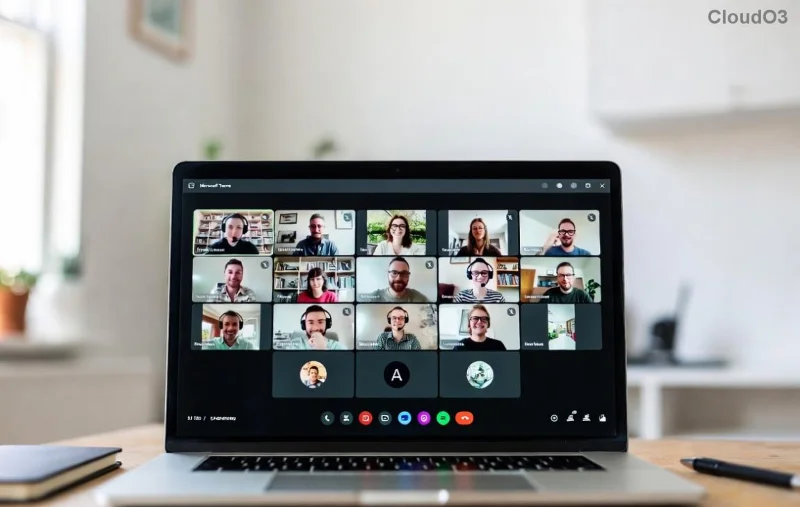
Imagine transforming chaotic large meetings into focused, productive discussions where every voice matters. That's the power of Breakout Rooms in Microsoft Teams. Whether you're leading workshops, training sessions, or team brainstorms, mastering these rooms can elevate your virtual collaboration game. In this guide, we'll dive straight into actionable best practices for using Breakout Rooms in Microsoft Teams to keep participants engaged and deliver real results. Ready to level up? Let's go! 👇
1. Plan Ahead: Set Clear Objectives Before Launching Rooms ⭐
The foundation of successful Breakout Rooms in Microsoft Teams starts with preparation. Rushing into rooms without a plan leads to confusion and wasted time.
- Define goals: What do you want to achieve? Brainstorming ideas? Problem-solving? Group feedback? Align rooms with these objectives.
- Know your audience: Consider group size, dynamics, and expertise levels. Aim for 4-6 participants per room for optimal interaction.
- Pre-assign strategically: Use the "Pre-assign" feature in Teams to group participants by role, topic interest, or randomly for diversity. This saves time during the meeting.
Pro Tip: Share the agenda and room assignments via chat or email 24 hours in advance. This builds excitement and reduces anxiety. 👍
2. Seamless Setup: Create and Configure Rooms Like a Pro
Teams' latest updates make Breakout Rooms in Microsoft Teams more intuitive than ever. Here's how to nail the setup:
- Open Breakout Rooms: In a meeting, click "Breakout rooms" from the toolbar (requires meeting organizer or presenter role).
- Choose creation method:
| Method | Best For | Tip |
|---|
| Automatically | Large groups, equal sizes | Teams auto-balances participants |
| Manually | Custom groupings | Drag-and-drop for precision |
| From CSV | Recurring meetings | Upload participant list for consistency |
- Add timers and instructions: Set countdowns (e.g., 10-15 minutes per room) and pin announcements for clear tasks.
Testing is key—run a dry rehearsal solo or with a co-host to iron out glitches. Your participants will thank you! 😊
3. Facilitate Like a Champion: Keep Energy High During Sessions
Once rooms are live, your role shifts to facilitator. These best practices for using Breakout Rooms in Microsoft Teams ensure momentum:
- Provide icebreakers: Start with quick prompts like "Share one win from last week" to spark connections.
- Monitor and rotate: Use "Visit rooms" to pop in briefly. Enable room switching for fresh perspectives if needed.
- Encourage inclusivity: Remind groups to rotate speaking turns and use Teams reactions for shy participants.
- Handle tech hiccups: Direct users to rejoin via chat. Co-hosts can manage rooms if you're away.
![Teams Breakout Room timer and participant management screen]()
Want deeper engagement? Integrate polls or whiteboards in each room via Teams apps. Participants report 30-50% higher satisfaction with structured facilitation—pure magic! ✨
4. Master the Return: Debrief for Lasting Impact
The magic doesn't end when rooms close. A strong debrief turns insights into action.
- 1️⃣ Announce return: Give a 2-minute warning and use "Close all rooms" to bring everyone back.
- 2️⃣ Share highlights: Ask each room for 1-2 key takeaways. Use the "Recap" feature to broadcast notes.
- 3️⃣ Assign follow-ups: Log actions in Teams Planner or OneNote for accountability.
For more on advanced features, check Microsoft's official guide: Teams Breakout Rooms Support.
5. Advanced Tips: Elevate Your Game with Pro Features
Go beyond basics with these power moves:
- Multiple rounds: Recreate rooms for new groupings—ideal for workshops.
- Record selectively: Opt-in recording per room to respect privacy.
- Integrate with channels: Auto-post recaps to Teams channels for async review.
- Accessibility first: Enable live captions and ensure alt text on shared content.
Common Pitfalls to Avoid: ❌ Don't overload rooms with too many tasks. ❌ Skip random assignments for sensitive topics. Focus on balance for wins every time.
Why Breakout Rooms in Microsoft Teams Are Your Secret Weapon
Teams with breakout-savvy leaders see boosted productivity and morale. Surveys show interactive formats like these cut meeting fatigue by half while amplifying creativity. Implement these best practices for using Breakout Rooms in Microsoft Teams today, and watch your sessions shine.
What's your next meeting? Plan a breakout now and share your wins in the comments. Need more Teams hacks? Stick around for our deep dives on hybrid collaboration. You've got this! 🎉