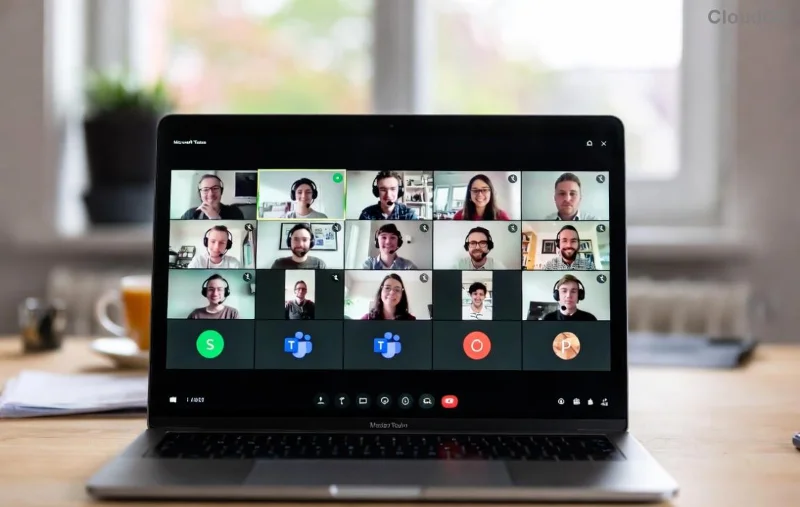
Imagine transforming a standard Microsoft Teams meeting into a dynamic hub of collaboration where participants dive deep into discussions, solve problems creatively, and build stronger connections. That's the power of breakout rooms in Microsoft Teams. Whether you're a teacher facilitating group projects, a manager running workshops, or a team lead sparking innovation, mastering how to create breakout rooms in Microsoft Teams meetings is your secret weapon for unforgettable sessions. 😊
In this concise guide, we'll walk you through every step using the latest Teams features, share pro tips, and troubleshoot common hiccups. Ready to level up your meetings? Let's dive in! ➡️
✅ Prerequisites: What You Need Before Starting
Before you create breakout rooms in Microsoft Teams, ensure these basics are in place:
- Teams License: Requires a meeting organizer or co-organizer role with a valid license (free version supports up to 300 participants).
- Meeting Setup: Schedule or start a meeting with at least 5 participants for optimal use.
- Desktop App Recommended: Best experience on the Teams desktop app (Windows/Mac); web/mobile have limited controls.
- Latest Version: Update to the newest Teams client for all features like room timers and seamless reassignment.
Pro tip: Test in a small meeting first to build confidence. ⭐
📋 Step-by-Step: How to Create Breakout Rooms in Microsoft Teams Meetings
Creating breakout rooms in Microsoft Teams is straightforward. Follow these numbered steps during an active meeting:
- Open Participants Pane: Click People or Participants (top-right icon) to view attendees.
- Access Breakout Rooms: Scroll down in the pane and select Breakout rooms.
- Create Rooms: Click Create rooms. Enter the number of rooms (up to 50) or let Teams auto-suggest based on participants.
- Assign Participants:
- Automatically: Evenly distributes attendees.
- Randomly: Shuffles for fresh groupings.
- Manually: Drag-and-drop individuals or groups (ideal for predefined teams).
- Add Settings: Toggle options like time limits, allow room switching, or announce room changes.
- Open Rooms: Hit Open – participants get a notification and join automatically (or manually).
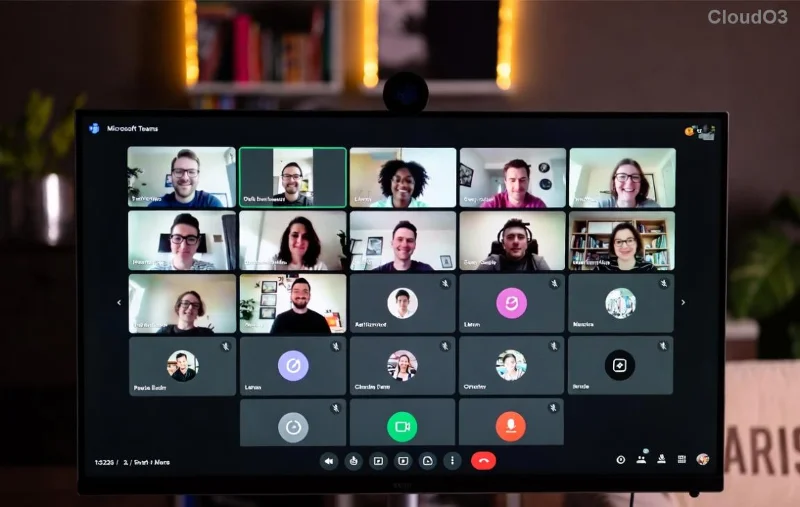
Once open, you'll see a dashboard to monitor rooms, chat across groups, or recall everyone. Seamless, right? 🚀
⚙️ Customize with Advanced Breakout Rooms in Teams Settings
Don't stop at basics – unlock more with these powerful options:
| Setting |
Description |
Best For |
| Time Limit |
Set a countdown timer (e.g., 10-60 mins) with auto-return to main room. |
Time-bound activities like brainstorming. |
| Move Between Rooms |
Allow participants to switch freely. |
Flexible networking events. |
| Presenter Controls |
Designate presenters per room or duplicate main room content. |
Educational sessions with student leads. |
| Room Notes |
Share notes visible to all in the room. |
Collaborative planning. |
![Advanced settings for breakout rooms in Microsoft Teams including time limits and assignments]()
For pre-assigned rooms, use the Teams calendar invite: Add room names and assignments in advance. Genius for recurring workshops!
👥 Managing and Ending Microsoft Teams Breakout Rooms
Keep control effortless:
- Recalling Participants: Select Close rooms > Return or End.
- Adding/Editing: Mid-session, add rooms or reassign via the dashboard.
- Monitoring: View participant counts, chat summaries, and join any room incognito.
- Notifications: Announce changes to keep everyone synced. 📢
Ending? Choose Close rooms for all to bring everyone back smoothly.
💡 Pro Tips & Best Practices for Breakout Rooms in Teams Meetings
Make your sessions shine:
- Group Thoughtfully: Mix skills for diverse ideas or match expertise for deep dives.
- Set Clear Instructions: Share agenda via chat before opening rooms. ✅
- Rotate Rooms: Create multiple sets for larger groups to ensure fresh interactions.
- Integrate Polls/Forms: Use Teams polls in rooms for quick feedback.
- Report Insights: Download attendance post-meeting for analytics.
For more details, check Microsoft's official guide: Teams Breakout Rooms Support.
❌ Common Issues & Quick Fixes
Hit a snag? Here's the fix:
- Can't See Option?: Ensure you're organizer; update app. 🔄
- Participants Not Joining?: Remind via notifications; check permissions.
- Mobile Limitations?: Use desktop for full control.
- Large Meetings Lag?: Limit rooms to 20-30 for smooth performance.
🎉 Wrap-Up: Transform Your Meetings Today!
Now you know exactly how to create breakout rooms in Microsoft Teams meetings – from setup to stellar execution. Implement these steps in your next session, and watch engagement soar. Your participants will thank you! 👏
Got questions or a success story? Drop a comment below. Experiment, iterate, and make every meeting interactive. What's your first breakout topic? Let's connect! 🌟