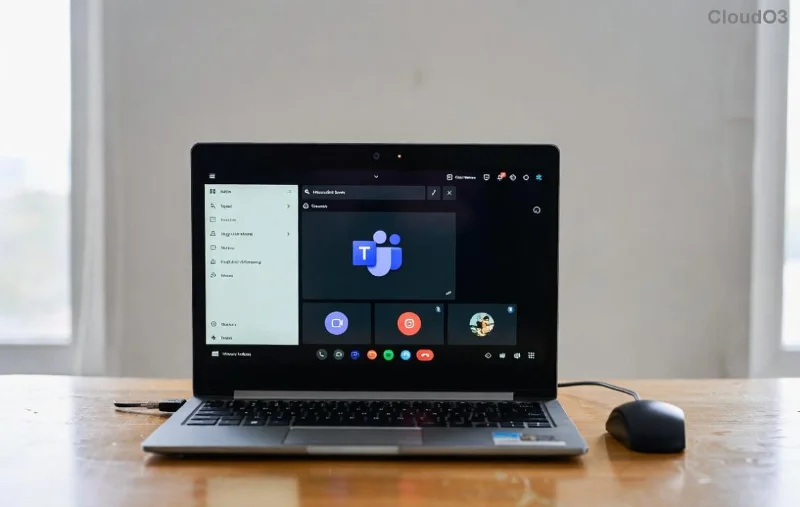
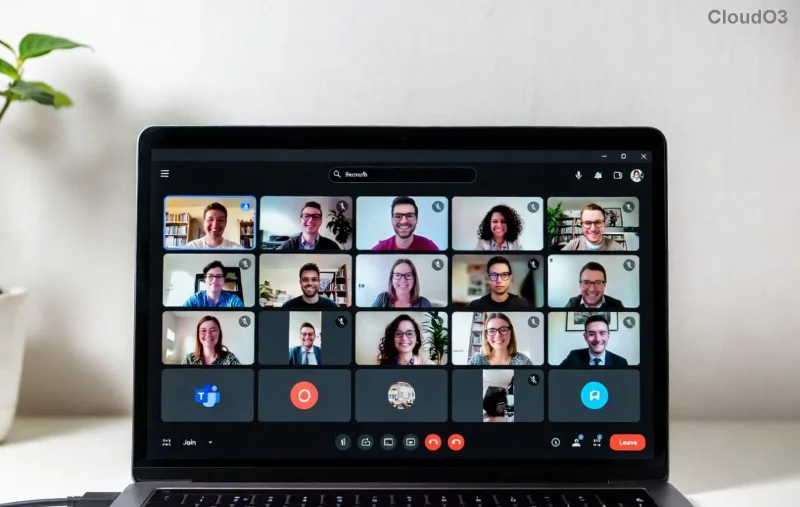
Imagine captivating thousands of employees or audiences with seamless, interactive Microsoft Teams Town Hall events—no technical headaches required. Whether you're a CEO announcing company updates or a community leader fostering engagement, Microsoft Teams Town Hall delivers professional-grade live streaming, Q&A, polls, and analytics. This step-by-step guide walks you through every detail using the latest Teams features, ensuring your event shines. Ready to elevate your virtual gatherings? Let's dive in! 👇
Why Choose Microsoft Teams Town Hall Events? Quick Benefits Overview
Unlike standard meetings, Town Hall events in Teams support up to 50,000 attendees, built-in transcription, and AI-powered highlights. Perfect for all-hands, webinars, or hybrid conferences. Here's a snapshot:
| Feature |
Benefit |
| Live Q&A & Polls |
Boost interaction—attendees react in real-time! 🎉 |
| Auto-Transcription |
Accessible recordings with searchable captions. |
| Up to 50K Attendees |
Scale effortlessly for enterprise events. |
| Post-Event Analytics |
Track engagement to refine future sessions. |
Pro tip: Events expire after 20 hours but recordings last forever in your library. Now, onto the essentials! ⭐
✅ Prerequisites Before Setting Up Microsoft Teams Town Hall
Don't skip this—ensure smooth sailing:
- Teams License: Microsoft 365 E3/E5, Business Premium, or Teams Premium. Verify in Teams Admin Center.
- Roles Needed:
- Organizer: Creates and schedules (Global Admin or Teams Admin).
- Presenter: Speaks live (assigned by organizer).
- Producer: Manages production (key for polish).
- Browser: Latest Edge/Chrome; desktop app for production.
- Stable internet (10 Mbps upload min.) and quiet space.
1️⃣ Step-by-Step: Creating Your First Teams Town Hall Event
Time to build! Follow these precise actions.
Step 1: Access the Calendar
Open Microsoft Teams (web or app) → Click Calendar in the left sidebar. Hit New meeting → Select Town hall. Boom—event template loads! 😊
Step 2: Fill Event Details
Event title: Make it punchy, e.g., "Q1 All-Hands Town Hall."
Date & Time: Set duration (up to 16 hours).
Location: Optional hybrid room link.
Channel: Post to a Team channel for instant visibility.
![Configuring Teams Town Hall event settings]()
Step 3: Assign Roles & Invite Guests
- Add Presenters and Producers via search (they get emails).
- Attendees: Enter emails or copy join link (share via Outlook/Teams).
- Toggle Require registration for RSVPs and custom questions.
Step 4: Customize Advanced Settings
Under Event options:
- Enable Live captions & translation.
- Set Q&A moderation (organizer approves questions).
- Allow Reactions like 👍 or 🎉.
- Choose Attendee access: Open or restricted.
Click
Save. Your
Town Hall is scheduled! 📅
2️⃣ Production Day: Running a Flawless Teams Town Hall Event
As Producer (wear headphones!):
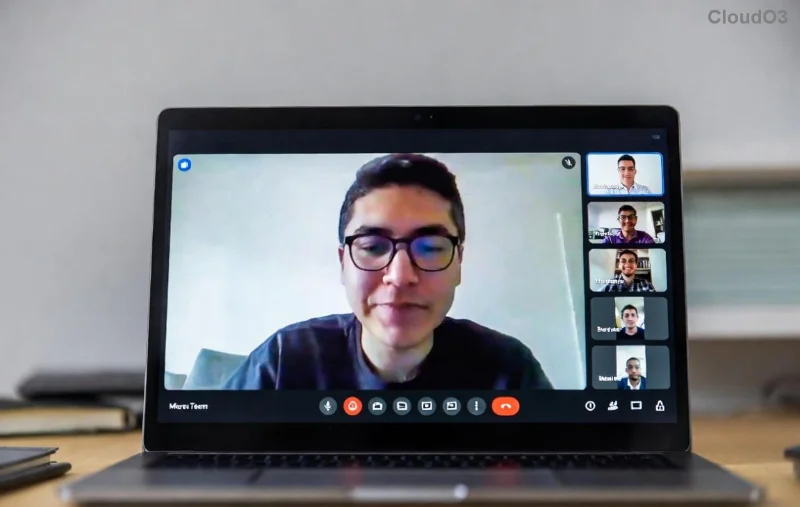
![Live production view in Microsoft Teams Town Hall]()
- Pre-Event Check: Join 30 mins early → Test mic/camera/layout.
- Go Live: Click Start event → Welcome screen appears.
- Manage Layout: Switch cameras, share screen, spotlight speakers.
- Engage Audience: Promote Q&A, launch polls via Engagement tools.
- End Gracefully: Thank attendees → End event → Recordings auto-save.
Stuck? Use Producer dashboard for real-time controls. Watch attendance spike! 📈
3️⃣ Post-Event Mastery: Analytics & Follow-Up
Don't stop at "The End"—maximize ROI:
- Download Event report: Views, Q&A stats (in Calendar → Event → Reports).
- Share Recording & Transcript: Auto-generated in OneDrive/Stream.
- Repurpose: Clip highlights with Teams' AI editor.
| Metric |
Action |
| Peak Viewers |
Celebrate success! 🎊 |
| Q&A Participation |
Follow up unanswered queries. |
⚡ Pro Tips for Epic Microsoft Teams Town Hall Events
Level up your game:
- Rehearse: Run a dry test with team.
- Integrate PowerPoint Live for dynamic slides.
- Use Teams Rooms for hybrid polish.
- Mobile attendees? Optimize for phones via join links.
- Troubleshoot: Check Microsoft Teams Support for edge cases.
Common pitfalls? ❌ Forgetting roles (fix: Assign early) or poor lighting (fix: Natural light + ring light).
Ready to Host Your First Town Hall? Your Success Awaits!
With this step-by-step guide, you're equipped to launch unforgettable Microsoft Teams Town Hall events that drive connection and results. Start small, iterate with analytics, and watch engagement soar. What's your next event? Drop a comment below—we'd love to hear! 👏
For the most current details, always peek at official docs. Happy hosting! 🌟