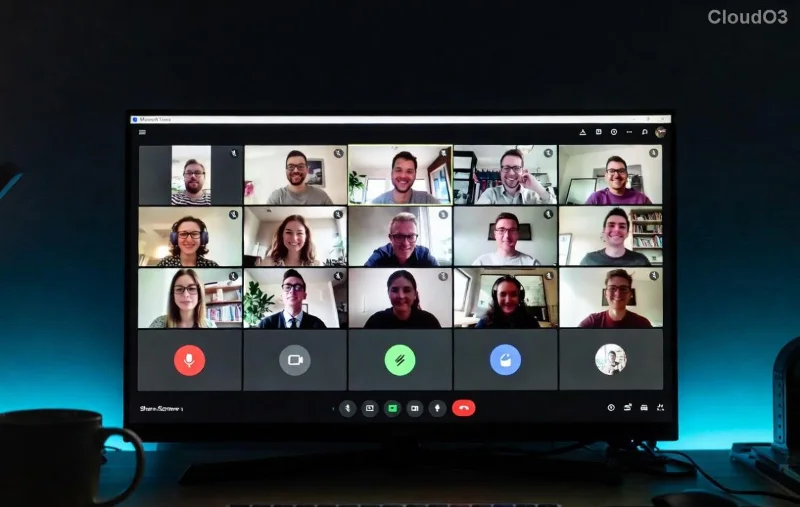
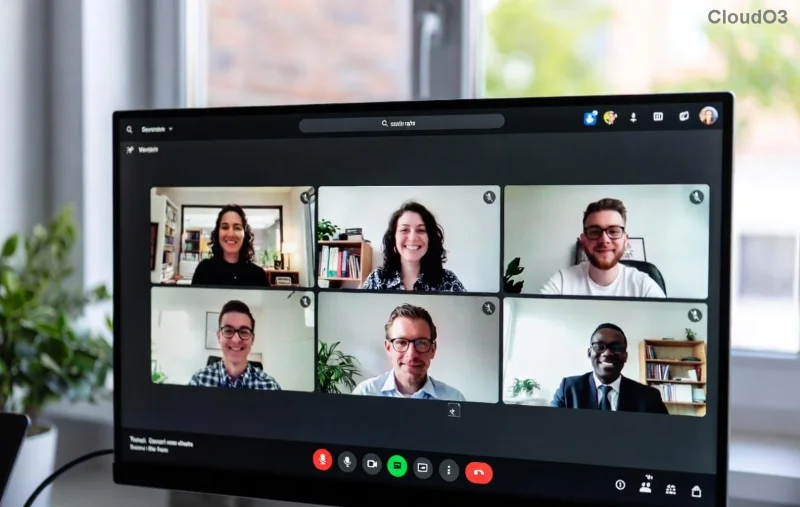
🚀 Imagine seamless collaboration where your business team crushes deadlines and your classroom sparks innovation—all in one app. That's the magic of Microsoft Teams in 2026. Whether you're a CEO streamlining operations or a teacher engaging students, this 2026 Tutorial on How to Use Microsoft Teams for Business and Education delivers practical steps, insider tips, and game-changing features. Let's dive in and transform your workflow! 😊
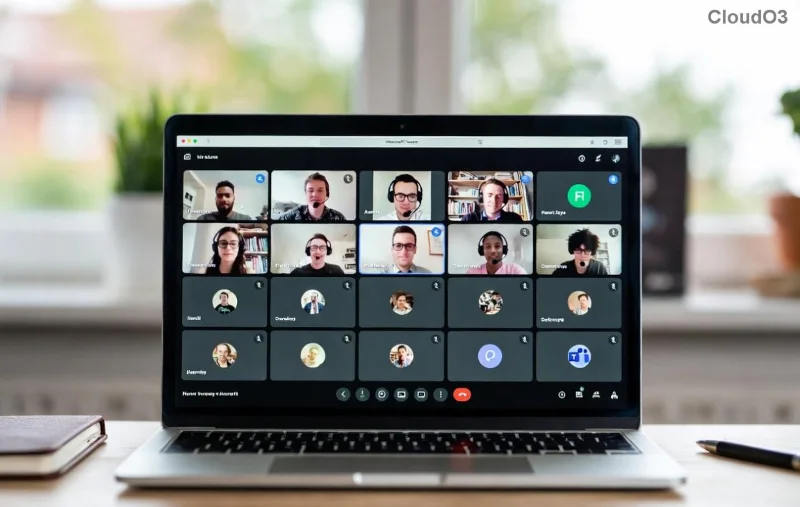
👉 Step 1: Quick Setup and Getting Started with Microsoft Teams
Getting up and running is a breeze. Download the latest Microsoft Teams app from the official site or Microsoft Store for desktop, mobile, or web.
- Sign In: Use your Microsoft 365 account (free for personal use, or business/education plans starting at $6/user/month). New in 2026? Enhanced Copilot AI greets you with personalized setup suggestions.
- Create or Join a Team: Click "Teams" > "Join or create a team." For business, set private channels; for education, use class teams with assignment tabs.
- Customize Your Workspace: Pin apps like Planner, OneNote, or Loop. Enable dark mode for those late-night sessions! ⭐
Pro Tip: Integrate with Outlook for auto-scheduling. Ready to collaborate? Your first team awaits!
🎯 Microsoft Teams for Business: Boost Productivity Like Never Before
In business, Microsoft Teams is your command center. Here's how to use Microsoft Teams for business effectively:
Master Meetings and Calls
- Schedule a Meeting: Calendar tab > New meeting. Add breakout rooms for workshops (up to 50 rooms now).
- Live Captions & Translation: Real-time subtitles in 100+ languages—perfect for global teams.
- AI Meeting Notes: Copilot summarizes discussions, assigns tasks automatically.
Channel Collaboration
| Feature | Business Use | Pro Tip |
|---|
| Standard Channels | Project updates | @mentions for quick alerts |
| Private Channels | Confidential deals | Limit to 250 members |
| Loop Components | Shared notes/docs | Real-time co-editing |
📈 Result? 30% faster decision-making, per Microsoft studies. Share files via OneDrive integration—no email chains needed!
![Microsoft Teams business meeting interface with channels and AI tools]()
Task Management & Apps
Link Planner or To Do for tasks. New 2026: Viva Insights analyzes team well-being with burnout alerts. Feeling empowered? Let's shift to education.
📚 Microsoft Teams for Education: Revolutionize Learning
Educators, rejoice! How to use Microsoft Teams for education turns classrooms virtual or hybrid effortlessly.
Class Teams Setup
- Create a "Class" team via the Education tab.
- Add Assignments with rubrics, due dates, and Grades integration.
- Use Insights dashboard for student engagement analytics.
Engaging Tools for Students
- Interactive Lessons: Whiteboard app for real-time drawing.
- Quizzes via Forms: Auto-grading saves hours.
- Reflection Spaces: Private journals for feedback.
😎 Fun fact: 90% of teachers report higher student participation. Post announcements, host office hours, or run parent meetings—all in one place.
![Microsoft Teams education class setup with assignments and insights]()
Safety First
Enable Class Mode to restrict chats during lessons. For admins, compliance tools meet FERPA/GDPR.
⭐ Advanced Tips: Level Up Your Microsoft Teams Game
Go beyond basics:
- Custom Emojis & Memes: Boost morale in channels.
- Mesh Avatars: Fun 3D meetings for remote vibes.
- Power Automate: Automate workflows, like approval flows.
- Guest Access: Invite externals securely for business pitches or guest speakers.
Troubleshooting? Check Microsoft Teams Support for instant fixes like "mic not working" (toggle device settings).
🔥 Final Thoughts: Your Path to Microsoft Teams Mastery
Congratulations! You've got the blueprint for How to Use Microsoft Teams for Business and Education in 2026. Start small: Set up one team today and watch productivity soar. What's your first project? Share in the comments below—we're all in this together! 👏 Stay tuned for more tutorials, and bookmark this for quick reference. Your success story starts now.