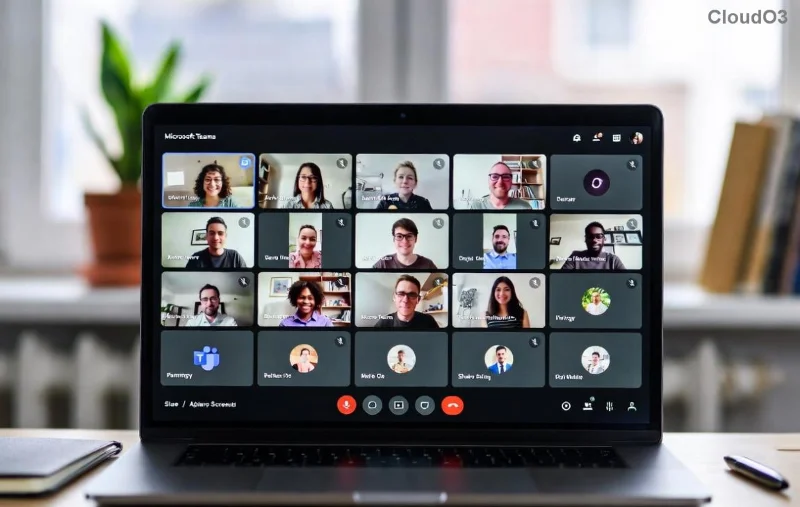
Imagine transforming chaotic emails and endless meetings into seamless, real-time collaboration. That's the magic of Microsoft Teams for business. As the go-to platform for millions of teams worldwide, it combines chat, video calls, file sharing, and apps into one powerhouse tool. Whether you're managing a remote workforce or scaling operations, this complete guide on how to use Microsoft Teams will equip you with every essential—from setup to advanced hacks. Ready to elevate your business? Let's dive in! 🚀
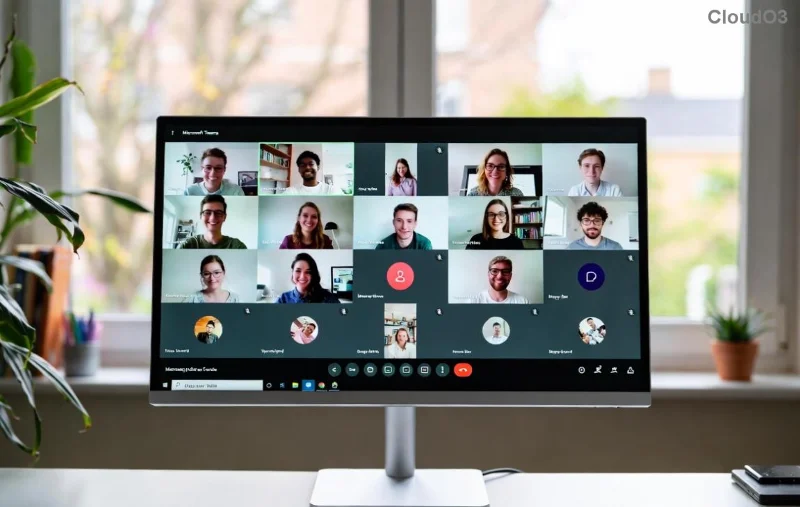
👉 Step 1: Setting Up Microsoft Teams for Business
Getting started is effortless. First, ensure your organization has a Microsoft 365 subscription (Business Basic or higher). Download the app from the official Microsoft site.
- Sign in: Use your work email and password. New? Admins can invite via the Microsoft 365 admin center.
- Customize profile: Add a photo, status, and availability to foster team connections. 😊
- Explore the interface: Left sidebar shows Activity, Chat, Teams, Calendar, and Apps. Pin favorites for quick access.
Pro tip: Enable Teams dark mode in Settings > General for those late-night strategy sessions.
📱 Mastering Core Features: Chat, Calls, and Channels
Microsoft Teams for business shines in daily communication. Here's how to leverage it:
Chat & Messaging
- Start 1:1 or group chats instantly—perfect for quick decisions.
- Use @mentions to notify teammates and reactions (👍❤️) to keep threads lively.
- Thread replies keep conversations organized, reducing email overload.
Channels for Team Organization
Channels are game-changers for projects. Create them within Teams:
| Channel Type |
Best For |
Key Feature |
| Standard |
Ongoing projects |
Tabs for files/apps |
| Private |
Sensitive discussions |
Restricted access |
| Shared |
Cross-team collab |
Guest invites |
![Teams channels and chat interface for business teams]()
Voice & Video Calls
Click the phone or camera icon in any chat. Features like noise suppression and live captions ensure crystal-clear convos, even in noisy offices.
🎥 Hosting Powerful Meetings in Microsoft Teams
Meetings are where Microsoft Teams for business dominates. Schedule via Calendar or join instantly.
- Schedule: Add agenda, attachments, and breakout rooms for large sessions.
- During meeting: Share screen, use Spotlight for presenters, or enable Together Mode for immersive feels.
- Post-meeting: Auto-record, transcribe, and generate AI-powered notes (Copilot in latest updates).
Want polls or Q&A? Integrate Forms or use built-in tools. Teams supports up to 1,000 participants—ideal for all-hands.
![Microsoft Teams meeting with video and screen share]()
🔗 Integrations & Apps: Supercharge Your Workflow
Connect Microsoft Teams to 2,500+ apps. Top picks:
- Microsoft 365: Seamless Outlook, OneDrive, Planner integration.
- Third-party: Add Trello, Zoom, or Salesforce via Apps tab.
- Power Automate: Automate approvals and workflows without code. ⭐
Example: Bot notifications for Slack-like alerts or Zapier for custom flows. Check the Teams App Store for the latest.
📊 Advanced Tips & Best Practices for Business Success
To maximize ROI:
- Security first: Enable MFA, sensitivity labels, and guest access controls.
- Analytics: Use Viva Insights for meeting health and adoption metrics.
- Mobile mastery: iOS/Android apps mirror desktop—push notifications keep you looped in.
- Customization: Themes, GIFs, and custom emojis boost morale. 🎉
| Common Pitfall |
Fix |
| Notification overload |
Customize in Settings > Notifications |
| File clutter |
Use OneDrive/SharePoint tabs |
| Poor meeting etiquette |
Set ground rules in channel |
Ready to Transform Your Business?
With these steps, how to use Microsoft Teams for business becomes second nature. Start small—set up a team today—and watch productivity soar. Experiment with features like Loop components for real-time docs or AI meeting recaps. Your team will thank you! What's your first Teams win? Share in the comments. 👏
For the deepest dive, explore Microsoft Teams support docs. Stay tuned for updates—Teams evolves fast!