CO2 Regulator Bubble Counter Not Working: Setup

Fix an aquarium co2 regulator bubble counter that stays still, empties, or bubbles unevenly. Check assembly, leaks, pressure, tubing, and safe CO2 flow.
If you have bambu lab p1s filament stuck in extruder, the filament may refuse to unload, or the printer may click while trying to feed it. The most common cause is a strand that has softened or swollen in the hotend and can no longer pass through the extruder gears or nozzle.
The P1S feeds filament through drive gears into a hotend, where heat and debris can make a plug. A cold pull can remove residue from the nozzle, but it will not fix every jam; first identify where the filament is caught.
| Likely cause | Typical symptom | Quick test |
|---|---|---|
| Nozzle plug | Unload fails; extrusion is weak or absent | Heat the nozzle and try a small manual extrusion |
| Filament caught in gears | Clicking, grinding, or a short broken piece | With power off, inspect the extruder path |
| Spool or path resistance | Feed works after filament is freed from the path | Check the spool, PTFE tube, and any external guide |
Cancel the print and stop repeated unload or extrusion attempts; grinding can flatten the filament and make removal harder. On the printer screen, open the filament controls and try Unload once. Note whether the filament moves, the gears click, or the toolhead reports a problem. Those clues help distinguish a nozzle obstruction from a trapped strand.
Make sure the spool turns freely and the filament is not crossed, tangled, or pulled tight. Inspect the PTFE tube and its couplings from the spool path to the toolhead for sharp bends or a loose connection. If you use an AMS, check its displayed slot and feed status, then follow the printer's prompt to retract or unload. A smooth manual feed after correcting the path points to a supply problem rather than a hotend plug.
Use the printer's filament menu to set or select the correct material, then choose Unload; menu labels can vary, so check your model's menu. Let the nozzle reach the material's normal unloading temperature shown by the printer or material profile. If it retracts cleanly, the filament is free. If the gears keep clicking or the filament does not move, stop and continue with the next checks instead of raising the temperature arbitrarily.
Allow the toolhead to cool, turn the printer off, and follow Bambu Lab's current P1S maintenance instructions before opening the extruder cover. Remove only the parts you can identify and safely access. Look for a short filament fragment, ground-up material, or a strand wedged at the gears. Clear loose debris carefully without forcing tools into the hotend. Reassemble the extruder, power on, and test unload; normal gear movement without clicking confirms that the obstruction was likely in the drive path.
Use a compatible cleaning filament if available, following its package instructions. Otherwise, use a known filament compatible with the P1S and your hotend. Heat the nozzle using the printer's controls to the appropriate temperature for that material, feed a short length until it extrudes, then allow it to cool while maintaining gentle upward tension. When it is cool enough to grip but still pliable, pull steadily upward. A tapered tip with visible residue suggests the pull removed debris. Repeat only if needed; do not yank hard or use a temperature guessed from another printer. If the material will not release, stop and consult the printer's current maintenance guidance.
If the cold pull does not restore flow, inspect the nozzle area for a visible leak, damaged wiring, or filament fused around the hotend. Do not pull on wires or dismantle a hot assembly. The P1S hotend is a serviceable assembly, but removal and replacement steps can vary; use Bambu Lab's current P1S procedure and let the printer cool before handling it. A clean test extrusion after servicing confirms that material can pass through the hotend again.
Reload filament and use the printer's filament controls to extrude a small amount, or run a brief test print. Watch for a steady strand and listen for clicking. Smooth extrusion and a successful unload confirm the jam is cleared. If the same filament repeatedly jams, try a fresh, dry spool and check that the selected material profile matches the filament.
Try one controlled unload at the material's appropriate temperature, then check the path and extruder for a broken strand. If the nozzle is plugged, a careful cold pull may clear residue. Stop if the gears grind or the filament remains trapped.
Clicking often means the gears cannot push filament forward, commonly because of a nozzle plug, a jammed strand, or resistance in the feed path. Check the spool and PTFE path first, then inspect the extruder and nozzle.
It can remove residue or a small obstruction from the nozzle path, but it will not clear filament trapped in the gears or a damaged hotend. Use a compatible material and the printer's temperature controls, and stop if a gentle pull does not release it.
For bambu lab p1s filament stuck in extruder, work from the spool path toward the nozzle and avoid repeated forced feeds. If these steps do not restore smooth extrusion, stop using the printer and follow Bambu Lab's current P1S service guidance or contact support with your symptoms.
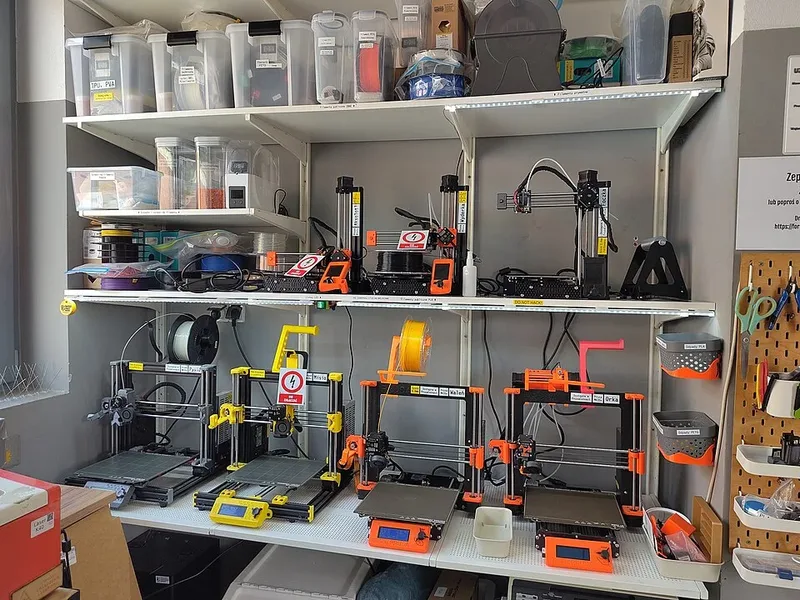
Photo: Majabojarska / CC BY 4.0 (Wikimedia Commons)
Fix an aquarium co2 regulator bubble counter that stays still, empties, or bubbles unevenly. Check assembly, leaks, pressure, tubing, and safe CO2 flow.
Fix an aquarium ato float switch stuck by checking buildup, movement, wiring, and controller status, then add safe ATO limits to reduce overflow risk.
Fix reef tank dosing pump calibration with a measured three-point check, tubing inspection, priming, controller steps, and a safe verification run.
Fix apex controller not connecting to wifi by checking AquaBus communication, network compatibility, signal, and Fusion status with practical steps you can try today.
Fix tractive not charging red light issues by checking the charger, contacts, power source, and battery condition, with practical tests to identify the cause.
Fix a tractive tracker not connected to network issue by checking coverage, charging, SIM status, and LTE compatibility before contacting Tractive support.
Fix a petlibro feeder not dispensing by checking food flow, portion settings, the motor, and app connection, with safe steps to confirm the cause.
Fix a Petlibro feeder camera icon that keeps flashing: check Wi-Fi, power, app status, and setup steps to bring the camera back online today.
Petlibro feeder won t connect to wifi? Check your model’s Wi-Fi band, router settings, app permissions, and pairing mode with these practical fixes.
Fix the litter robot 4 pinch detect error by checking the waste drawer, cleaning pinch contacts, reseating the bonnet, and safely testing the cycle.








