CO2 Regulator Bubble Counter Not Working: Setup

Fix an aquarium co2 regulator bubble counter that stays still, empties, or bubbles unevenly. Check assembly, leaks, pressure, tubing, and safe CO2 flow.
If FORScan shows an injector-related fault on your F-150, or the check-engine light returns after you clear it, the engine may be misfiring or running unevenly. A loose, corroded, or damaged injector-connector circuit is a common cause; the code alone does not prove the injector itself has failed.
Injector faults can point to an electrical circuit, combustion problem, or control issue. Read the exact code and module that reported it before replacing parts: a cylinder misfire code is not the same as an injector circuit code, and Ford-specific definitions can vary by model year and engine.
Connect your adapter, switch the ignition on, and open FORScan. Run a vehicle scan, then save or photograph the complete results, including the module, code, status, and any freeze-frame data available. Look for whether the code is current, pending, or stored; these labels help distinguish an active problem from one that happened earlier. Record symptoms such as rough idle, loss of power, or a flashing check-engine light.
Open the code details in FORScan and note the definition and reporting module. Use the vehicle’s service information for the exact year and engine to confirm the diagnostic meaning and circuit diagram. If the code describes a cylinder misfire rather than an injector circuit, diagnose the misfire broadly. Do not assume a cylinder number or injector location based only on a generic internet code description.
Turn the ignition off before inspecting connectors. With the engine cool, check the relevant injector connector and accessible harness for a loose latch, pulled wire, chafing, heat damage, moisture, or corrosion. Do not tug on wires or probe terminals with oversized tools. Repair damaged wiring using the correct service procedure; a clean-looking plug does not rule out a break inside the insulation.
Use the wiring diagram for your specific F-150 to identify the injector circuit and its fuse or shared supply. With the ignition off, inspect the specified fuse and replace it only with the same type and rating if it is blown. If it blows again, stop: that points to a fault that needs electrical diagnosis. Use a multimeter only with the correct diagram and procedure; never bridge terminals or apply battery voltage to an injector to “test” it.
In FORScan, open the available live data or oscilloscope functions and select relevant engine parameters supported by your vehicle. Compare cylinder misfire counts or other available readings at idle and under the conditions that set the fault. A persistent count on one cylinder supports a cylinder-specific problem, but it does not identify the injector as the cause. Stop driving if the engine runs severely rough or the check-engine light flashes, since continued misfiring can damage the catalytic converter.
Note whether the issue began after refueling, running very low on fuel, or recent engine work. Verify fuel level and use the model-specific service procedure to assess fuel pressure and delivery; do not loosen fuel lines on a running or pressurized system. If a misfire remains, ignition and compression checks may be needed before condemning an injector. Direct-injection systems can retain hazardous pressure after shutdown, so leave fuel-system work to a qualified technician unless trained for that system.
| Possible cause | Typical symptom | Quick test |
|---|---|---|
| Loose or damaged connector | Intermittent fault or misfire | Inspect the connector and harness with ignition off |
| Injector circuit or supply fault | Injector circuit code returns | Check the model-specific diagram, fuse, and wiring |
| Ignition or mechanical issue | One-cylinder misfire persists | Compare live data, then follow service diagnostics |
| Fuel delivery problem | Multiple-cylinder rough running or low power | Check fuel level and have pressure tested safely |
Once the cause has been corrected, use FORScan’s module service functions to clear diagnostic trouble codes, following the prompts for your vehicle. Menu labels can vary by FORScan and vehicle version, so check your model’s menu rather than selecting a similarly named function at random. Cycle the ignition as prompted, restart, and scan again. A successful repair means the fault does not return during a suitable drive and a follow-up scan shows no active or pending related code; some readiness monitors may need normal driving conditions to complete.
It can report a fault or cylinder misfire, but that does not by itself prove the injector has failed. Use the code definition, vehicle-specific diagnostics, and circuit or mechanical tests to isolate the cause.
Save the complete scan and any freeze-frame information first. Clearing a code without repairing the cause can erase useful clues, and the fault will usually return if it is still present.
A mild stored code with no drivability symptoms may not mean an immediate breakdown, but arrange diagnosis promptly. Stop driving if the check-engine light flashes, the engine shakes badly, or power drops sharply.
For f150 forscan fuel injector error codes, use the code as a diagnostic clue and verify the wiring, fuel, and engine condition before replacing an injector. If the fault returns or testing involves pressurized fuel or unclear wiring, give the saved FORScan report to a qualified technician for model-specific diagnosis.
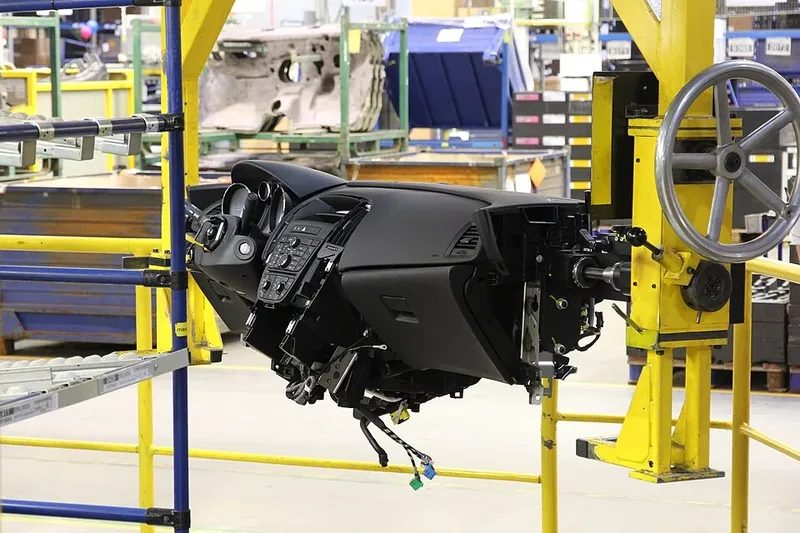
Photo: Marek Ślusarczyk (Tupungato) Photo portfolio / CC BY 3.0 (Wikimedia Commons)
Fix an aquarium co2 regulator bubble counter that stays still, empties, or bubbles unevenly. Check assembly, leaks, pressure, tubing, and safe CO2 flow.
Fix an aquarium ato float switch stuck by checking buildup, movement, wiring, and controller status, then add safe ATO limits to reduce overflow risk.
Fix reef tank dosing pump calibration with a measured three-point check, tubing inspection, priming, controller steps, and a safe verification run.
Fix apex controller not connecting to wifi by checking AquaBus communication, network compatibility, signal, and Fusion status with practical steps you can try today.
Fix tractive not charging red light issues by checking the charger, contacts, power source, and battery condition, with practical tests to identify the cause.
Fix a tractive tracker not connected to network issue by checking coverage, charging, SIM status, and LTE compatibility before contacting Tractive support.
Fix a petlibro feeder not dispensing by checking food flow, portion settings, the motor, and app connection, with safe steps to confirm the cause.
Fix a Petlibro feeder camera icon that keeps flashing: check Wi-Fi, power, app status, and setup steps to bring the camera back online today.
Petlibro feeder won t connect to wifi? Check your model’s Wi-Fi band, router settings, app permissions, and pairing mode with these practical fixes.
Fix the litter robot 4 pinch detect error by checking the waste drawer, cleaning pinch contacts, reseating the bonnet, and safely testing the cycle.








