CO2 Regulator Bubble Counter Not Working: Setup

Fix an aquarium co2 regulator bubble counter that stays still, empties, or bubbles unevenly. Check assembly, leaks, pressure, tubing, and safe CO2 flow.
If a KiwiSDR page stays blank, spins forever, or fails to connect, the receiver may be offline or unreachable on its network. The most common cause is that the remote KiwiSDR itself has lost power or internet access, so first check whether other listeners can reach it.
A KiwiSDR is a networked receiver: your browser must reach its host, resolve its address, and keep a WebSocket connection open for live audio and control. A failure at any of those points can look like a receiver fault, even when your local SDR hardware and programs are fine.
Open the receiver's published directory listing or try its page from another device or network. If the listing marks it offline, or the same address fails everywhere, the host owner likely needs to restore power or internet access. If it works elsewhere, continue with checks on your browser or network.
Use the receiver's current directory link rather than an old bookmark. If you have its hostname, enter it directly in the browser address bar and confirm the spelling; if you have an IP address, use the exact address and port supplied by the owner. A page that loads from the directory but not from your bookmark points to an outdated address.
Reload the page, then try a private or incognito window with extensions disabled. If it works there, clear site data for that receiver in the browser's privacy or site settings, then test again in your normal window. Also update the browser and allow JavaScript for the site; the receiver interface relies on browser features to display controls and stream audio.
On Windows, open Command Prompt and run nslookup receiver-hostname, replacing the example with the hostname. A returned address confirms DNS resolved the name; an error suggests a DNS or hostname issue. You can also run ping receiver-hostname, but a timeout alone does not prove the receiver is down because some hosts block ping. Compare with a phone on mobile data to distinguish a local network issue.
| Cause | Symptom | Quick test |
|---|---|---|
| Receiver offline | Fails from multiple networks | Check its directory status |
| Stale address or DNS | Old link fails, current listing works | Open the directory link; run nslookup |
| Local filtering | Works on mobile data, fails on Wi-Fi | Temporarily test without VPN or proxy |
If a receiver works on mobile data but not your home or work connection, disconnect the VPN temporarily and retry. Check your operating system firewall and any security software for browser or network filtering; do not disable protection permanently. On managed networks, ask the administrator whether access to the receiver host and its live WebSocket traffic is restricted. Success after switching networks identifies a path or policy issue, not a fault in an RTL-SDR or SDR#.
Restart your router only if other sites or devices also show connection trouble. Then reconnect and test the KiwiSDR page. If you control the receiver, verify the Ethernet link, router internet connection, and that the device is powered; consult the KiwiSDR setup instructions for its current status indicators rather than guessing at a model-specific light pattern. A stable link and successful access from outside your local network confirm recovery.
If the receiver owner has just restarted it, wait a few minutes and reload once. Avoid repeatedly refreshing, which will not repair a host that has lost connectivity. If it remains unavailable across networks, send the owner the receiver link, the time you tested, your browser, and whether mobile data worked; that helps them distinguish an outage from a local access problem.
The receiver may be offline, or your browser may be using an old address or blocking the page's live connection. Try the current directory link, a private window, and another network to narrow it down.
Yes. A VPN, proxy, or network filter can block the receiver host or its WebSocket connection. Test briefly without the VPN, then restore it and contact the network administrator if the receiver only works on a different network.
Check its directory status and try the same receiver from another device on a different connection. If both fail, the owner may need to restore power or internet access; a ping timeout by itself is not conclusive.
Most access failures come down to an unavailable receiver, an outdated address, or filtering along the network path. If none of these checks works, share your test results with the receiver owner and wait for them to confirm the host is back online.
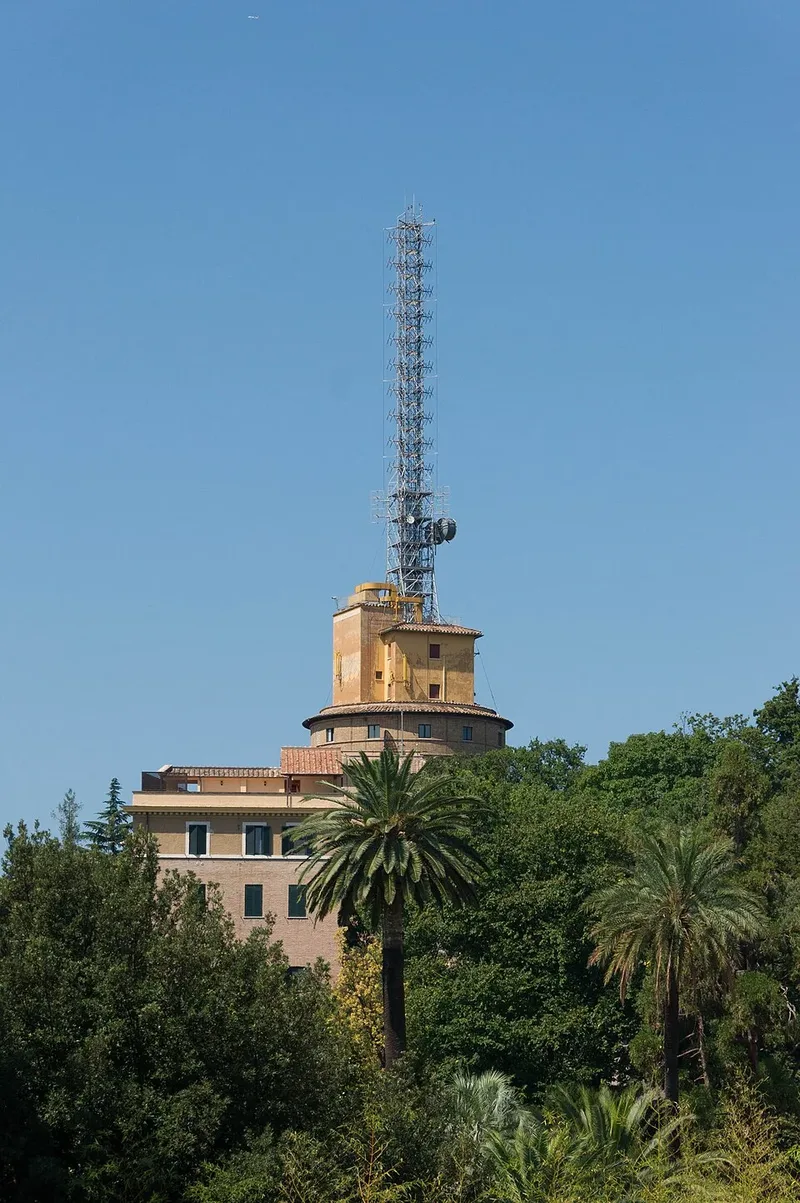
Photo: Jebulon / CC0 (Wikimedia Commons)
Fix an aquarium co2 regulator bubble counter that stays still, empties, or bubbles unevenly. Check assembly, leaks, pressure, tubing, and safe CO2 flow.
Fix an aquarium ato float switch stuck by checking buildup, movement, wiring, and controller status, then add safe ATO limits to reduce overflow risk.
Fix reef tank dosing pump calibration with a measured three-point check, tubing inspection, priming, controller steps, and a safe verification run.
Fix apex controller not connecting to wifi by checking AquaBus communication, network compatibility, signal, and Fusion status with practical steps you can try today.
Fix tractive not charging red light issues by checking the charger, contacts, power source, and battery condition, with practical tests to identify the cause.
Fix a tractive tracker not connected to network issue by checking coverage, charging, SIM status, and LTE compatibility before contacting Tractive support.
Fix a petlibro feeder not dispensing by checking food flow, portion settings, the motor, and app connection, with safe steps to confirm the cause.
Fix a Petlibro feeder camera icon that keeps flashing: check Wi-Fi, power, app status, and setup steps to bring the camera back online today.
Petlibro feeder won t connect to wifi? Check your model’s Wi-Fi band, router settings, app permissions, and pairing mode with these practical fixes.
Fix the litter robot 4 pinch detect error by checking the waste drawer, cleaning pinch contacts, reseating the bonnet, and safely testing the cycle.








