🚨 Can't log into the Microsoft Teams Web App? You're not alone—millions face frustrating login glitches that block meetings and productivity. Don't panic! This guide delivers proven fixes to resolve Microsoft Teams login problems fast, so you can jump back into collaboration mode. We've tested these on the latest browsers and Teams updates for reliable results. Let's dive in and get you sorted! 👍
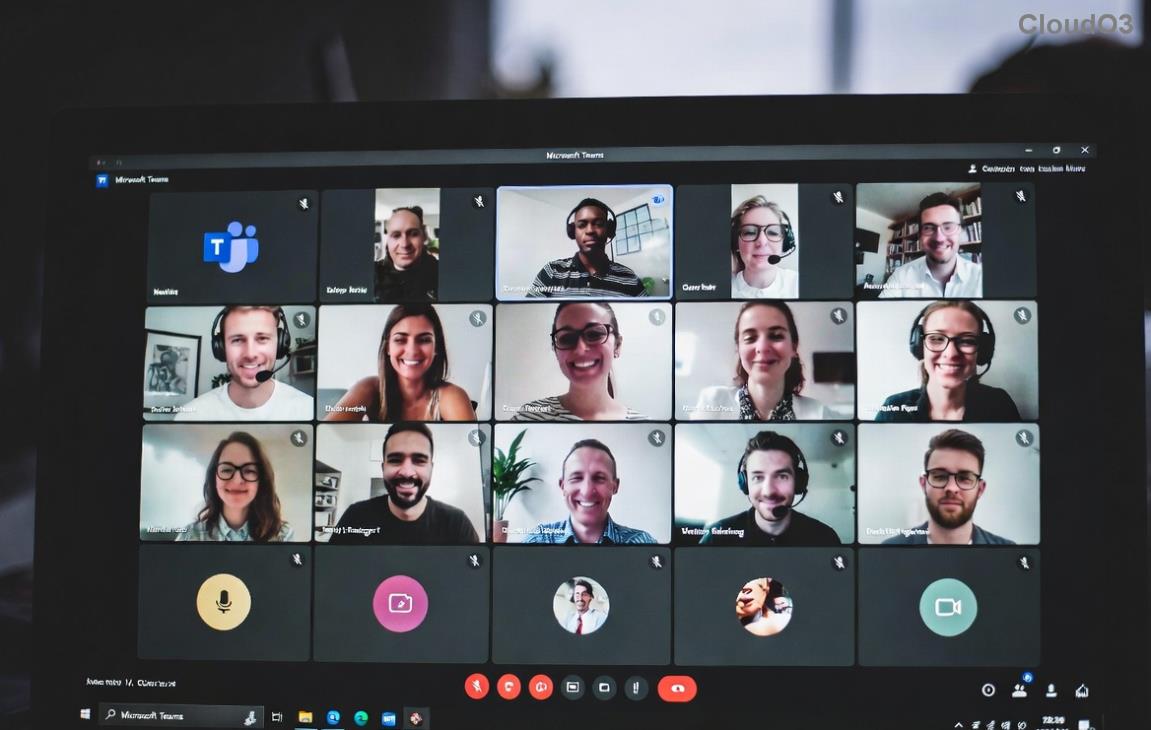
Common Causes of Teams Web App Login Problems
Understanding the root issues speeds up fixes. Here are the top culprits:
- Browser cache and cookies: Outdated data blocks authentication.
- Incompatible browser or extensions: Teams requires modern, supported browsers.
- Permissions blocks: Missing site access for camera, mic, or notifications.
- Network hurdles: VPNs, firewalls, or spotty internet interfere.
- Account glitches: MFA prompts, password sync delays, or tenant restrictions.
Step-by-Step Fixes for Solving Microsoft Teams Meeting Web App Login Problems
Follow these in order—most users fix it by step 3! Test login after each one. 💪
1️⃣ Quick Test: Try Incognito Mode
Open an incognito/private window (Ctrl+Shift+N in Chrome). Navigate to teams.microsoft.com and log in. If it works, extensions or cache are the issue. Great first win!
2️⃣ Clear Browser Cache and Cookies
Stale data is the #1 Teams web app login fix. Here's how:
| Browser | Steps |
|---|
| Google Chrome | Settings > Privacy > Clear browsing data > Cookies + Cached images (All time) |
| Microsoft Edge | Settings > Cookies > Manage > See all > Remove for teams.microsoft.com |
| Firefox | Settings > Privacy > Cookies > Manage Data > Remove Teams |
| Safari | Preferences > Privacy > Manage Website Data > Remove teams.microsoft.com |
Restart browser and retry. 80% of login errors vanish here! ⭐
3️⃣ Update Browser and Check Compatibility
Teams demands the latest versions. Outdated browsers trigger "unsupported" errors.
- Chrome/Edge: Version 120+ recommended.
- Firefox: Latest ESR.
- Avoid IE—fully deprecated.
Update via browser menu > Help > About. Pro tip: Use Chrome or Edge for best Microsoft Teams web app performance.
4️⃣ Grant Essential Permissions
Teams needs access! In browser address bar, click the lock icon next to teams.microsoft.com:
- ✅ Allow Microphone, Camera, Notifications.
- ✅ Enable JavaScript (rarely off).
- 🔒 Block pop-ups? Whitelist Teams.
Refresh and sign in. Smooth sailing ahead! 😊
5️⃣ Tackle Network and VPN Issues
VPNs often clash with Teams auth servers.
- Disable VPN/proxy temporarily.
- Run speed test—ensure 1.5Mbps upload/download.
- Flush DNS: Windows (cmd:
ipconfig /flushdns), Mac (sudo dscacheutil -flushcache).
- Switch Wi-Fi networks or use mobile hotspot.
6️⃣ Account and Advanced Fixes
If basics fail:
- MFA woes: Approve on your authenticator app. Reset if stuck via account.microsoft.com.
- Disable extensions: Turn off ad-blockers (uBlock, etc.) one-by-one.
- Try alternative login: Use "Work or school account" or QR code scan.
- Guest access: Hosts, check meeting settings for external logins.
Browser Compatibility Table for Teams Web App
| Browser | Status | Notes |
|---|
| Chrome | ✅ Fully Supported | Best for meetings |
| Edge | ✅ Fully Supported | Microsoft optimized |
| Firefox | ✅ Supported | Some features limited |
| Safari | ⚠️ Partial | No screen share in calls |
Prevention Tips: Stay Login-Proof Forever
- ⭐ Pin teams.microsoft.com for quick access.
- Enable auto-clear cache weekly.
- Use Microsoft Edge for native integration.
- Bookmark this guide—save time next glitch! 📌
Still Stuck? Next Steps
For rare cases, check Microsoft's official Teams troubleshooting. Or contact IT—mention error codes like AADSTS50011 for faster help.
🎉 Congrats—you're now armed against Microsoft Teams meeting web app login problems! Implement these, and meetings will load lightning-fast. Share your success in comments below. Ready to test? Head to Teams now! 🚀