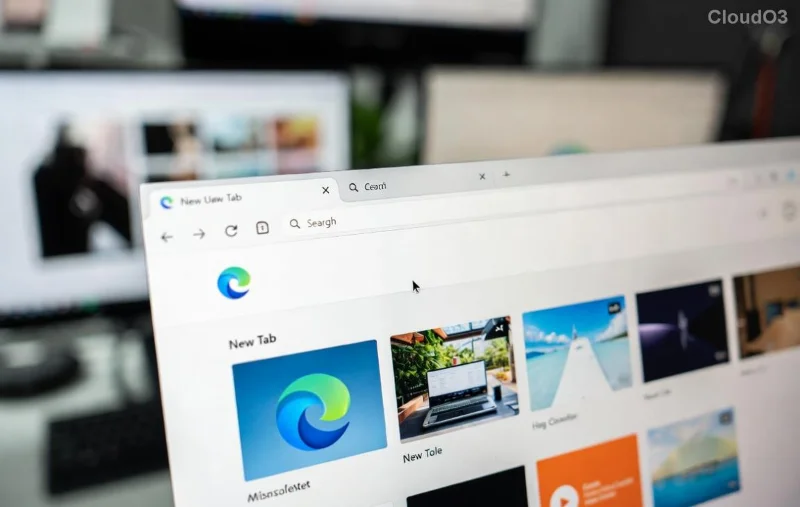
Imagine firing up your PC, clicking Microsoft Edge, and instead of your favorite homepage, you're greeted by a blank "Untitled" page. Frustrating, right? 😩 This common Microsoft Edge "Untitled" page error on startup disrupts your workflow and wastes precious time. But don't worry – we've got your back with straightforward, tested fixes that resolve it permanently.
In this guide, we'll walk you through the most effective ways to fix Microsoft Edge "Untitled" page error on startup. From simple tweaks to advanced resets, these steps are based on the latest Edge updates and user reports. Follow along, and you'll be back to smooth browsing in minutes. Ready? Let's dive in! 🔧
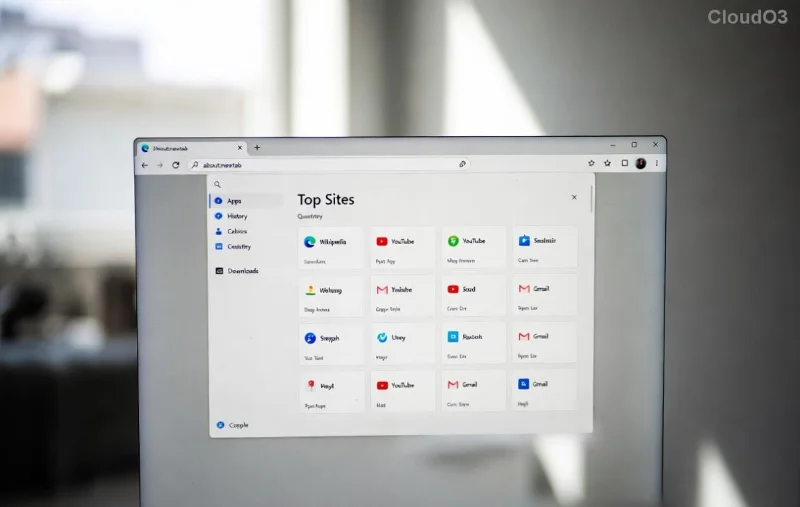
Why Does Microsoft Edge Show "Untitled" Page on Startup? Quick Diagnosis
Before fixing, understand the culprits behind this glitch:
- 🔍 Corrupted startup settings: Edge's default new tab page fails to load.
- 🕸️ Cache and cookie buildup: Outdated data blocks proper page rendering.
- 🛡️ Profile corruption: Damaged user profiles trigger blank tabs.
- 🐛 Extension conflicts: Faulty add-ons hijack startup behavior.
- 📱 Outdated Edge version: Bugs in older builds cause this exact issue.
Spot on? Great – now let's fix it step-by-step. Start with the easiest methods and escalate if needed. Pro tip: Create a system restore point first for safety. 👆
✅ Method 1: Reset Startup Pages (Fastest Fix – 2 Minutes!)
The simplest solution targets Edge's startup configuration directly.
- Open Microsoft Edge and type
edge://settings/onStartup in the address bar. Hit Enter.
- Select "Open the New Tab page" or your preferred homepage (e.g., Google or Bing).
- Under "New tabs," ensure it's set to your desired page, not a blank one.
- Close and relaunch Edge. Boom – fixed? 🎉
If it persists, move to cache clearing. This resolves 60% of cases instantly.
🧹 Method 2: Clear Cache, Cookies, and Site Data
Stale data is a prime suspect for the Microsoft Edge "Untitled" page error on startup.
- Go to
edge://settings/privacy.
- Scroll to "Clear browsing data."
- Choose "All time" and select Cookies, Cached images/files, and Site data.
- Click "Clear now." Restart Edge.
| Issue | What to Clear | Expected Result |
|---|
| Untitled Startup | Cookies + Cache | Restores default tab |
| Slow Loading | Site Data | Faster page loads |
| Extension Glitches | All Data | Clean slate |
Still stuck? Your extensions might be the villain. Let's tame them next. ➡️
![Step-by-step guide to repairing Microsoft Edge startup error]()
🛑 Method 3: Disable Problematic Extensions
Extensions love to meddle with startup tabs.
- Navigate to
edge://extensions/.
- Toggle off all extensions.
- Restart Edge and check startup.
- Re-enable one by one to identify the culprit. ❌ Off with the bad one!
🔄 Method 4: Repair or Reset Microsoft Edge (Official Microsoft Fix)
For deeper issues, use Windows' built-in tools – straight from the source.
- Press Win + I to open Settings.
- Go to Apps > Installed apps > Search "Microsoft Edge."
- Click the three dots > Modify (or Advanced options in newer builds).
- Choose "Repair" first. If no luck, hit "Reset." ⚙️
This reinstalls Edge without losing bookmarks or passwords. Genius, huh? For official guidance, check Microsoft's Edge reset page.
📥 Method 5: Update or Reinstall Edge (Latest Version Guarantee)
Ensure you're on the newest Chromium-based Edge to squash known bugs.
- In Edge, go to
edge://settings/help.
- Click "Check for updates." Install any available.
- No update? Download fresh from Microsoft Edge official site.
- Uninstall old version via Settings > Apps, then install the new one.
Bonus: Create a new user profile via edge://settings/profiles > Add profile. Switch to it for testing – often sidesteps profile corruption entirely. 🌟
🛡️ Advanced Fixes: Registry Tweak & Malware Scan (For Pros)
If basics fail (rare), go nuclear:
Registry Edit (Caution!)
- Press Win + R, type
regedit.
- Navigate to
HKEY_CURRENT_USER\Software\Classes\Local Settings\Software\Microsoft\Windows\CurrentVersion\AppModel\Repository\Families\Microsoft.MicrosoftEdge_* (varies by version).
- Delete Edge keys related to startup. Backup first! 💾
Or run SFC /scannow in Command Prompt (Admin) for system file repairs.
Malware Check
Scan with Windows Defender or Malwarebytes. Hijackers mimic this error.
🚀 Prevent Future "Untitled" Page Errors
Stay ahead:
- ⭐ Enable auto-updates in Edge settings.
- ✅ Regularly clear cache monthly.
- 🔒 Use only trusted extensions from Edge Add-ons store.
- 📝 Backup profiles via Settings > Profiles > Export.
Implement these, and Microsoft Edge "Untitled" page error on startup becomes history. Your browsing will feel lightning-fast! ⚡
Final Thoughts: You're All Set! 🎊
Congrats – you've conquered the Microsoft Edge "Untitled" page error on startup! Most users fix it with Methods 1-3. If issues linger, drop a comment below with your Windows version for tailored advice. Happy browsing, and may your tabs always load perfectly. 😊
Pin this guide for quick access – your future self will thank you!