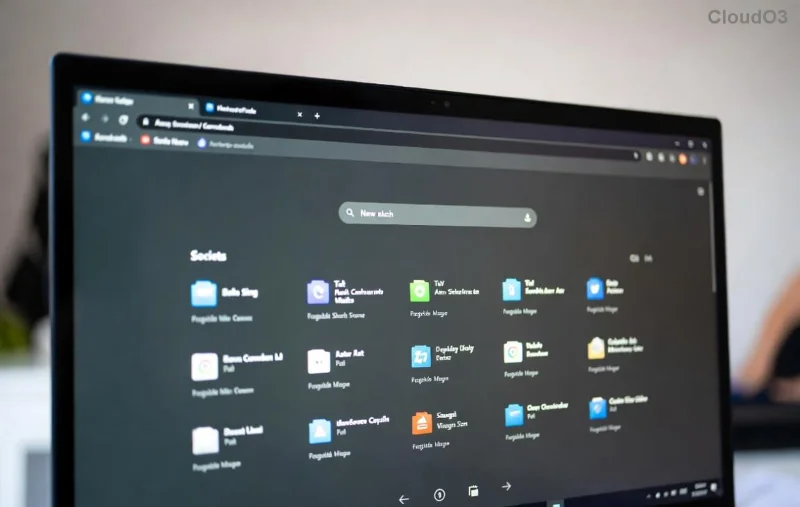
Ready to bring the speed and features of Microsoft Edge to your Linux desktop? Whether you're on Ubuntu or Fedora, this browser delivers Chromium-based performance with extras like vertical tabs, Copilot AI, and seamless Microsoft account sync. No more compromises – install Microsoft Edge on Linux today and supercharge your browsing! 🌟
We'll cover official repository methods (recommended for updates), alternatives like Snap and Flatpak, verification steps, and quick fixes. Let's dive in – you'll be surfing in minutes! ➡️
Prerequisites for Installing Microsoft Edge on Linux
Before starting:
- Admin access (
sudo privileges).
- Internet connection.
- Ubuntu 20.04+ or Fedora 38+ (most recent stable releases).
- Update your system first:
sudo apt update && sudo apt upgrade (Ubuntu) or sudo dnf update (Fedora).
✅ Pro tip: Back up important data, though installs are low-risk.
How to Install Microsoft Edge on Ubuntu (Official Method)
Microsoft Edge on Ubuntu shines with native .deb packages. Follow these steps:
- Import the Microsoft GPG key:
curl -fsSL https://packages.microsoft.com/keys/microsoft.asc | sudo gpg --dearmor -o /usr/share/keyrings/microsoft.gpg
- Add the Edge repository:
echo 'deb [arch=amd64 signed-by=/usr/share/keyrings/microsoft.gpg] https://packages.microsoft.com/repos/edge stable main' | sudo tee /etc/apt/sources.list.d/microsoft-edge-stable.list
- Update package list and install:
sudo apt update
sudo apt install microsoft-edge-stable
Launch via microsoft-edge in terminal or search "Edge" in your menu. Boom – you're set! 🎉

For more details, check Microsoft's official guide: DEB Package Installation.
Install Microsoft Edge on Fedora (RPM Method)
Fedora users, rejoice! Edge integrates perfectly via RPM repos.
- Install required tools:
sudo dnf install dnf-plugins-core
- Add Microsoft repo:
sudo dnf config-manager --add-repo https://packages.microsoft.com/yumrepos/edge/microsoft-edge.repo
- Install Edge:
sudo dnf install microsoft-edge-stable
Fire it up and enjoy native performance. 🚀
![Microsoft Edge running on Fedora desktop]()
Official RPM docs: Microsoft Edge RPM Repo.
Alternative Ways: Snap and Flatpak for Both Distros
Prefer sandboxed apps? No problem!
| Method | Ubuntu Command | Fedora Command | Pros |
|---|
| Snap |
sudo snap install microsoft-edge |
sudo dnf install snapd; sudo snap install microsoft-edge |
Auto-updates, isolated |
| Flatpak |
flatpak install flathub com.microsoft.Edge |
flatpak install flathub com.microsoft.Edge |
Universal, theme support ⭐ |
Need Flatpak/Snap first? Ubuntu: sudo apt install snapd flatpak. Fedora: sudo dnf install flatpak snapd. Then flatpak remote-add --if-not-exists flathub https://flathub.org/repo/flathub.flatpakrepo.
![Flatpak or Snap installation options for Microsoft Edge on Linux]()
Verify Your Microsoft Edge Installation
Check it's working:
- Run
microsoft-edge --version (should show latest like 128.x).
- Open Edge, visit edge://settings/help for updates.
- Sign in for sync – profiles, passwords, extensions galore!
✅ All good? Customize with extensions from the Chrome Web Store.
Common Issues & Quick Fixes 😎
- Key import fails? Ensure
curl is installed: sudo apt/dnf install curl.
- GPG errors? Re-run key import with
--yes.
- Black screen/Wayland issues? Launch with
microsoft-edge --ozone-platform=wayland.
- No sound/accelerations? Install codecs:
sudo apt install ubuntu-restricted-extras (Ubuntu).
Stuck? Purge and retry: sudo apt/dnf remove microsoft-edge-stable.
Why Install Microsoft Edge on Linux? The Edge Advantage
Beyond Chrome compatibility:
- Performance boost: Sleeping tabs save RAM.
- Copilot integration: AI sidekick for productivity.
- PDF editing, collections, and immersive reader – built-in!
- Native Linux support means flawless updates. No FOSS drama here! 👏
Edge is now a top choice for Linux power users. Ready to switch?
Wrap-Up: Surf Faster on Linux Today!
You've got everything to install Microsoft Edge on Ubuntu & Fedora. Official methods ensure stability, alternatives add flexibility. Drop a comment if you hit snags – happy browsing! 🌐✨