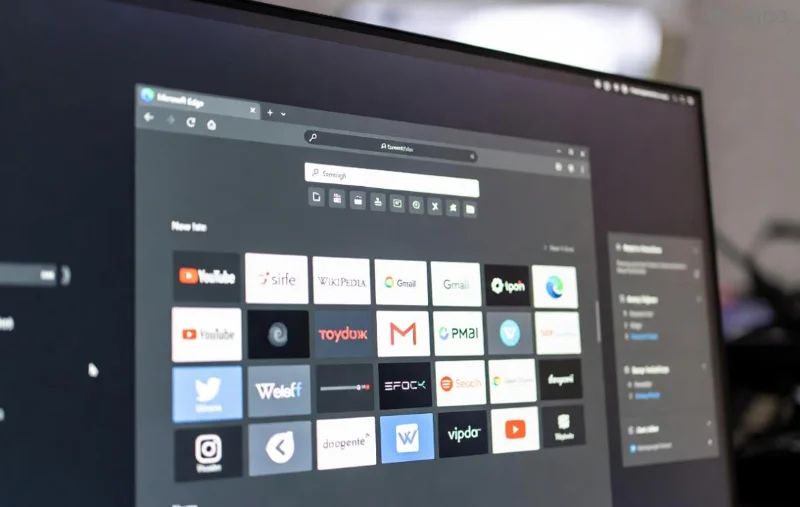
Is Microsoft Edge cluttering your Mac or MacBook? Whether you prefer Safari, Chrome, or Firefox, knowing how to delete Microsoft Edge from Mac and MacBook safely is essential for a smooth experience. This guide delivers precise, up-to-date steps to uninstall Microsoft Edge on Mac completely—without remnants slowing you down. You'll reclaim space, boost performance, and enjoy a clutter-free browser setup. Let's dive in! 👍
Why Should You Delete Microsoft Edge from Mac? ⭐
Microsoft Edge is a solid browser, but it might not suit everyone on macOS. Common reasons to remove it include:
- Resource hogging: High RAM/CPU usage during sync or updates.
- Default browser conflicts: Overrides your preferred choice like Safari.
- Privacy concerns: Tracking features you don't need.
- Storage cleanup: Frees up GBs from caches and profiles.
By following our how to delete Microsoft Edge from Mac guide, you'll avoid errors and ensure a safe uninstall. Ready? Prerequisites first! 👆
Prerequisites Before Deleting Microsoft Edge on MacBook
- 🔒 Backup your Mac: Use Time Machine for safety.
- ❌ Quit Edge completely: Right-click Edge in Dock > Quit, or Force Quit via Activity Monitor (Cmd + Space > "Activity Monitor").
- 📱 Ensure you're on the latest macOS for seamless removal.

Step-by-Step: How to Delete Microsoft Edge from Mac Safely 🛡️
Here's the core process to uninstall Microsoft Edge Mac. Follow sequentially for zero issues!
Step 1️⃣: Remove the Main App
- Open Finder (Cmd + Space > "Finder").
- Navigate to /Applications folder.
- Locate Microsoft Edge.app.
- Drag it to Trash (or right-click > Move to Trash). 🚮
Step 2️⃣: Empty Trash for Permanent Deletion
Right-click Trash icon in Dock > Empty Trash. Confirm. This deletes Microsoft Edge from Mac basics!
![Mac Trash emptying process for uninstalling apps like Edge]()
Step 3️⃣: Clean Leftover Files (Manual Method)
Edge leaves caches and prefs. Hunt them down:
| 📁 Folder Location | Action |
|---|
| ~/Library/Application Support/Microsoft Edge | Delete entire folder |
| ~/Library/Caches/Microsoft Edge | Delete entire folder |
| ~/Library/Saved Application State/com.microsoft.edgemac.savedState | Delete folder |
| ~/Library/Preferences/com.microsoft.edgemac.plist | Delete file |
| ~/Library/Cookies/com.microsoft.edgemac.binarycookies | Delete file |
Pro Tip: Press Cmd + Shift + G in Finder for "Go to Folder" to access ~/Library quickly. No files? You're good! 😊
Step 4️⃣: Advanced Cleanup with Terminal (Optional but Recommended)
For total wipe, open Terminal (Cmd + Space > "Terminal") and run:
rm -rf ~/Library/Application\ Support/Microsoft\ Edge
rm -rf ~/Library/Caches/Microsoft\ Edge
rm -rf ~/Library/Saved\ Application\ State/com.microsoft.edgemac.savedState
Copy-paste, hit Enter. ⚠️ Double-check paths!
Verify: Is Microsoft Edge Completely Deleted from MacBook? 🔍
Search Spotlight (Cmd + Space) for "Edge". No results? Success! Check Activity Monitor for processes. Relaunch Finder to refresh.
For official app uninstall guidance, see Apple's support: How to uninstall apps on Mac.
What Next? Browser Alternatives & Tips After Uninstall 🎉
Congrats on a clean Mac! Switch defaults in System Settings > Desktop & Dock > Default web browser. Top picks:
- ⭐ Safari: Native, battery-efficient.
- 🔥 Google Chrome: Extensions galore.
- 🛡️ Firefox: Privacy champ.
Prevent Reinstall: Avoid Microsoft auto-updates via their site. Feeling lighter already? Share your wins below! 👏
Troubleshooting: Common Issues When Removing Edge from Mac 😤
- "Permission Denied": Use sudo in Terminal (e.g., sudo rm -rf ...), enter password.
- Edge Relaunches: Disable in Login Items (System Settings > General > Login Items).
- Stubborn Files: Boot in Safe Mode (hold Shift at startup) and retry.
FAQ: How to Delete Microsoft Edge from Mac Quick Answers ❓
- Is it safe to uninstall Microsoft Edge on MacBook?
- Yes! Follow steps above—no system impact. 👍
- Will deleting Edge erase my bookmarks?
- Export first via Edge menu > Bookmarks > Export. Sync to another browser.
- Can Edge reinstall via updates?
- Rare on Mac, but block via firewall if paranoid.
- Difference between Mac and MacBook?
- None—same macOS process! 💻
That's it! You've mastered how to delete Microsoft Edge from Mac and MacBook safely. Your device is optimized—explore more Mac tips or drop a comment. Stay tuned for browser tweaks! 🚀