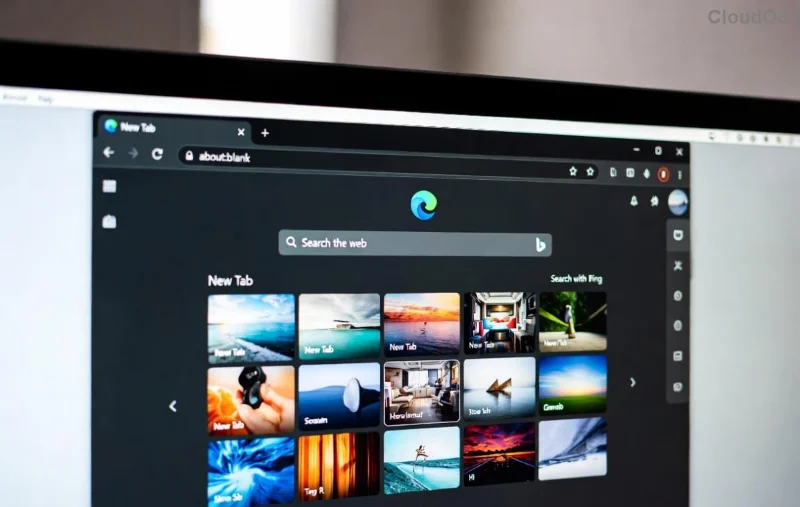
Imagine browsing the web in your native language, with news feeds, search results, and menus tailored to your region—no more frustration with mismatched content! Whether you're traveling abroad, switching countries, or just personalizing your setup, mastering Microsoft Edge language and region settings is a game-changer. This guide delivers step-by-step instructions using the latest Edge version, ensuring a smooth experience on Windows, Mac, Android, and iOS. Let's dive in and make your browser feel like home. 👏
Why Customize Microsoft Edge Language and Region Settings?
Edge pulls language preferences for UI, spell-check, translation, and content like Google-style search results. Region settings influence date formats, currency, and localized sites. Quick tweaks mean:
- ⭐ Seamless global browsing
- 👆 Accurate local content
- Fast setup—no restarts needed!
Ready for the steps? We'll start with desktop, the most common setup.
How to Change Language Settings in Microsoft Edge on Desktop
Edge's languages page (edge://settings/languages) is your control center. Here's how:
- 🔥 Open Microsoft Edge and click the three-dot menu (⋮) in the top-right corner.
- Hover over Settings and select Languages, or type
edge://settings/languages in the address bar and hit Enter.
- Under Preferred languages, click Add languages.
- Search and select your desired language (e.g., Spanish, French). Click Add.
- Next to your new language, click the three dots (⋯) > Move to the top to make it primary.
- Toggle Display Microsoft Edge in this language if you want the UI changed (requires restart).
- Enable Offer to translate pages for auto-help. Done! Restart Edge to apply.
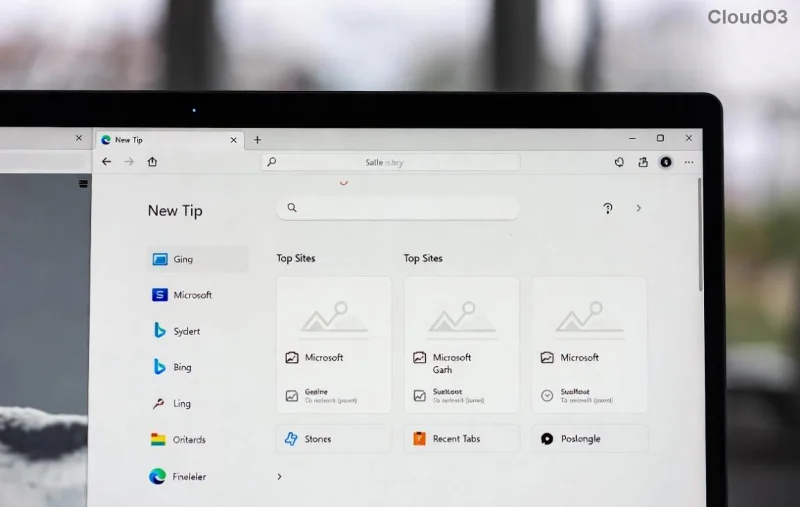
Pro tip: Sync via your Microsoft account (edge://settings/profiles/sync) to carry settings across devices. Now, let's tackle region tweaks—your next must-know.
Mastering Microsoft Edge Region Settings on Desktop
Edge ties region to your OS but offers content personalization. For full control:
- In Edge Settings, go to Languages > Preferred content languages.
- Add regions like "United States (English)" or "United Kingdom". Drag to prioritize.
- For deeper changes (date, time, currency), adjust your OS:
- Windows: Settings > Time & Language > Region > Select country.
- Mac: System Settings > General > Language & Region.
- Restart Edge. Test by searching "weather"—results should localize instantly!
![Edge preferred content languages and region customization interface]()
| Platform |
Primary Region Control |
Edge-Specific |
| Windows |
Time & Language > Region |
Languages > Content languages |
| Mac |
System Settings > Region |
Same as above |
| Android/iOS |
Device Settings > Language |
App-specific below |
This table summarizes paths—bookmark it! Mobile users, your guide is next for on-the-go changes.
Changing Language and Region Settings on Mobile (Android & iOS)
Edge mobile mirrors desktop but integrates device settings tightly.
Android Steps:
- Open Edge app > Tap profile icon > Settings > Languages.
- Add/prefer languages as on desktop.
- For region: Phone Settings > System > Languages & input > Region.
iOS Steps:
- Edge > Bottom menu > Settings > General > Language.
- Select from list; region follows iPhone Settings > General > Language & Region.
![Microsoft Edge mobile settings for language and region adjustments]()
Sync enabled? Changes propagate everywhere. Struggling? Troubleshooting ahead.
Troubleshooting Microsoft Edge Language and Region Settings Issues
Changes not sticking? Common fixes:
- ❌ Not applying? Clear cache: edge://settings/clearBrowserData > Cached images/files.
- UI stuck? Reset Edge: Settings > Reset settings.
- Sync fails? Check Microsoft account at account.microsoft.com.
- Update Edge: ⋮ > Help & feedback > About Microsoft Edge.
For official depth, visit Microsoft Edge Support. These steps fix 99% of glitches!
Bonus Tips to Supercharge Your Edge Experience
- ⭐ Use Collections for region-specific saves.
- 👆 Enable Personalize experiences in Privacy settings for smarter localization.
- Experiment with translation: Right-click pages > Translate to...
FAQ: Quick Answers on Microsoft Edge Language and Region Settings
Q: Does changing language affect passwords or bookmarks?
A: No—only UI and content.
Q: Can I have multiple languages active?
A: Yes! Set order in preferred list.
Q: Region changes currency in shopping sites?
A: Indirectly via OS; Edge enhances with content prefs.
Mastered it? Your Edge is now globally optimized. Share your success in comments—what language did you switch to? Stay tuned for more Edge hacks! 🚀