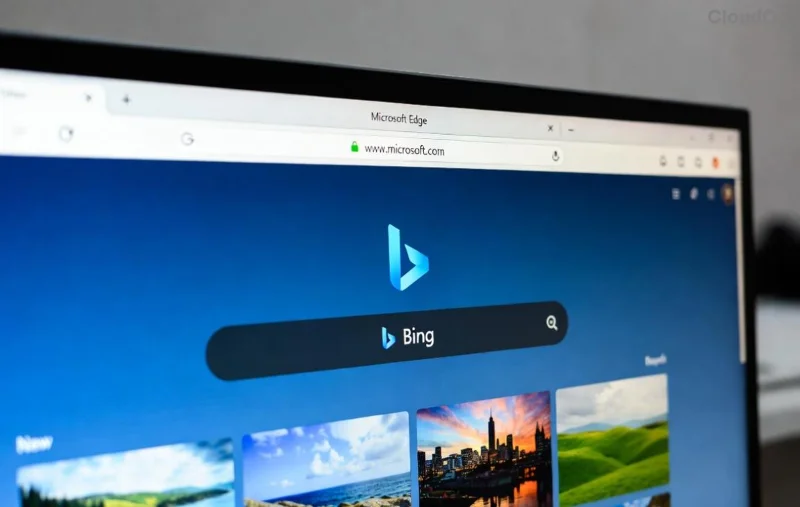
Imagine browsing the web without losing that perfect recipe, inspiring quote, or crucial research link ever again. Microsoft Edge Collections is your secret weapon for saving web content seamlessly. This built-in feature in the latest Microsoft Edge browser lets you clip images, text, links, and even full pages into customizable collections that sync across devices. No more cluttered bookmarks or endless tabs! 🚀
Whether you're a student, professional, or casual surfer, mastering Microsoft Edge Collections will supercharge your workflow. Ready to dive in? Let's get started with the essentials.
What Are Microsoft Edge Collections and Why Use Them?
Microsoft Edge Collections act like digital scrapbooks. Unlike traditional bookmarks, they capture rich content: snippets of text, high-res images, videos, and PDFs. Everything stays organized in themed folders, searchable, and shareable.
- ⭐ Syncs automatically across Windows, Mac, Android, iOS, and the web.
- 👍 AI-powered suggestions via Copilot integration for smart organization.
- 🔥 Privacy-focused: Your collections stay local or cloud-synced with your Microsoft account.
Pro tip: It's perfect for saving web content during research—think travel planning or shopping wishlists. According to Microsoft's official Edge features page, Collections have evolved with enhanced Copilot tools in recent updates, making it smarter than ever.

How to Create Your First Microsoft Edge Collection 👆
Getting started is a breeze. Follow these steps:
- Open Microsoft Edge: Launch the browser and ensure it's updated to the newest version.
- Access Collections: Click the Collections icon (pinned notebook) in the sidebar. No icon? Go to
edge://settings/appearance and enable "Show collections button."
- Create New: Hit the "+" button or "Start a new collection." Name it something catchy like "Dream Vacations" or "Tech Gadgets."
Boom! Your blank canvas is ready for saving web content. ![Step-by-step creation of a new Microsoft Edge Collection]()
Master Saving Web Content to Collections: Multiple Ways
Here's where the magic happens. Edge offers versatile methods to snag content without leaving your flow.
| Method |
Steps |
Best For |
| Drag & Drop |
1️⃣ Select image/text/link. 2️⃣ Drag to Collections sidebar. |
Quick clips from any page. |
| Right-Click |
Right-click content → "Save to Collections" → Pick or create one. |
Images, links, entire pages. |
| Keyboard Shortcut |
Highlight → Ctrl + Shift + X (add to current collection). |
Power users multitasking. |
| Full Page Save |
Collections button → "Save current page" (captures layout). |
Articles, recipes with formatting. |
| Extensions & Copilot |
Use Web Capture tool or ask Copilot: "Add this to my Travel collection." |
AI-assisted saving. |
Experiment with these to save web content effortlessly. For videos, right-click and select "Save image as PDF" for thumbnails or embed links. Feeling excited? Your collections will fill up fast! 😊
Organize, Edit, and Search Your Collections
Collections aren't just dumps—they're smart organizers.
- Rename & Rearrange: Drag items between collections or folders.
- Edit Clips: Click an item → Add notes, crop images, or annotate.
- Search Magic: Type keywords in the search bar to find buried gems instantly.
- ⭐ Folders Within Folders: Nest for mega-organization, like "Recipes → Desserts."
![Organizing and editing items in Microsoft Edge Collections]()
Delete clutter? Right-click → Remove. Everything syncs in real-time, so your phone's collection matches your desktop.
Share, Export, and Collaborate Seamlessly
Turn solo saves into team wins:
- Share Link: Right-click collection → "Share" → Copy link for others to view/add.
- Export to OneNote/Excel: "Export" button sends to Microsoft apps.
- PDF/Print: Export entire collection as a polished document.
Collaborate? Share read/write links—ideal for projects. Check Microsoft Support for advanced sharing tweaks.
Pro Tips & Tricks to Level Up Your Game 🔥
Go beyond basics:
- 👍 Pin Favorites: Right-click collections to pin for one-click access.
- ⭐ Integrate with Copilot: "Summarize my Shopping collection" for AI insights.
- ⚠️ Offline Access: Downloads enable viewing without internet.
- 🔄 Auto-Save Tabs: Use "Save all tabs to Collections" for tab overload rescue.
- 💡 Customize themes/colors for visual delight.
Troubleshooting? Clear cache via edge://settings/clearBrowserData if sync lags. Collections shine on touch devices too—pinch to zoom clips!
Why Microsoft Edge Collections Beats the Competition
| Feature |
Edge Collections |
Bookmarks |
Other Browsers |
| Rich Content Capture |
✅ Images/Text/Notes |
❌ Links Only |
Partial |
| Sync & Search |
✅ Cross-Device AI |
✅ Basic |
❌ Limited |
| Export Options |
✅ OneNote/PDF |
❌ HTML |
Varies |
Final Thoughts: Start Collecting Today!
Microsoft Edge Collections transforms chaotic browsing into organized bliss. From quick clips to shared masterpieces, it's designed for real-life wins. Switch to Edge, create your first collection now, and watch productivity soar. What's your first collection theme? Drop it in the comments! 👏
Stay tuned for more Edge hacks—your web life just got easier.