Export Kindle Highlights to Notion Without Readwise
Move Kindle highlights into Notion without Readwise: find your annotations, import them as Markdown or CSV, and fix common sync and formatting issues.
Move Kindle highlights into Notion without Readwise: find your annotations, import them as Markdown or CSV, and fix common sync and formatting issues.
Fix libby not working on fire tablet by checking compatibility, updating Fire OS, reinstalling Libby, and using safe alternatives when the app is unavailable.
Fix kobo clara hd not connecting to computer with USB mode, cable, port, and Calibre checks, plus practical steps to confirm the reader is recognized.
Fix kindle paperwhite not showing up on pc with practical checks for USB cables, Windows MTP drivers, Kindle settings, and Calibre connection issues.
Fix a kindle paperwhite stuck on low battery screen with safe charging, cable checks, a restart, and clear signs that the battery or port needs service.
Fix calibre error communicating with device kobo with practical USB, driver, cable, and Calibre checks to restore detection and transfer books safely.
Calibre conversion stuck at 67? Find out why PDF and plugin jobs stall, then try practical checks for the source file, settings, plugins, and output.
Fix calibre stuck converting file to html by checking the source book, conversion job, plugins, output settings, and Calibre logs with practical steps.
Fix send to kindle not showing in library by checking the delivery account, library filters, sync settings, supported file formats, and transfer status.
Fix e999 send to kindle internal error with practical checks for file compatibility, delivery settings, network access, and Kindle troubleshooting.
Fix anycubic kobra 3 not extruding with safe checks for a clogged nozzle, filament path, hotend seating, slicer settings, and extruder drive.
Fix filament keeps getting stuck in bambu ams by checking spool drag, filament path, and unload behavior before changing retraction or slicer settings.
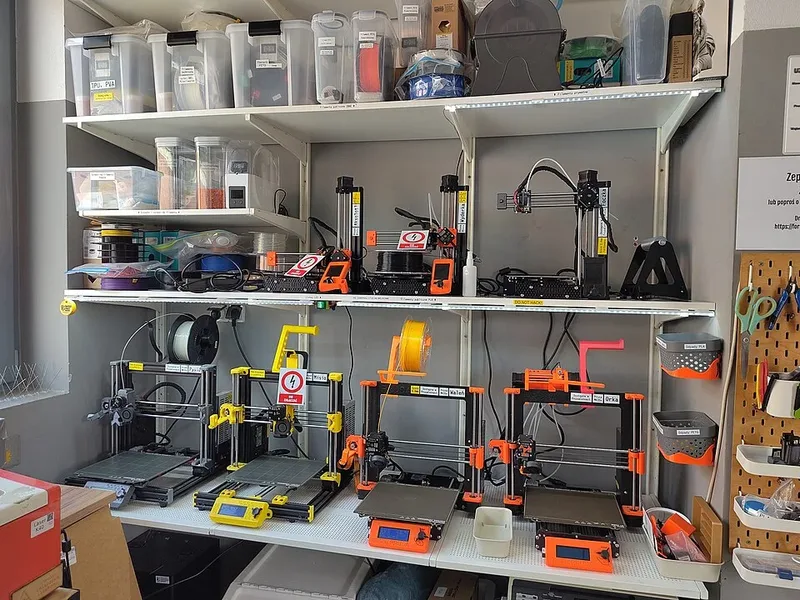
Fix bambu lab p1s filament stuck in extruder with safe checks, a cold pull, and guidance for clearing jams without damaging the toolhead or hotend.
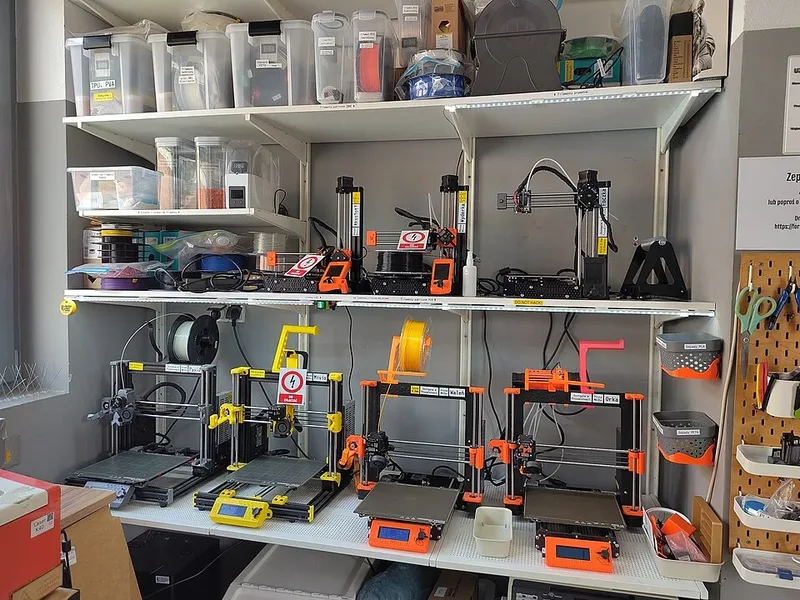
Fix an ender 3 v2 black screen after firmware update with checks for the SD card, firmware file, display firmware, and safe reflashing steps.
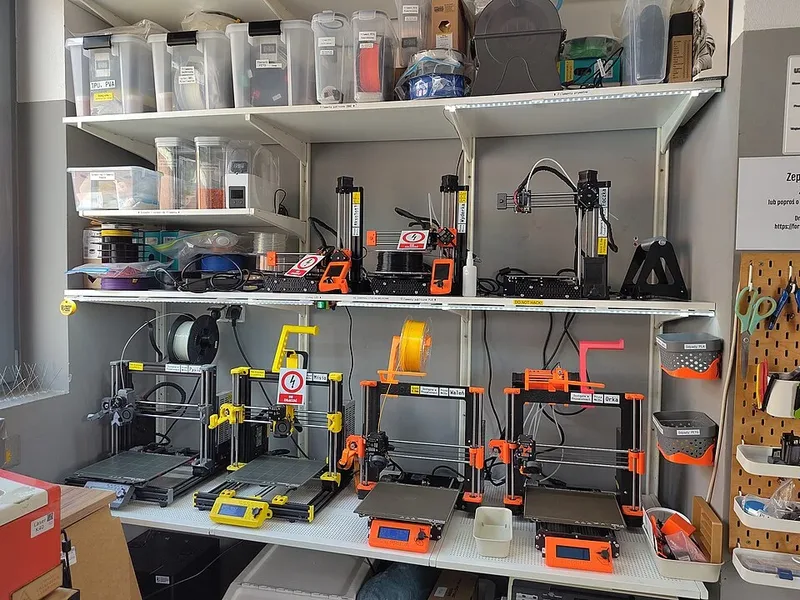
Fix an Ender 3 V2 stuck on Creality screen by checking the SD card, confirming your board, and safely reinstalling compatible firmware.
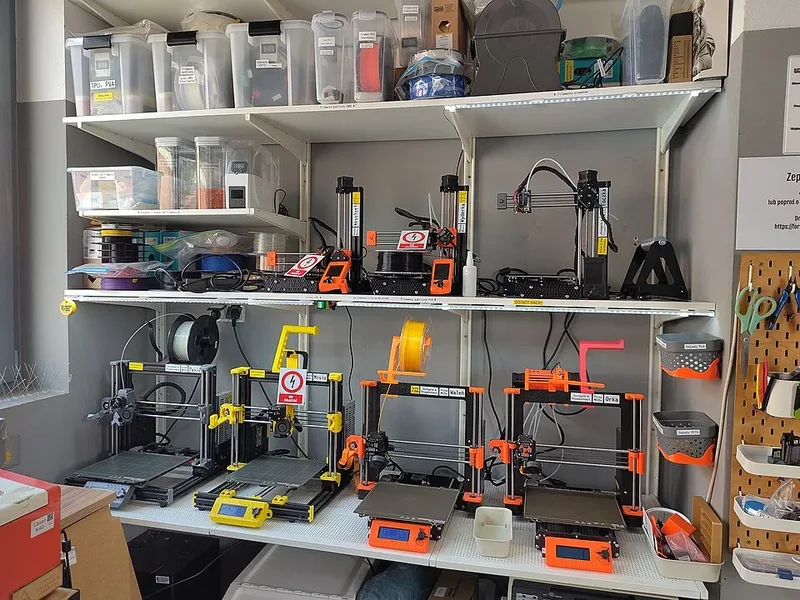
Fix the klipper error updating system packages safely: diagnose APT and network problems, protect printer configuration, and retry the upgrade without risky commands.
Fix klipper error mcu unable to connect by checking USB power, serial device paths, permissions, and firmware, then confirm the connection with Klipper status.
Fix prusa mk4 not reading usb issues by checking FAT32 format, drive compatibility, file type, port connections and firmware steps with clear tests.
Prusa MK4 stuck on finish buffering gcode? Check the file transfer, USB drive, and sliced file, then try these steps to find and fix the cause.
Fix orca slicer not connecting to bambu printer with checks for LAN mode, the network plugin, printer access code, IP address, and local network settings.
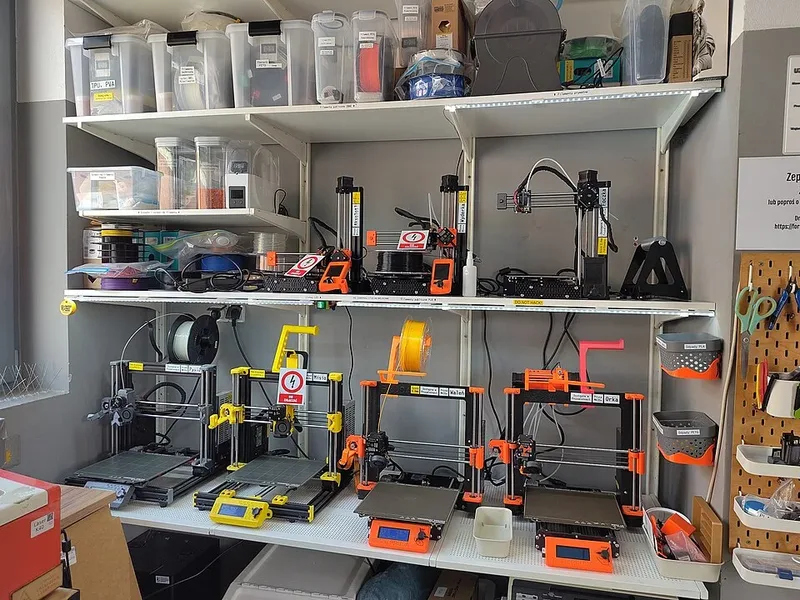
Fix the orca slicer error add g92 e0 layer gcode by checking layer-change scripts, firmware retraction, and extrusion mode before editing or reslicing.
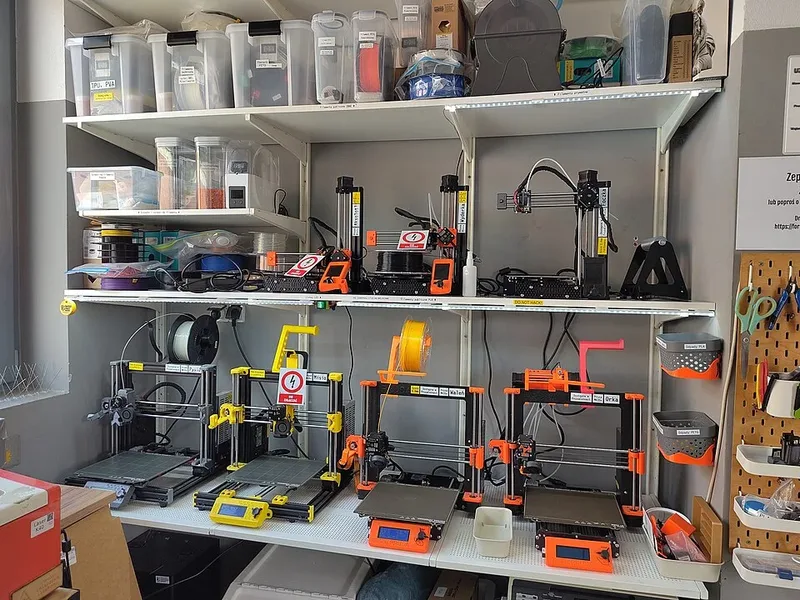
Fix orca slicer error no layers were detected by checking model placement, geometry, supports, and printer settings with practical tests.
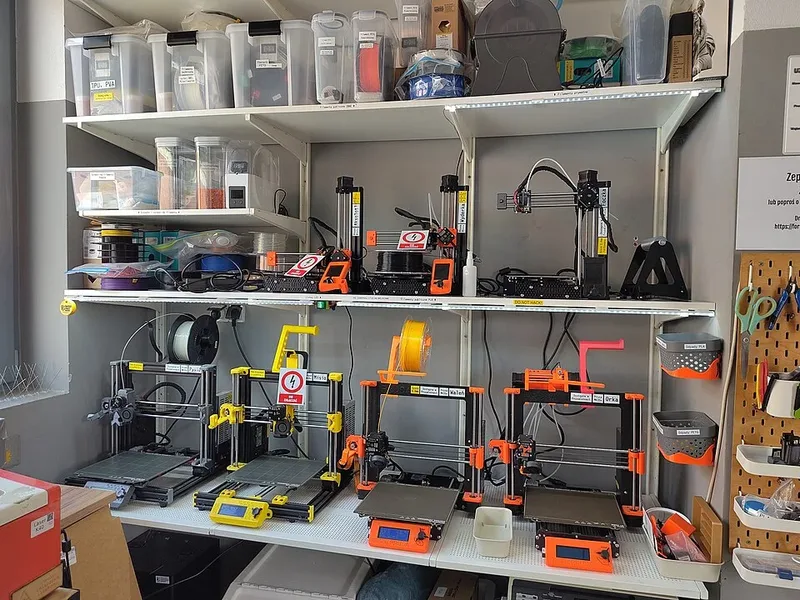
Fix orca slicer error 8 non manifold edges with a practical workflow: inspect the mesh, repair the model, and verify the sliced preview before printing.
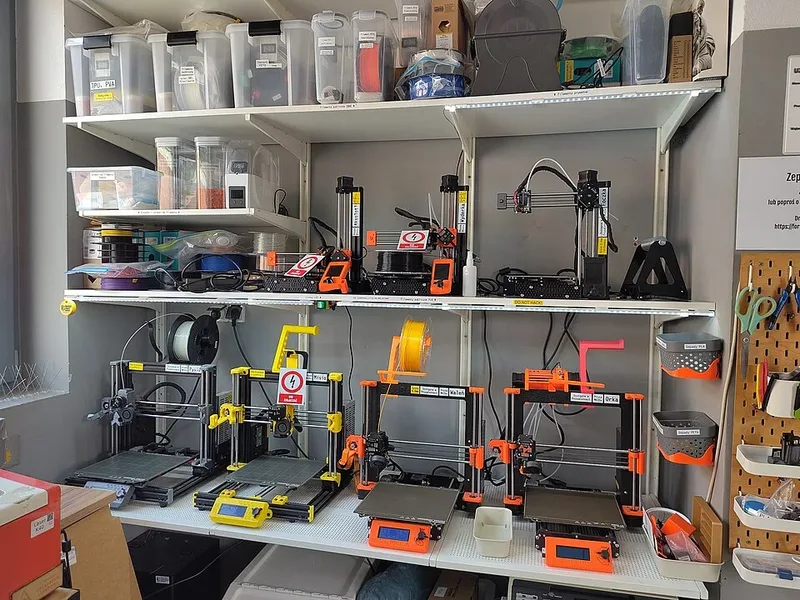
Fix the Elegoo Mars 5 Ultra mechanical sensor error with safe checks for the build plate, resin vat, Z-axis path, firmware, and when to contact support.