Home
» News
»
How to Access Your NHS Medical Records Online: A Practical NHS App Guide
How to Access Your NHS Medical Records Online: A Practical NHS App Guide
Illustrative example: Morgan is a fictional patient registered with a GP surgery in England. Morgan wants to check a recent blood test result and confirm which medicines the GP record lists. The steps below show how someone in that situation can check online, what may be missing, and where to ask for help.
In England, the usual online route is the NHS App or the same NHS services through the NHS website. Access is linked to your NHS login and GP practice, but the app does not automatically display every record held by every NHS service. Your age, GP surgery, the record access it has enabled, and the type of information all matter.
Before you start: check that the NHS App applies to you
The NHS App is for people aged 13 or older who are registered with an NHS GP surgery in England or the Isle of Man. A person aged 13 to 15 must contact their GP surgery for access to GP online services before using the app. People registered with a GP outside England or the Isle of Man should ask their practice which online service is available locally. The systems used in other parts of the UK can differ.
You can use the NHS App on a phone or tablet, or sign in through the NHS website on a computer. You do not have to install the app to use the online service. Start at the official NHS App page, rather than following a login link in an unexpected text or email.
How to access your records in four steps
1. Create or sign in to your NHS login
Use your own email address and a phone number you can access. If you already use NHS login for another online health service, use that account rather than creating a duplicate. Follow the on-screen identity checks and keep your security codes private. Morgan, for example, uses a personal email account and phone so the sign-in codes do not go to someone else.
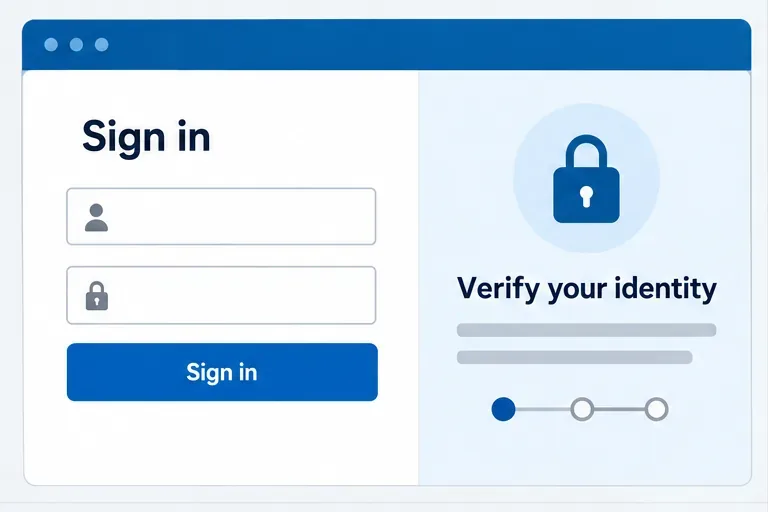
To see personal health information, you need to verify your identity and connect your NHS login to your GP surgery. The NHS App supports identity verification with accepted photo ID. If you do not have suitable photo ID, contact the surgery and ask for patient online access details; it can provide an alternative route using practice-specific details. Follow the current instructions shown during setup because the exact identity-check journey can change. See the NHS instructions for getting full access.
An illustrative sign-in and identity-check screen. The live NHS login prompts may look different.
2. Open the NHS App or NHS website and find the record service
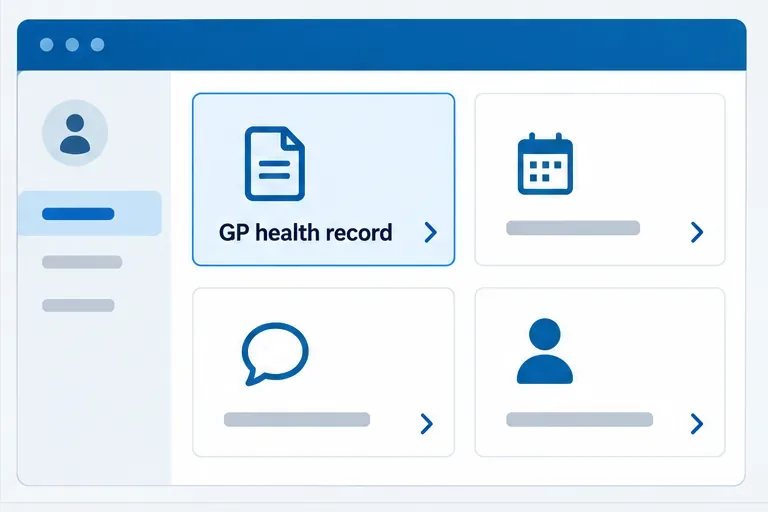
After signing in, look through the available services for your GP health record, test results, appointment notes, medicines, allergies, vaccinations, or documents. NHS labels and navigation can change, and not every person will see the same options. Morgan opens the test results area first because that is the information they need. If a service is not shown, that does not by itself prove that the GP has no record of the information.
The official NHS App step-by-step guide describes the current routes for GP-ordered results, appointment notes, and documents. Some hospitals and specialist providers also make selected appointments, letters, questionnaires, or results available in the app, but that depends on the provider.
An illustrative account home screen showing a GP health record entry point; available services depend on your practice.
3. Choose the section that matches what you need
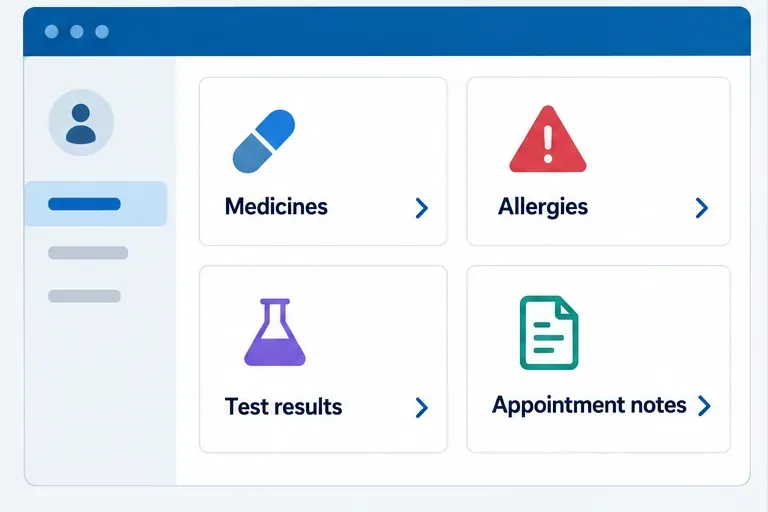
For a recent GP-ordered test, select the GP test results option. Depending on the GP surgery, hospital-ordered test results may also be available. For notes from a consultation, look under appointments or appointment notes and other updates. For documents, check the GP surgery documents section; hospital and specialist documents may appear separately when the provider supports them. Medicines, allergies, and vaccination details may be in their own sections.
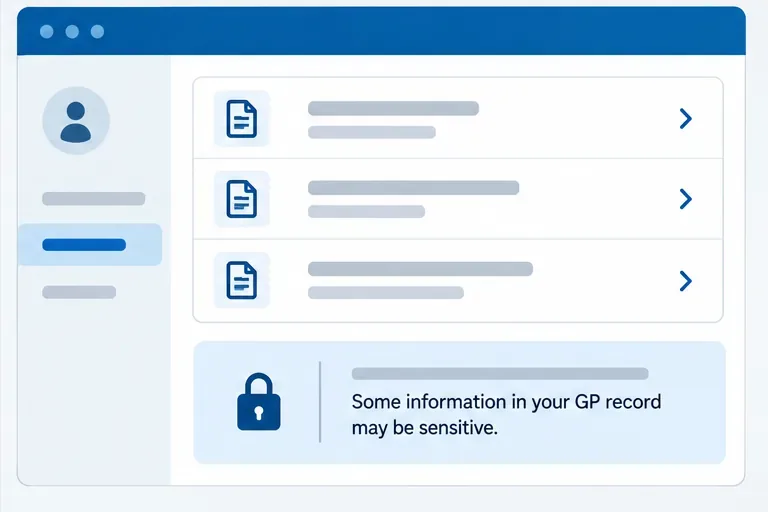
Before opening some results or documents, the service displays a notice that the information is sensitive. Read it and continue only when you are comfortable viewing it. Morgan checks the date and test name on the result, then reads any clinician comments attached to it. A number on a screen is not a diagnosis: if the result or wording is unclear, Morgan contacts the GP surgery rather than changing treatment independently.
An illustrative record menu with common categories. The exact sections shown in the NHS App vary.
4. Review the information and ask the record holder about gaps
Look at the date, source, and context for each entry. NHS records may use abbreviations; the NHS App includes help with common abbreviations in relevant areas. If an entry seems inaccurate, belongs to someone else, or is missing, contact the GP surgery or the hospital or specialist that created it. The app itself is a way to view information, not a tool for directly rewriting a clinical entry.
Morgan cannot find an older test from before joining the current surgery. That may be a limitation of what is displayed online, rather than proof that the result has been deleted. Morgan asks the current GP surgery whether historic records from the previous practice have been transferred and whether older entries can be made visible.
An illustrative document list with a sensitive-information notice; treat records as private, especially on shared devices.
What online access does—and does not—show
Verified: the NHS App can display information from a GP record, including items such as medicines, allergies, vaccinations, test results, notes, letters, or documents when those services and information are available to the patient. The NHS England guidance says access to new GP entries is not the same as automatic access to every historic entry. Information recorded before online access was switched on may not appear unless the practice had already granted historic access.
Depends on your circumstances: the available sections, the date range, and whether some documents or hospital information appear depend on your practice, its system, the provider, and privacy settings. After changing GP surgery, information from the former surgery may not automatically display in the app. Ask the new practice about historic access if you need older records.
Not established by a blank screen: an empty section does not prove that no information exists. It may not have been added yet, may be held by another provider, may fall outside the online date range, or may not be enabled for online viewing. Contact the organization that holds the record to check.
You only have partial app access: complete identity verification. If the identity check cannot be completed, contact your GP surgery and ask about online account details or another way to access services.
Your GP health record or a section is missing: ask the surgery whether the service is enabled for your account and whether the information is online. State which date, result, or document you are looking for.
You recently changed practices: ask the new surgery about records from your previous GP. A change of practice does not necessarily make previous entries visible in the app.
You need a copy or a broader historic record: make a subject access request (SAR) to the organization that holds the records, such as your GP surgery or hospital. Say what records and date range you need, and follow its identity and secure-delivery instructions. The Information Commissioner’s Office explains that people can make a SAR verbally or in writing and usually must receive a response within one month; complex requests can take longer. See the ICO guide to subject access requests.
Something appears wrong or someone else may have accessed your account: contact your GP surgery promptly. For account access problems, use the official NHS App help and support pages.
Protect your records when you sign in
Use a passcode on your phone and a unique password for NHS login. Do not share verification codes. On a shared computer, do not save the password; sign out and close the browser when finished. If another person needs to help manage your care, ask the GP surgery about approved family or carer access instead of giving them your login. Some young people and adults may have additional privacy or safeguarding arrangements, so the practice may limit or manage online access where appropriate.
A quick check before you finish
You used the official NHS App or NHS website and signed in to your own NHS login.
You checked the date and provider for the result, note, or document you needed.
You understand that the app may not show every historic or hospital record.
You know which GP surgery or provider to contact about missing or incorrect information.
You signed out if you used a device that other people can access.
Morgan’s example ends with a sensible result: the online account is useful for checking the GP information currently available, and the surgery is the right next contact for older records or a question about what an entry means. For urgent symptoms or treatment advice, use the appropriate NHS care service rather than waiting for an online record to answer the question.
Guidance checked September 26, 2026. NHS App services and navigation can change; use the linked NHS help pages for the latest instructions.