Home
» News
»
NAB Outage: How to Check Internet Banking and App Status Safely
NAB Outage: How to Check Internet Banking and App Status Safely
If NAB Internet Banking or the NAB app suddenly stops working, the first question is not “How do I fix my phone?” It is “Is NAB experiencing a wider outage, or is the problem only on my device?” That distinction matters because repeated password resets, app reinstalls, or payment retries can waste time during a bank-wide disruption and may create extra confusion.
On September 23, 2026, NAB publicly acknowledged issues affecting multiple digital channels. Service conditions can change quickly, however, so a status mentioned in any article can become outdated within minutes. The safest approach is to check NAB’s own website and support channels before making changes to your device or account.
Is NAB down right now?
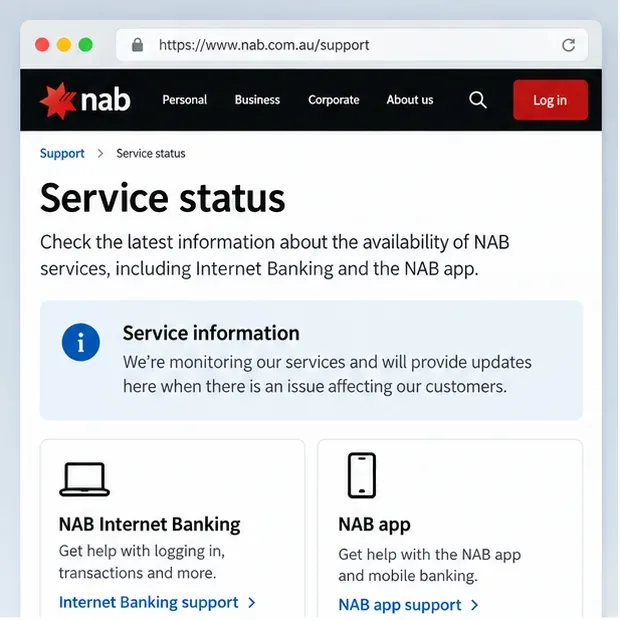
The most reliable answer comes from NAB itself. Start at the official NAB website. During a significant disruption, NAB may place a notice on its website, login area, or support pages explaining which services are affected and whether teams are working on a fix.
Do not assume that one failed login proves a full outage. A bank-wide disruption usually affects many customers or more than one digital channel, while a local problem may affect only one phone, browser, network, or app installation.
Start with NAB’s own website and support pages to look for an official service notice before changing passwords or reinstalling the app.
What should you check first?
Use this order because it separates a confirmed service problem from a device-specific problem without making unnecessary account changes.
Open NAB’s official website manually. Type nab.com.au into your browser or use a trusted bookmark. Look for an outage or service message.
Try both channels once. If the app fails, check NAB Internet Banking in a browser. If Internet Banking fails, try the official app once.
Check whether the rest of your internet works. Open another trusted website or switch between Wi-Fi and mobile data.
Read the exact error message. “Service unavailable,” “try again later,” a blank page, and an incorrect-password warning point to different causes.
Avoid repeated payment submissions. If you are unsure whether a transfer went through, verify the payment history after service returns before sending it again.
Does an app error mean your account is locked?
No. A service-unavailable message is not the same as an account lock, incorrect password, or security hold. During an outage, the app may fail before it can even reach the systems that validate your account.
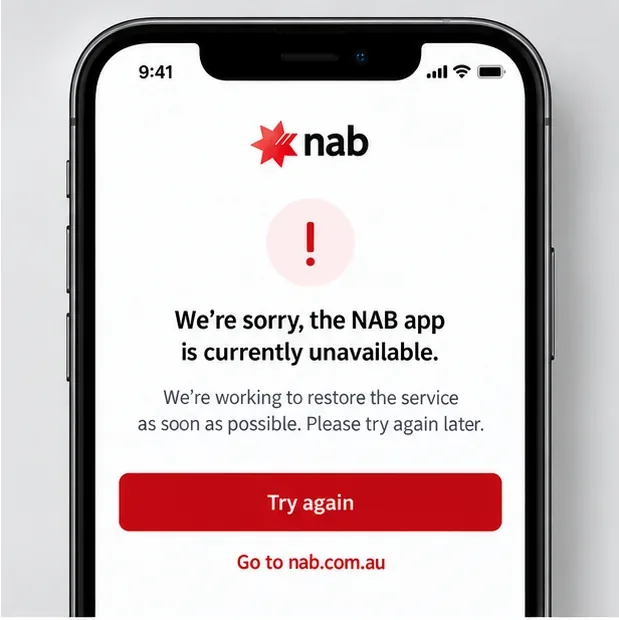
If the message says the NAB app is temporarily unavailable or asks you to try later, wait and verify the wider service status first. Do not reset your password solely because the app cannot connect. A password reset is appropriate only when you have a genuine credential problem or NAB directs you to reset it.
An app-unavailable message can indicate a service problem rather than a problem with your NAB ID or password.
How can you tell if the problem is only on your phone or browser?
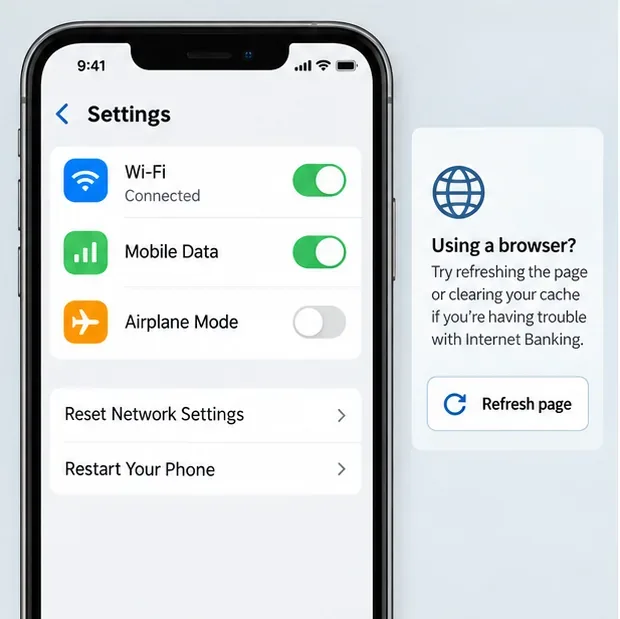
If NAB has not posted a broad service notice, test the basics before taking more disruptive steps. First, confirm that your phone or computer can access other websites. Then switch between Wi-Fi and mobile data if possible. If one connection works and the other does not, the problem may be with your local network rather than NAB.
For browser access, refresh the page once and make sure you are using a current browser. If a page appears corrupted or repeatedly loads old content, clearing cached website data can help, but do not make clearing cookies your first move if you are in the middle of a payment or security process.
For the mobile app, confirm that you are using a supported device and current app version. NAB’s official mobile banking app page notes that minimum iOS and Android requirements apply and that customers can use Internet Banking in a mobile browser if their device no longer meets the app requirements.
If NAB has not confirmed a wider outage, test your connection, then retry through a browser or alternate network before making account changes.
Should you uninstall and reinstall the NAB app during an outage?
Usually not as a first response. If NAB is having a confirmed digital banking outage, reinstalling the app is unlikely to restore a service that is unavailable on the bank’s side. It may also force you to sign in again and complete setup steps later.
Reinstalling becomes more reasonable when NAB reports normal service, your internet connection works, Internet Banking works in a browser, the app is current, and the app still crashes or fails only on your device. Even then, make sure you know your NAB ID and can complete any required authentication before removing the app.
What if you need to make an urgent payment?
First, check whether the payment was already submitted. When digital banking is unstable, a screen can time out after a request has reached the bank. Repeating the same payment without checking can create a duplicate.
After access returns, NAB says past payments can be reviewed in the app under My payments and in Internet Banking under Transfer & Pay and the payment list. NAB also provides official guidance on tracking past payments and transfers.
If a payment is time-critical and you cannot verify whether it succeeded, contact the bank or the recipient before submitting it again. Keep screenshots or notes showing the time, amount, payee, and error message, but do not share passwords, full card details, or one-time security codes.
Can you still call NAB if the app and Internet Banking are unavailable?
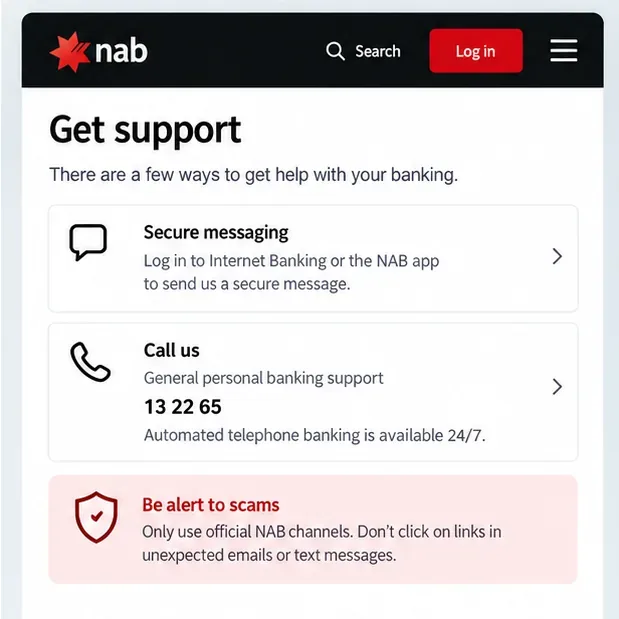
Yes, although a major outage can also increase call volumes or affect some phone services. NAB’s official online and telephone banking support page lists 13 22 65 for customers calling within Australia and +61 3 8641 9083 from overseas. The same page says automated telephone banking is available 24 hours a day, seven days a week.
If the app itself is working enough to sign in, NAB also supports secure contact from the app. Its official guidance explains that customers can use in-app contact options, while NAB Messaging is available through the app or Internet Banking when those channels are accessible.
Use contact details from NAB’s own website or the back of your card, especially when an outage creates an opportunity for scam messages.
How do you avoid outage-related scams?
Bank outages create an ideal moment for phishing because customers are already expecting updates and may be more likely to click urgent messages. Do not trust a text or email simply because it mentions a real outage.
NAB’s official scam alerts say the bank will not send unexpected text messages containing links and will not ask customers to provide personal or banking information through a link. If you receive a message telling you to “restore access,” “unlock your account,” or move money to a “safe account,” do not use the link or phone number in that message.
Instead, open nab.com.au manually, use the number on the back of your NAB card, or use an official NAB contact page. If you have already supplied account information through a suspicious link or transferred money after a suspicious message, contact NAB immediately using an official channel.
What should you do after NAB says service has been restored?
Do not immediately repeat every action you attempted during the outage. Log in once, then check balances, recent transactions, scheduled payments, and any transfer you tried to submit. This is especially important if you saw a spinning screen or timeout after pressing a payment button.
A simple post-outage check should cover:
whether your account balance reflects expected transactions;
whether a payment appears once, more than once, or not at all;
whether scheduled or recurring payments show the expected status;
whether cards or digital-wallet payments you attempted were declined or later processed;
whether any transaction appears that you do not recognize.
If an unfamiliar transaction appears, use NAB’s official support and security channels rather than waiting to see whether it disappears. A service outage does not make an unknown transaction safe to ignore.
When should you stop troubleshooting and wait?
Stop changing settings when NAB has acknowledged a broad outage, both the app and Internet Banking are failing, and your general internet connection is otherwise normal. At that point, repeated restarts, password resets, cache clearing, or app reinstallation are unlikely to help.
Wait for an official update, keep an alternative way to pay available if possible, and avoid duplicate transaction attempts. If you have an urgent account-security concern, a suspected scam, or a transaction you do not recognize, contact NAB directly rather than waiting for the digital service to recover.
Quick decision guide
What you see
Most useful next step
NAB posts a service disruption notice
Wait for official updates and avoid unnecessary app or password changes.
App fails, but Internet Banking works
Use the browser temporarily and check the app version and device compatibility later.
Both NAB and other websites fail
Check Wi-Fi, mobile data, router, or device connectivity.
A payment screen times out
Check payment history before trying the same transfer again.
You receive an urgent “NAB outage” text with a link
Do not click it; use NAB’s official website or the number on your card.
Service is restored but the app alone still fails
Update the app, restart the device, and consider reinstalling only after confirming your login details and authentication access.
The key is to verify before you act. A genuine NAB outage is mainly a waiting-and-monitoring problem; a device issue calls for local troubleshooting; and an account-security warning requires direct contact with the bank. Treat those as three different situations, and you can avoid many of the mistakes people make when online banking suddenly stops working.