Home
» Android
»
Galaxy S27 Ultra 144Hz Display Rumor: What a Faster Screen Would Actually Change
Galaxy S27 Ultra 144Hz Display Rumor: What a Faster Screen Would Actually Change
Updated September 14, 2026: the 144Hz display claim attached to the Galaxy S27 Ultra is still a rumor, not an official Samsung specification. Samsung has not announced the Galaxy S27 Ultra or published a product page confirming its refresh rate. The best verified baseline is the current Galaxy S26 Ultra, which Samsung lists with a 6.9-inch QHD+ Dynamic AMOLED 2X display and an adaptive 1–120Hz refresh range.
That makes the useful question less “Will the S27 Ultra definitely have 144Hz?” and more “If Samsung moves from 120Hz to 144Hz, what would users actually gain?” The answer depends heavily on what you do with the phone. Competitive gaming could benefit. Video playback usually would not. Everyday scrolling may look marginally smoother, but the jump is much smaller than the earlier move from 60Hz to 120Hz.
Quick reference: what is confirmed and what is not
Display claim
Status as of September 14, 2026
What it means
Galaxy S27 Ultra has a 144Hz screen
Unconfirmed rumor
Do not treat 144Hz as a finalized specification until Samsung publishes it.
Galaxy S26 Ultra reaches 120Hz
Confirmed
Samsung lists a 1–120Hz adaptive refresh rate on the current Ultra model.
144Hz is technically possible on premium Android hardware
Confirmed in the broader market
Existing mobile platforms have supported QHD+ 144Hz, so the number itself is technically plausible, but that does not prove Samsung will use it in the S27 Ultra.
144Hz automatically means better color, brightness, or touch response
False
Refresh rate is only one display characteristic. Color depth, luminance, response time, touch sampling, power use, and calibration are separate.
A 120Hz display can update 120 times per second, so a new refresh occurs every 8.33 milliseconds. At 144Hz, that interval drops to about 6.94 milliseconds. In other words, 144Hz provides 20% more refresh opportunities per second, while the time between refreshes falls by roughly 1.39 milliseconds.
That is measurable, but it should not be confused with a 20% improvement in perceived smoothness. The most dramatic visual jump happened when phones moved from 60Hz, where each refresh takes 16.67 milliseconds, to 120Hz. Going from 120Hz to 144Hz is a smaller refinement.
Maximum refresh rate
Time per refresh
Typical practical effect
60Hz
16.67 ms
Clearly less fluid during fast scrolling and high-frame-rate gaming.
120Hz
8.33 ms
Very smooth for general UI, scrolling, stylus motion, and supported games.
144Hz
6.94 ms
Potentially smoother motion and slightly lower display-side latency, mainly visible in fast games and rapid animation.
Where 144Hz would help most
1. Competitive and high-frame-rate gaming
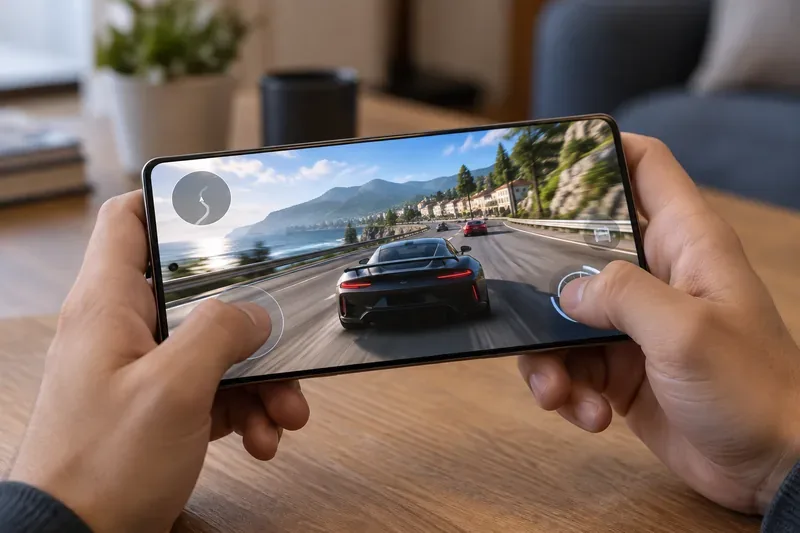
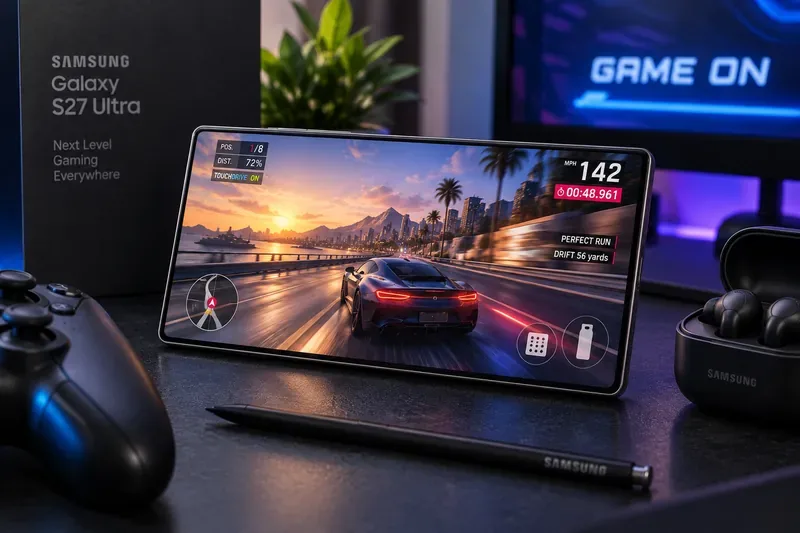
Gaming is the clearest use case. If a game can render above 120 frames per second and Android allows the app to request the higher mode, a 144Hz panel can display more unique frames each second. Fast camera pans, racing scenes, shooters, rhythm games, and other motion-heavy titles are where the difference is most likely to be noticeable.
However, the screen alone cannot create 144fps gameplay. The game engine, GPU, CPU, thermal system, operating system, and app settings all have to cooperate. Android’s own documentation notes that games must request higher refresh rates and that the system can still limit them because of battery level, power-saving settings, or device temperature. Google also warns that requesting a refresh rate the game cannot sustain wastes power.
A high-refresh-rate display matters most when the phone is rendering fast motion at a matching frame rate, such as a racing game running well above 60 frames per second.
2. Fast scrolling and system animation
Scrolling long webpages, moving through photo grids, switching between screens, and dragging UI elements can look a little more continuous at 144Hz than at 120Hz. The improvement is real in principle because the display has more opportunities to present intermediate motion.
Still, the operating system does not need to run the panel at its maximum rate all the time. Modern Android refresh-rate management can select different display rates based on content and app requests. That matters because a static email, an e-book page, or a paused photo gains almost nothing from remaining at 144Hz.
3. Stylus interaction and direct manipulation
A higher refresh rate can reduce one component of perceived latency because the panel updates more frequently. That can make pen strokes or dragged objects feel slightly more immediate. But refresh rate is only part of the latency chain. Touch or pen sampling frequency, digitizer latency, software prediction, app rendering time, and display response time also matter.
So a rumored 144Hz screen should not be interpreted as proof of a faster S Pen or higher touch-sampling rate. Those specifications would need separate confirmation.
Where 144Hz would make little difference
Streaming video
Most video is delivered at frame rates such as 24, 30, or 60fps. A 120Hz display already handles those common rates very well because 120 is an exact multiple of 24, 30, and 60. A 144Hz panel is also an exact multiple of 24, but not of 30 or 60. In practice, an adaptive panel can simply switch to a more appropriate refresh rate rather than stay locked at 144Hz, so the higher maximum does not automatically improve movie or TV playback.
Static reading and productivity
Documents, messaging screens, notes, spreadsheets, and web pages that are not actively moving do not benefit from 144 screen updates every second. For those tasks, a low-refresh state can be more valuable because it cuts unnecessary display work.
Image quality by itself
Refresh rate says nothing directly about color accuracy, black level, peak brightness, outdoor readability, minimum brightness, HDR performance, or panel bit depth. Samsung’s own S26 support documentation, for example, separately distinguishes the physical panel’s color depth from its image-processing pipeline. A future 144Hz claim would therefore need to be evaluated alongside the rest of the display specifications, not used as a shortcut for overall panel quality.
The battery and heat tradeoff
Higher refresh rates require the display system to update more often, and high frame rates also make the GPU work harder. Google’s Android game-development documentation explicitly states that higher refresh rates increase display power consumption and that games should use a refresh rate that matches the content rather than simply maximizing it. The same guidance notes that sustained high-frame-rate gaming can increase heat and trigger thermal limits.
This is why the most important part of a hypothetical S27 Ultra 144Hz upgrade would not be the “144” printed on a spec sheet. It would be the adaptive range and the efficiency of the transitions. A useful implementation would rise to 144Hz only when an app can benefit, then fall to lower rates when the screen is static or the content runs at a lower frame rate.
Yes, as a technology proposition. 144Hz smartphone displays are not new, and premium mobile chipsets have supported them for years. Qualcomm’s Snapdragon 8 Gen 3 product brief, for example, lists on-device support up to QHD+ at 144Hz. Qualcomm also previously documented a 144Hz Samsung AMOLED panel in the Smartphone for Snapdragon Insiders.
Wide adaptive range and efficient refresh switching
Checklist for verifying the S27 Ultra display when Samsung makes it official
Maximum refresh rate: Is 144Hz actually listed by Samsung, or does the final device remain at 120Hz?
Adaptive range: Does the panel scale from a very low refresh rate up to the maximum, or use only a few fixed steps?
Resolution at maximum rate: Can the phone run its native QHD+ resolution at 144Hz, or does the highest refresh mode require a lower resolution?
App and game access: Can third-party games request 144Hz, and do popular titles actually render above 120fps?
Sustained performance: Can the phone hold high frame rates after 20–30 minutes of gaming without severe thermal throttling?
Battery impact: How much extra power does 144Hz use compared with the phone’s 120Hz and 60Hz modes?
Touch and S Pen latency: Are there separate improvements to input sampling, or is refresh rate the only change?
Display fundamentals: Check brightness, reflections, color accuracy, HDR behavior, low-brightness quality, and any privacy-display features independently of refresh rate.
Bottom line
The rumored 144Hz Galaxy S27 Ultra display is technically believable, but it is not confirmed. The current S26 Ultra already offers an adaptive 1–120Hz QHD+ display, so a move to 144Hz would be an incremental upgrade rather than a generational transformation for most people.
If Samsung does adopt 144Hz, gamers are the audience most likely to benefit—especially in titles that can render above 120fps. For everyone else, the quality of the adaptive refresh system, power efficiency, brightness, reflections, color performance, and input latency will matter more than the headline number. Until Samsung publishes the S27 Ultra specifications, treat 144Hz as an interesting possibility, not a reason to make a buying decision today.