Home
» Android
»
Top 10 Features We Want Most From the Samsung Galaxy S27 Ultra
Top 10 Features We Want Most From the Samsung Galaxy S27 Ultra
Buying a top-end Galaxy phone can be frustrating when the current model is already excellent but the next one is close enough to inspire “should I wait?” anxiety. That is especially true with the Galaxy S27 Ultra. As of September 14, 2026, Samsung has not published official Galaxy S27 Ultra specifications, while community posts and concept renders are already circulating with very specific claims.
The useful way to think about the next Ultra is not to treat those claims as facts. Instead, start with what Samsung officially ships on the Galaxy S26 Ultra, identify the real tradeoffs, and ask which upgrades would make the biggest difference in daily use. The ranking below is an editorial wishlist, not the result of a Samsung survey and not a list of confirmed S27 Ultra features.
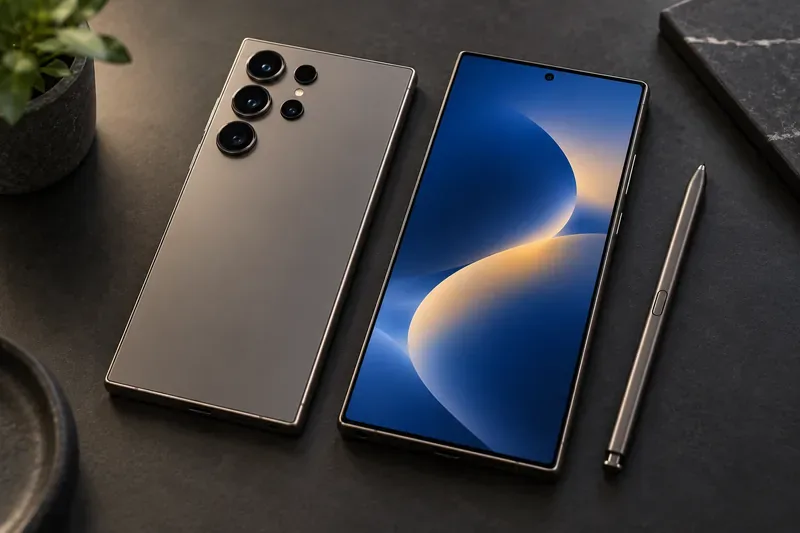
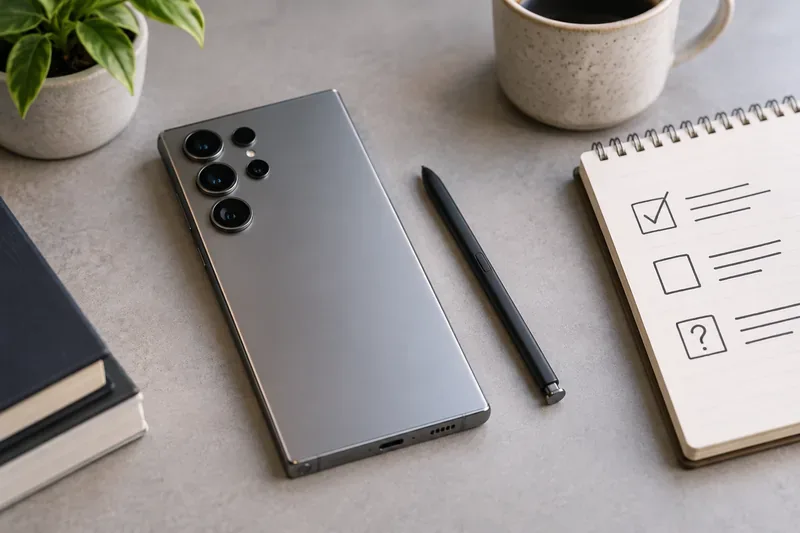
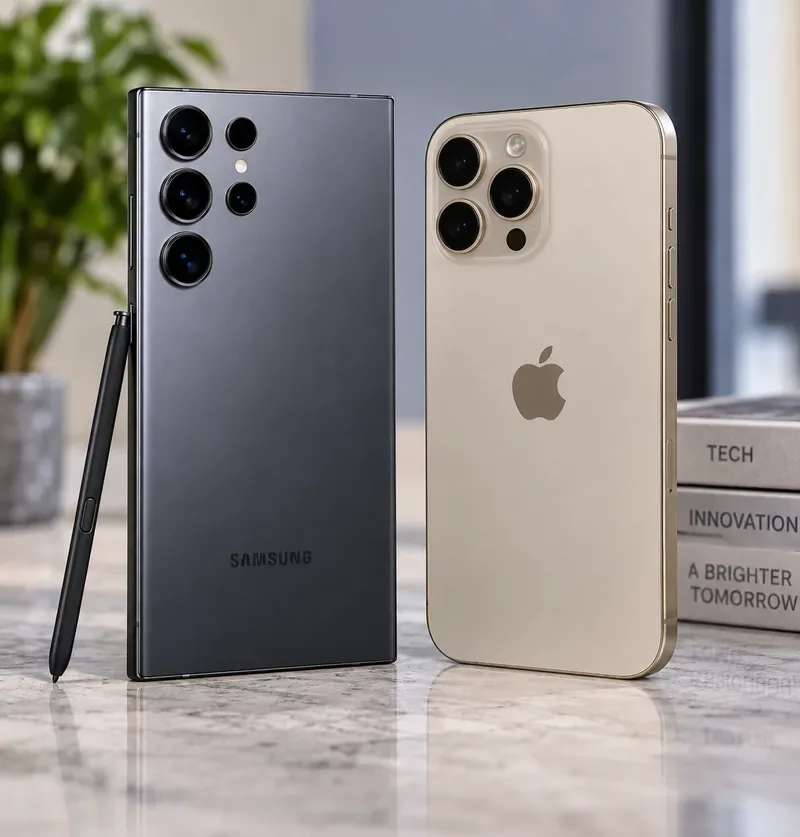
A concept scene showing a premium Galaxy Ultra-style phone, its multi-camera rear design, and a stylus. It represents the kinds of hardware areas users may want Samsung to refine; it is not a confirmed Galaxy S27 Ultra design.
What the Galaxy S26 Ultra already gives us
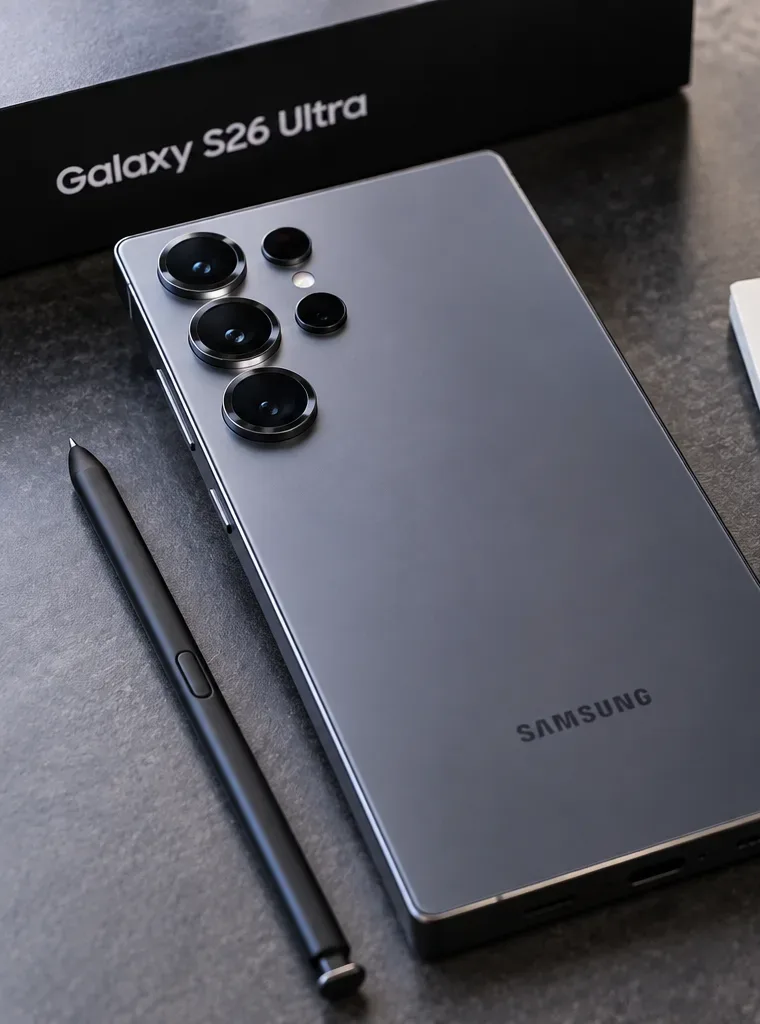
Samsung’s current Ultra is a strong baseline. The company lists a 6.9-inch display, a 5,000mAh battery, up to 60W wired charging, up to 25W wireless charging, a 200MP main camera, 50MP ultrawide, 10MP 3x telephoto, 50MP 5x telephoto, and a 12MP autofocus selfie camera. Samsung also lists 214 grams as the phone’s weight. Those details come from Samsung’s official Galaxy S26 series launch announcement and its Galaxy S26 model comparison support page.
That means the S27 Ultra does not need novelty for novelty’s sake. The best upgrades would remove friction that still exists around battery endurance, magnetic accessories, camera consistency, productivity, and long-term usefulness.
Area
Galaxy S26 Ultra baseline
What we want next
Battery
5,000mAh
More endurance without a heavier phone
Charging
Up to 60W wired, 25W wireless
Faster, cooler, more predictable charging
Magnetic accessories
Samsung sells magnet cases and Qi2 accessories
Magnetic alignment built into the phone
3x telephoto
10MP
Higher-resolution, more consistent zoom camera
S Pen
No Bluetooth pairing or charging required
Optional Bluetooth remote features again
Storage expansion
No external SD card support
2TB internal storage or expandable storage
1. More battery endurance without making the phone bigger
The number-one upgrade is simple: longer real-world battery life. Samsung still rates the S26 Ultra at 5,000mAh. Capacity alone does not determine endurance, but a larger energy reserve combined with a more efficient processor, display, modem, and software could make the Ultra more dependable on travel days, during navigation, or when shooting a lot of video.
The important condition is weight. The S26 Ultra is already 214 grams, so a battery upgrade that makes the phone noticeably thicker or heavier would solve one problem by creating another. The ideal S27 Ultra improvement is better energy density and efficiency, not merely a larger chassis.
2. Qi2-style magnetic alignment built into the phone
Magnetic charging is one of those features that feels minor until you use a wallet, charging stand, car mount, or battery pack every day. The Wireless Power Consortium’s Qi specification history explains that Qi2 introduced a Magnetic Power Profile for magnetic attachment and alignment, while later versions raised supported power to 25W.
Samsung’s own S26 accessory guide highlights magnet cases that snap onto magnetic accessories and support up to 25W wireless charging, alongside Samsung’s Qi2 25W wireless magnet charger. See Samsung’s official Galaxy S26 accessories guide.
For the S27 Ultra, the cleaner solution would be magnetic alignment built into the phone itself, so users who prefer a thin skin or no case can still use magnetic chargers and mounts reliably.
3. A stronger 3x telephoto camera
The S26 Ultra’s rear camera system is powerful, but its zoom hardware is uneven on paper: Samsung lists a 50MP 5x telephoto and a 10MP 3x telephoto. A higher-resolution 3x camera would be a meaningful upgrade because 3x is a practical focal length for portraits, pets, indoor events, and tighter everyday framing.
The goal should not be a bigger megapixel number for marketing. What matters is better detail, lower noise, faster autofocus, and more consistent color and exposure when switching between the main, 3x, and 5x cameras. A future Ultra should feel like one coherent camera system rather than several separate cameras with visibly different output.
4. Faster charging to full, with better heat control
Samsung already made a significant move with the S26 Ultra by supporting up to 60W wired charging and advertising up to 75% charge in around 30 minutes under its test conditions. The next improvement should focus on the entire charging curve, not simply a higher peak number.
A phone may briefly hit a high wattage and then reduce power as the battery warms or approaches full. For users, the better upgrade would be a shorter and more predictable 10%-to-100% time, strong thermal management, and sensible battery-health controls. If Samsung can achieve that at the same 60W ceiling, it could still be more useful than chasing a much larger headline wattage.
5. Bring back optional Bluetooth S Pen remote controls
The built-in S Pen remains one of the Ultra line’s clearest differentiators. Samsung says the S26 Ultra S Pen supports 4,096 pressure levels and does not need pairing or charging. However, Samsung also states that Bluetooth features such as Air Actions are not supported. You can verify the current behavior in Samsung’s S26 Ultra S Pen support guide.
For the S27 Ultra, we would like Bluetooth to return as an optional layer rather than a requirement. Remote shutter control is useful for group photos, tripod shots, presentations, and hands-free camera operation. The pen should still work for writing if its battery is empty, while Bluetooth features remain available for people who want them.
6. A lighter, easier-to-hold Ultra
Flagship phones are doing more, but that should not automatically mean they become harder to carry. Samsung lists the S26 Ultra at 214 grams and 7.9mm thick. The next Ultra would benefit from more aggressive weight reduction, better balance, and softer contact points around the frame without sacrificing the large display, battery, S Pen silo, or durability.
This is more important than another visual redesign. A phone you use for hours every day should be comfortable while reading in bed, shooting one-handed video, navigating on foot, or holding it during a long call.
7. More storage flexibility for creators
Samsung’s S26 comparison page explicitly says external SD cards are not supported. For most users, 256GB or 512GB may be enough. For people recording high-resolution video, keeping offline maps and media, editing large files, or using the Ultra as a DeX workstation, storage can disappear quickly.
The S27 Ultra would be more compelling with a broadly available 2TB internal-storage option. A microSD slot would offer even more flexibility, although bringing it back could create engineering tradeoffs around internal space, water resistance, and product design. Either approach would reduce dependence on cloud storage for large local libraries.
8. A cleaner front display only if selfie quality stays high
A hidden or under-display selfie camera would make the S27 Ultra look more futuristic, but it should not come at the cost of image quality. The S26 Ultra uses a 12MP autofocus front camera, and Samsung’s launch materials say its updated image processing improves skin tones and detail in mixed lighting.
Samsung has already shipped under-display cameras on Galaxy Z Fold devices, so the concept is technically familiar to the company. But an S Ultra has different expectations: its single front camera needs to handle selfies, video calls, social video, and face framing without obvious softness or haze. Our preference is simple: use an under-display camera only when it can match or exceed the visible camera it replaces.
9. A more desktop-like DeX experience
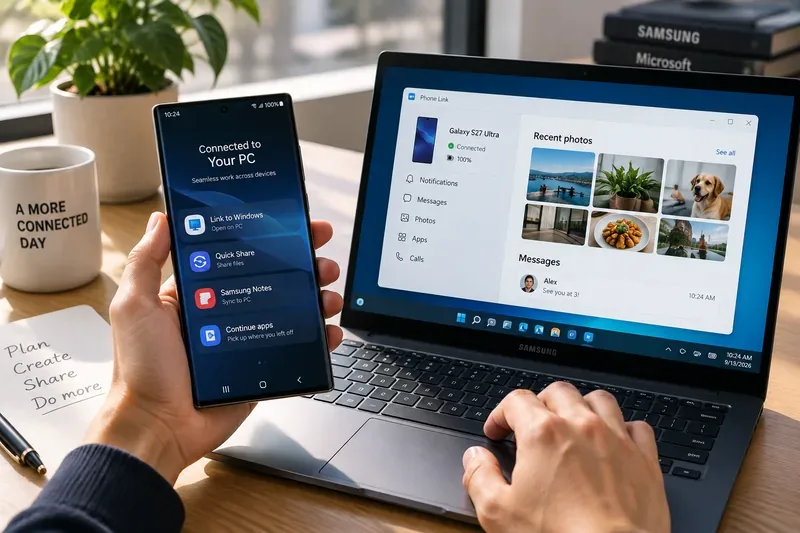
Samsung DeX is still a major reason to choose a Galaxy flagship if you connect your phone to a monitor, keyboard, and mouse. Samsung confirms that the S26 series supports DeX over cable/HDMI and wireless DeX to compatible displays. At the same time, Samsung notes that DeX on PC is not supported on the S25 and S26 series or other devices on newer One UI versions, directing users toward Link to Windows instead. See Samsung’s official DeX compatibility FAQ.
The S27 Ultra could make this experience stronger with more robust multi-window behavior, better external-monitor scaling, easier file transfer, and a clearer bridge between DeX and Windows. For a phone positioned as an “Ultra,” desktop productivity should feel like a first-class feature, not a legacy extra.
10. More Galaxy AI that works locally and remains useful for years
Samsung is already leaning heavily into on-device and agentic AI. Its S26 launch materials describe proactive assistants, natural-language device control, photo editing, call screening, and multiple AI agents. Samsung also promises seven generations of OS upgrades and seven years of security updates for the S26 series.
The next step should be less about adding more AI buttons and more about making key features faster, more private, more reliable offline, and clearer in terms of long-term availability. If an AI feature is a major reason to buy an expensive phone, users should know which parts run locally, which need cloud access, and whether the feature is expected to remain available through the device’s support life.
One S26 Ultra feature Samsung should definitely keep: Privacy Display
Not every improvement needs to be a replacement. The S26 Ultra introduced a built-in Privacy Display that limits side-angle visibility when enabled while returning to normal viewing when disabled. Samsung explains the feature in its official Privacy Display overview.
For the S27 Ultra, the right move would be refinement: preserve the feature, keep its controls easy to access, and improve it only where Samsung can do so without reducing brightness, color quality, or battery efficiency.
Which upgrades would actually justify waiting?
If you are choosing between buying the S26 Ultra now and waiting for the S27 Ultra, do not wait because of an unverified specification sheet. Wait only if one or more of the missing capabilities above would materially change how you use the phone.
Wait if battery life is your biggest pain point and you are willing to see whether Samsung increases endurance without increasing weight.
Wait if magnetic accessories matter to you and you specifically want built-in alignment rather than depending on a magnet case.
Wait if the S Pen is central to your workflow and Bluetooth remote controls would be genuinely useful.
Wait if camera consistency is your priority and you want a stronger mid-range telephoto camera rather than another software-only camera update.
Buy based on today’s hardware if none of those are deal-breakers. The S26 Ultra already has a mature camera system, 60W charging, 25W wireless charging, DeX support, a built-in S Pen, Privacy Display, and seven years of software support.
Bottom line
The best Galaxy S27 Ultra would not need a radical reinvention. It would need to fix the remaining high-friction areas around endurance, magnetic charging, zoom-camera consistency, S Pen capability, ergonomics, storage, desktop productivity, and long-term AI value.
As of September 14, 2026, none of the ten items above should be treated as confirmed S27 Ultra specifications. They are the upgrades we think would matter most when measured against Samsung’s current S26 Ultra. When Samsung eventually publishes official S27 Ultra details, the most useful self-check is straightforward: compare the announcement against the problems that actually affect you, not against the most exciting rumor.