Home
» Android
»
S Pen Upgrades for the Galaxy S27 Ultra: What’s Actually Next?
S Pen Upgrades for the Galaxy S27 Ultra: What’s Actually Next?
Updated September 14, 2026: If you recently moved from an older Galaxy Ultra to a Galaxy S25 Ultra or S26 Ultra and tried to use the S Pen as a remote camera shutter, the frustrating part is simple: nothing is broken. Samsung’s current built-in S Pen no longer uses Bluetooth Low Energy, so remote Air Actions are not available on those models.
That missing feature has naturally turned attention toward the Galaxy S27 Ultra. Will Samsung bring Bluetooth back? Will it redesign the pen? Will the S Pen become thinner, smarter, or more accurate? As of this writing, Samsung has not announced the Galaxy S27 Ultra, so there are no official S27 Ultra S Pen specifications. The best answer comes from combining Samsung’s current documentation with one important piece of original industry reporting about the pen technology Samsung has been evaluating.
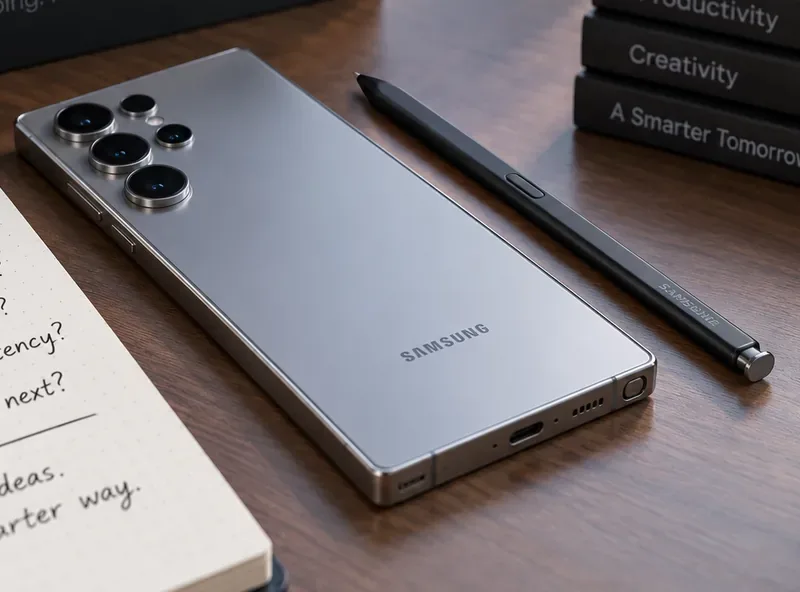
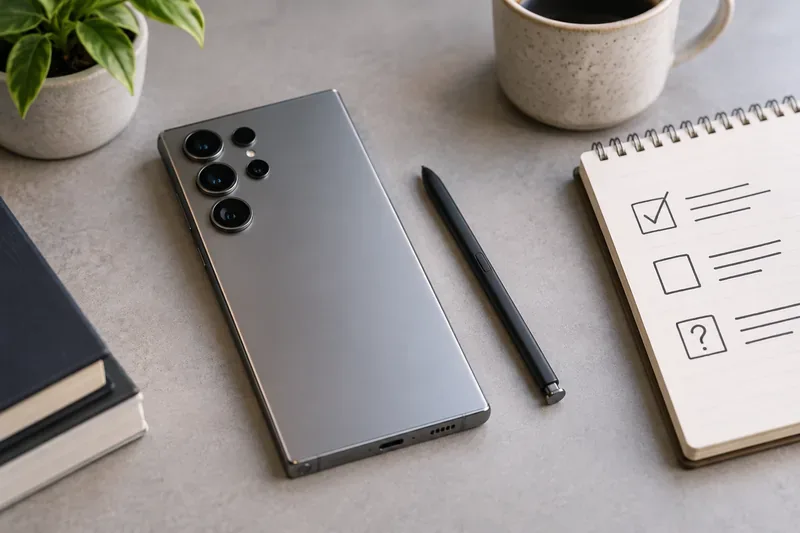
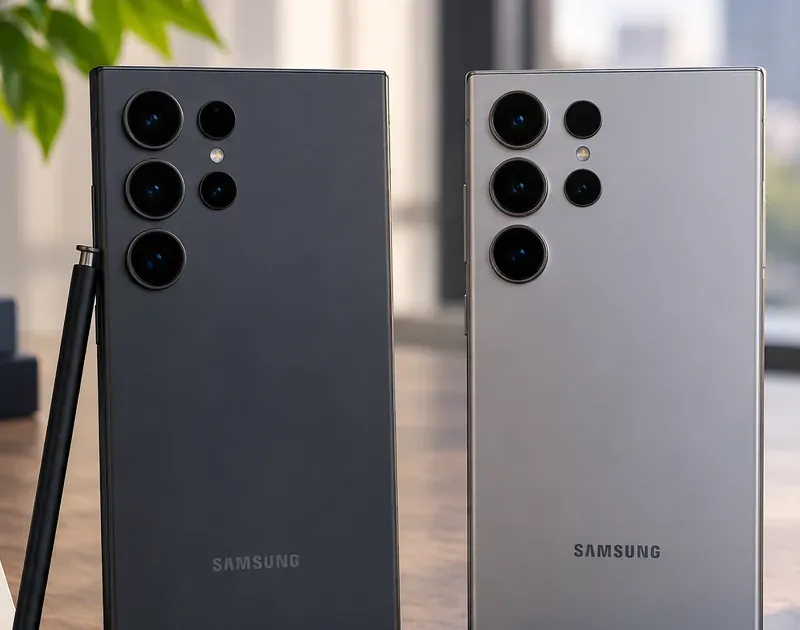
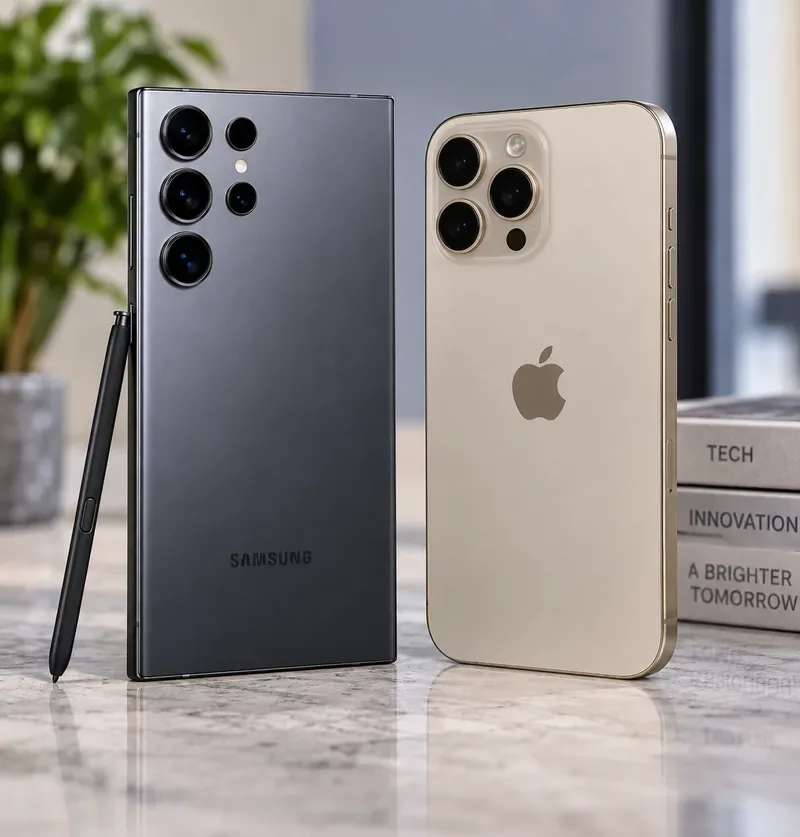
A neutral stylus-and-phone scene illustrating the current Galaxy Ultra S Pen experience. Samsung has not published the final Galaxy S27 Ultra or its S Pen specifications.
The Immediate Problem: Why Your Newer S Pen Cannot Act as a Remote
On older Galaxy Ultra phones, Bluetooth Low Energy, or BLE, let the S Pen communicate with the phone from a short distance. That enabled Air Actions such as using the pen button remotely in supported apps.
Samsung’s own support documentation now explicitly says Air Actions are not available with the Galaxy S25 Ultra or Galaxy S26 Ultra S Pen. Samsung also states that the S26 Ultra S Pen does not rely on Bluetooth, does not need pairing, and does not need charging. You can verify the current behavior in Samsung’s Galaxy S26 Ultra S Pen support guide and its broader Air Actions support documentation.
That means repeatedly looking for an Air Actions toggle, resetting the pen, or leaving it in the phone to “charge” will not restore a feature the hardware no longer supports.
Start With the Easy Fixes: What You Can Do Today
If the missing remote shutter is your main complaint, you do not need to wait for the S27 Ultra to solve the practical problem.
1. Use Galaxy Camera voice commands
Samsung currently supports hands-free shooting methods on compatible Galaxy phones, including voice commands. In the Camera app, open the settings and look for Shooting methods. Samsung documents voice control, a floating shutter button, and palm gestures in its Galaxy S26 camera features guide.
This is the easiest replacement when you only used the S Pen button to trigger group shots or tripod photos.
2. Use the camera timer for predictable shots
For static group photos, product photos, and self-portraits, the built-in timer avoids the need for a separate remote. It is less flexible than a pen button, but it is simple and does not depend on another accessory.
3. Use a compatible Galaxy Watch when you need a true remote preview
If you already own a supported Galaxy Watch, Samsung’s Camera Controller can provide a much more capable remote experience than the old S Pen shutter because the watch can show a camera preview and trigger photos or videos. Compatibility varies by device and software, so check Samsung’s current Galaxy Watch Camera Controller guide before relying on it.
What the Galaxy S26 Ultra S Pen Already Does Well
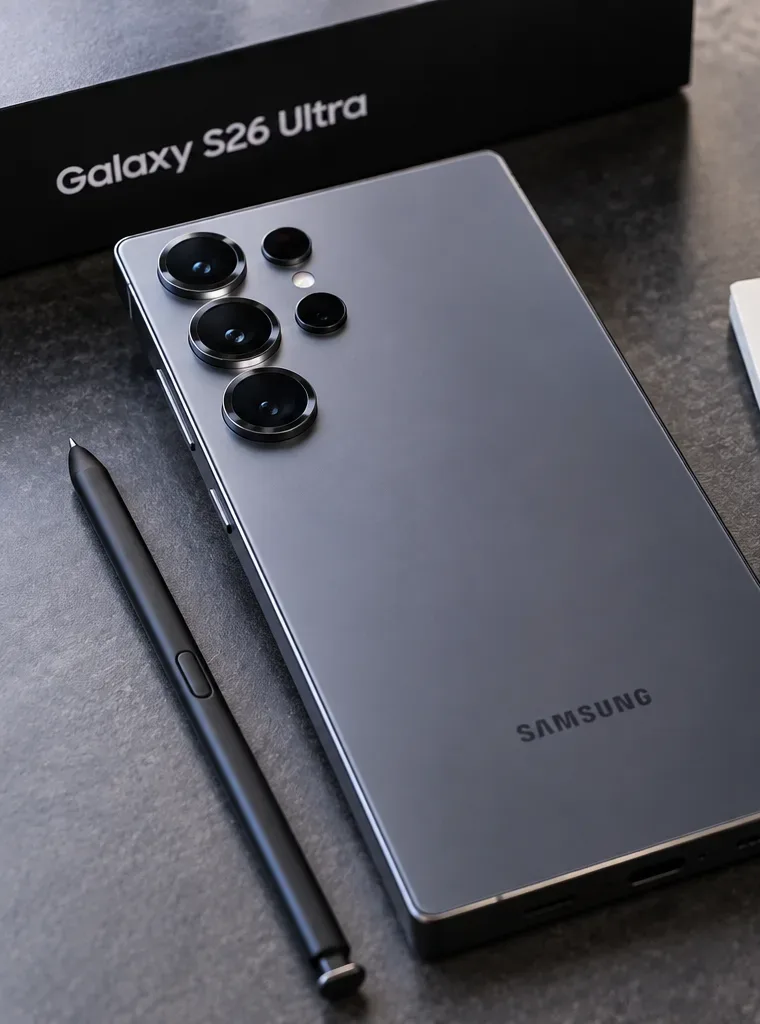
Before asking what Samsung needs to upgrade, it helps to establish the current baseline. Samsung lists the S26 Ultra S Pen with 4,096 levels of pressure sensitivity, IP68 water and dust resistance, Air Command access, and no need for charging or pairing. The official accessory documentation is available on Samsung’s Galaxy S26 Ultra S Pen product page.
Pressure sensitivity means the pen can distinguish different levels of force as you press on the screen, allowing compatible drawing and writing apps to vary stroke behavior. A higher number by itself does not automatically make handwriting feel better; tip friction, sampling behavior, software smoothing, display response, and ergonomics also matter.
Area
Galaxy S26 Ultra baseline
Galaxy S27 Ultra status
Built-in stylus
Yes
Not officially announced
Pressure sensitivity
4,096 levels
Unknown
Bluetooth / BLE
No
No confirmed return
Air Actions
Not supported
Unknown
Pairing or charging
Not required
Unknown
Pen-input technology
Digitizer-based system
Industry reporting says Samsung explored an alternative but retained the digitizer direction
The Most Important S27 Ultra S Pen Rumor Is About the Digitizer
The most technically meaningful S27 Ultra pen report so far is not about a new gesture or an extra pressure level. It is about whether Samsung can remove the dedicated digitizer layer behind the display while keeping pen input.
A digitizer is the hardware layer that detects the stylus. Samsung has long used an electromagnetic-resonance approach, commonly abbreviated EMR, in which the display assembly contains the sensing hardware while the pen itself can remain slim and battery-free.
In March 2026, South Korea’s ETNews reported that Samsung had considered a new pen-input approach for the Galaxy S27 Ultra that could work without the traditional digitizer and without requiring a battery inside the pen. According to that original report, Samsung ultimately moved toward retaining the digitizer-based approach for the S27 Ultra rather than introducing the new system at this stage. Read the original ETNews report on Samsung’s S27 Ultra pen technology plans.
That matters because the digitizer takes internal space. Removing it could help Samsung make the display stack thinner or free room for other components. But a change in pen-input architecture also risks affecting accuracy, pen size, power requirements, and compatibility. For a device whose S Pen is a defining feature, Samsung has reasons to be conservative.
Does This Mean the S27 Ultra S Pen Will Be Basically Unchanged?
Not necessarily. It means the strongest current reporting points away from a radical input-technology overhaul. Samsung could still change the physical pen dimensions, tip feel, software features, handwriting tools, Air Command functions, or the way Galaxy AI interacts with selected handwriting and sketches.
Samsung’s own S26 design team has already explained that pen thickness is part of the mechanical tradeoff when slimming the Ultra chassis. In its Galaxy S26 Series Design Story, Samsung describes how reducing thickness required teams to rethink internal structures and, for the Ultra, even adjust pen thickness.
That makes physical refinement a realistic area to watch. What is not justified yet is claiming that S27 Ultra will have a thinner S Pen, lower latency, more pressure levels, haptic feedback, or a redesigned tip. Samsung has not confirmed any of those features.
Will Bluetooth Air Actions Return?
There is no reliable confirmation that they will. This is the biggest point to keep straight because it is also the upgrade many long-time S Pen users want most.
Samsung explicitly removed BLE-based Air Actions from the S25 Ultra and continues without them on the S26 Ultra. The March S27 technology report focuses on the digitizer and stylus input architecture, not on restoring Bluetooth. A future S Pen could theoretically add Bluetooth again, but there is currently no official Samsung specification or credible technical report that establishes a return for the S27 Ultra.
If remote camera control is essential to you, do not buy or postpone a phone purchase based on an assumed Bluetooth comeback. Wait for Samsung’s actual support page or accessory specification to state that BLE or Air Actions are supported.
What Would Count as a Meaningful S Pen Upgrade?
Rather than focusing on rumor-friendly numbers, these are the changes that would materially improve everyday use:
Restored remote control: BLE or another reliable wireless method for camera shutter and supported remote actions.
Better writing feel: improved tip friction, consistency near screen edges, or more natural stroke behavior.
More useful handwriting workflows: faster conversion of handwritten notes into editable text, structured notes, tasks, or summaries.
Stronger creative tools: smoother integration between sketches, selections, image editing, and Samsung’s AI features.
Improved ergonomics: a pen that remains comfortable despite pressure to make the phone thinner.
Reliable magnetic coexistence: future hardware designs that can support magnetic accessory systems without degrading stylus accuracy would be technically significant.
The last point is especially interesting. EMR digitizers rely on electromagnetic behavior, so strong magnets can complicate stylus sensing. The ETNews report specifically discusses magnetic interference as one reason future pen-input architecture matters. That does not confirm any particular magnetic charging feature on the S27 Ultra, but it explains why stylus design is tied to broader phone engineering decisions.
What Mistakes Should You Avoid When Following S27 Ultra S Pen Rumors?
Do not confuse Air Command with Air Actions
Air Command is the on-screen shortcut menu that appears when you use the S Pen. Air Actions are the Bluetooth-powered remote gestures used on older supported pens. The S26 Ultra still has Air Command even though it does not have BLE Air Actions.
Do not assume “battery-free pen” means nothing changed
A battery-free stylus can still use a different sensing architecture. The important question is where the electronics live: in the display, in the pen, or in both.
Do not treat a prototype report as a launch specification
Phone makers routinely test multiple internal designs. A technology being evaluated does not mean it will ship, and a technology being postponed does not mean it is abandoned forever.
Do not compare pressure-level numbers in isolation
The S26 Ultra already lists 4,096 pressure levels. Without information about the entire input system, a larger number would not automatically prove a better writing experience.
How to Verify the S27 Ultra S Pen When Samsung Finally Announces It
Once Samsung publishes the phone, use this quick self-check instead of relying on launch-day summaries:
Open Samsung’s official S27 Ultra specification and accessory pages.
Look specifically for the words Bluetooth Low Energy, BLE, or Air Actions.
Check whether Samsung says the pen needs pairing or charging.
Confirm the pressure-sensitivity specification rather than assuming it changed.
Check the support documentation for Quick Notes, Screen Off Memo, Air Command, handwriting, and translation features.
If remote photography matters, verify the Camera app behavior directly before buying.
If Samsung’s launch page only says “S Pen included” or “enhanced S Pen experience,” that is not enough to prove Bluetooth has returned. The support documentation is usually where compatibility and limitations become explicit.
Bottom Line
If your real problem is that the S25 Ultra or S26 Ultra S Pen no longer works as a remote camera shutter, the best solution today is to use voice shooting, the camera timer, or a compatible Galaxy Watch. Waiting for the S27 Ultra solely because you expect Bluetooth Air Actions to return would be a gamble.
For the S27 Ultra itself, the most substantial current report says Samsung explored a new digitizer-free pen system but stepped back from deploying it for this generation. That points toward evolution rather than a complete S Pen reinvention. The upgrades most worth watching are therefore not speculative feature counts, but whether Samsung improves ergonomics, handwriting workflows, AI-assisted pen tools, and — most importantly for many power users — whether it officially restores a dependable remote-control function.
Until Samsung publishes the Galaxy S27 Ultra and its support pages, those final details remain unknown. The safest expectation is continuity with the S26 Ultra’s battery-free, non-Bluetooth S Pen, with any genuine upgrade to be judged only after Samsung documents it.