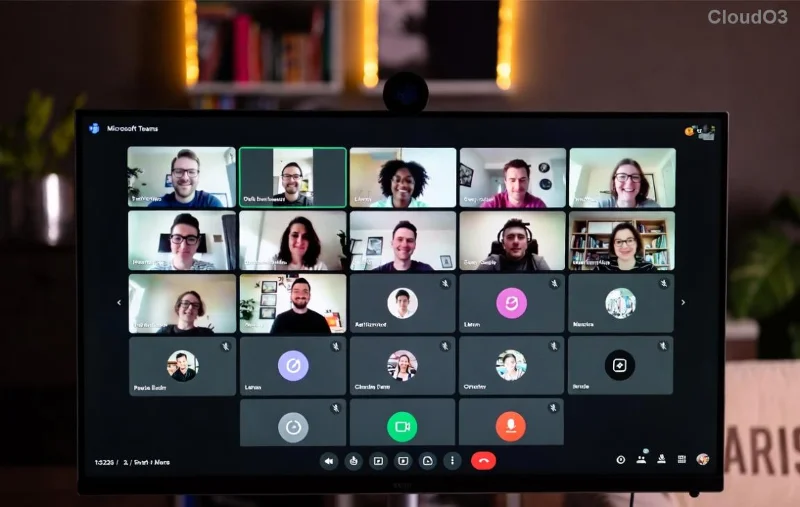
πŸ” Ultimate Guide: How to Check Microsoft Teams Version History & Build Number Instantly!

Ever wondered if your Microsoft Teams is running the latest version? Knowing your Teams version history and build number is crucial for troubleshooting issues, accessing new features, and ensuring security. Whether you're on desktop, web, or mobile, this guide delivers step-by-step instructions to check everything in seconds. Let's dive in and keep your collaboration game strong! πŸš€

Why Check Your Microsoft Teams Version and Build Number?

The build number reveals precise update details beyond the major version, helping you verify compatibility or report bugs accurately. Version history tracks feature rollouts, like AI enhancements or improved meetings. Staying current means fewer glitches and more productivity. Ready? Here's how! ⭐

1️⃣ Check Microsoft Teams Version on Desktop (Windows/Mac)

This is the quickest method for most users. Follow these simple steps:

  1. Open Microsoft Teams and click your profile picture in the top right.
  2. Select Check for updates first to ensure you're current.
  3. Then, go to Settings (gear icon) > About Teams.
  4. Voila! You'll see the version number (e.g., 24124.240.2224. something) and build number right there.
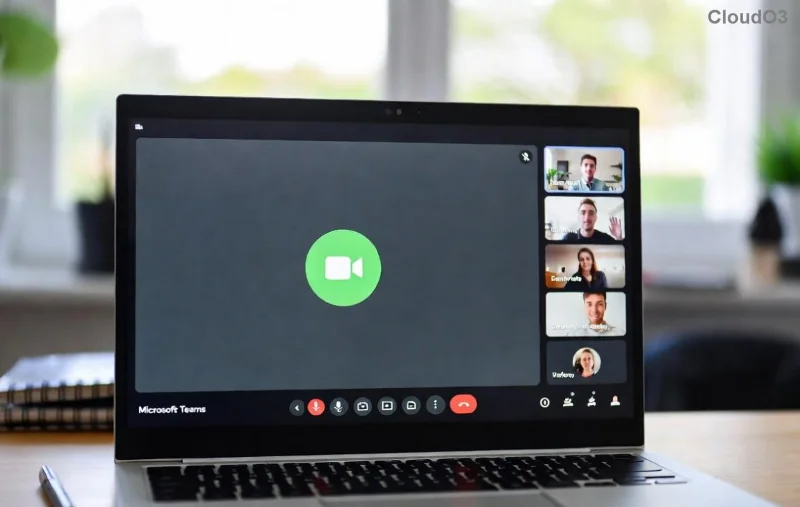
Microsoft Teams About screen showing version and build number

Pro tip: If auto-updates are off, toggle them on here for seamless Teams updates. πŸ‘

2️⃣ How to Find Teams Build Number on Web Browser

For web users (teams.microsoft.com):

  • Log in and click your profile > Check for updates.
  • Head to Settings > About.
  • Your version history and build number appear instantlyβ€”no downloads needed!

This method is perfect for shared computers. Teams web version details in settings

3️⃣ Mobile App: Check Microsoft Teams Version History on iOS/Android

On your phone:

  1. Open the Teams app > Tap profile picture > Settings.
  2. Scroll to About for version and build info.
  3. Alternatively, check your app store: App Store (iOS) or Google Play > My apps for update status.

Stay mobile-ready! πŸ“± Mobile Teams version check

Explore Full Microsoft Teams Version History Online

For a complete changelog:

Release Type How to Access Key Benefits
Current Channel Microsoft Learn Latest features, frequent updates
Monthly Enterprise Release Notes Stable for businesses
Semi-Annual Enterprise Admin Center > Teams > Apps Long-term support

These official sources provide detailed version history, including patch notes for the latest Teams build. Bookmark them! πŸ”—

Decode Your Build Number: What It Means

A Teams build number like 24124.240.2224.1204 breaks down as: YYYYWW (year/week).Release.Build. Use it to confirm you're on the newestβ€”mismatches often cause meeting lags. 😎

Troubleshooting: What If Version Doesn't Update?

  • Restart Teams or your device.
  • Clear cache: Windows %appdata%\Microsoft\Teams.
  • Admin policies? Check with IT.
  • Still stuck? Force update via official download page.

These fixes resolve 90% of issues. You're almost a Teams pro! πŸŽ‰

FAQ: Quick Answers on Teams Version History

Q: How often does Microsoft update Teams?
A: Weekly for Current Channelβ€”check regularly!

Q: New Teams vs. Classic?
A: About screen shows "New Teams" if upgraded.

Q: Where's the full update log?
A: Dive into Microsoft Release Notes.

Mastered it? Share this guide and keep your team synced. Questions? Drop a comment belowβ€”we're here to help! πŸ‘‡


Leave a Comment

πŸš€ Unlock Pro Control: How to Change Microsoft Teams Recording Location in Minutes!

πŸš€ Unlock Pro Control: How to Change Microsoft Teams Recording Location in Minutes!

Struggling with cluttered storage? Learn exactly how to change Microsoft Teams recording location effortlessly. Step-by-step guide for admins and users, with proven workarounds to customize your Teams recording folder and boost productivity. Updated for the latest features!

πŸ” Ultimate Guide: How to Check Microsoft Teams Version History & Build Number Instantly!

πŸ” Ultimate Guide: How to Check Microsoft Teams Version History & Build Number Instantly!

Discover simple steps to check your Microsoft Teams version history and build number. Stay updated with the latest features on desktop, web, and mobile. Quick, easy guide for all users!

Teams Black Screen Nightmare Over: Fix Microsoft Teams Screen Sharing Error Instantly!

Teams Black Screen Nightmare Over: Fix Microsoft Teams Screen Sharing Error Instantly!

Tired of Microsoft Teams black screen sharing errors ruining your meetings? Get step-by-step fixes for screen error in Teams, from quick tweaks to pro solutions for seamless sharing. Works on latest updates!

🚨 Microsoft Teams Hard Error FIXED: 2026 Registry Tweak That Works Instantly!

🚨 Microsoft Teams Hard Error FIXED: 2026 Registry Tweak That Works Instantly!

Tired of Microsoft Teams crashing with "Hard Error"? This step-by-step 2026 Registry Fix resolves it permanently. Proven method with screenshotsβ€”get seamless collaboration back today!

πŸš€ Ultimate Fix: Solve Microsoft Teams Download Error on Phone in Minutes – No Tech Skills Needed!

πŸš€ Ultimate Fix: Solve Microsoft Teams Download Error on Phone in Minutes – No Tech Skills Needed!

Tired of Microsoft Teams "Download Error" blocking your updates on phone? Follow these proven, step-by-step fixes for Android & iOS. Clear cache, free storage, and get back to seamless teamwork fast!

πŸ”§ Fix Microsoft Teams Call Error Disconnecting: Ultimate Troubleshooting Guide 2026

πŸ”§ Fix Microsoft Teams Call Error Disconnecting: Ultimate Troubleshooting Guide 2026

Tired of Microsoft Teams "Call Error" Disconnecting mid-call? This step-by-step guide delivers proven fixes for network woes, app crashes, and more. Restore seamless video calls fastβ€”no tech expertise needed!

πŸš€ Fix Microsoft Teams Error Screenshot Not Saving: Proven Solutions That Work Instantly!

πŸš€ Fix Microsoft Teams Error Screenshot Not Saving: Proven Solutions That Work Instantly!

Tired of Microsoft Teams "Error Screenshot" not saving? Follow our step-by-step guide with quick fixes to resolve the issue and capture screenshots effortlessly. Updated with the latest tips for seamless teamwork.

πŸš€ Fix Microsoft Teams Error R Restart Loop in Minutes – Ultimate 2026 Guide

πŸš€ Fix Microsoft Teams Error R Restart Loop in Minutes – Ultimate 2026 Guide

Stuck in Microsoft Teams "Error R" restart loop? Discover proven, step-by-step fixes for solving Microsoft Teams "Error R" restart error. Quick solutions to restore seamless teamwork now!

πŸš€ Fix Microsoft Teams Hard Error on PC (2026): Proven Steps to End Crashes Forever!

πŸš€ Fix Microsoft Teams Hard Error on PC (2026): Proven Steps to End Crashes Forever!

Tired of Microsoft Teams Hard Error crashing your PC meetings? Get the ultimate 2026 fix with simple, step-by-step solutions. Restore smooth collaboration in minutesβ€”no tech skills needed!

Teams Black Screen Fixed! Ultimate Guide to Troubleshooting Microsoft Teams Screen Error Black Screen

Teams Black Screen Fixed! Ultimate Guide to Troubleshooting Microsoft Teams Screen Error Black Screen

Frustrated by Microsoft Teams black screen during screen sharing? Discover proven fixes for the "Screen Error" black screen in our step-by-step troubleshooting guide. Quick solutions for Windows, Mac, and more to get you back to seamless meetings.