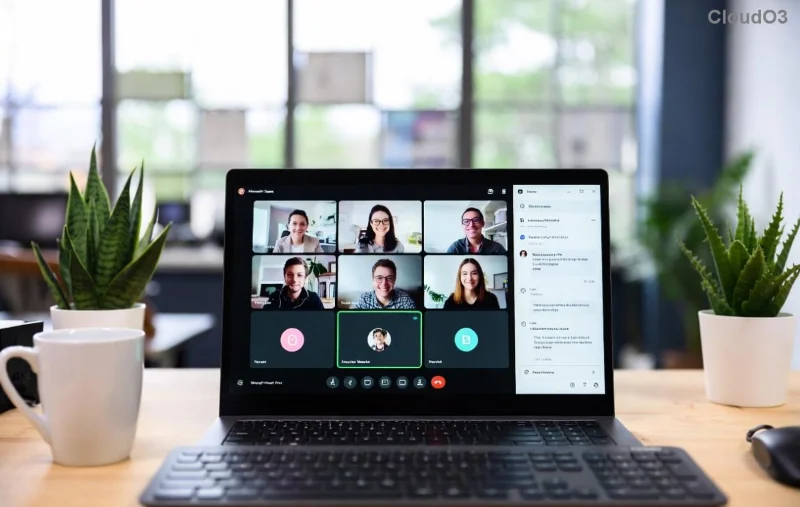
Encountering the frustrating Microsoft Teams Unknown Error: Something Went Wrong? You're not alone—this common glitch disrupts meetings, chats, and productivity for millions. But don't worry! 😊 This guide delivers straightforward, tested solutions to resolve it quickly, whether on desktop, web, or mobile. Follow these steps in order, and you'll be back online in minutes. Let's dive in!
Why Does "Something Went Wrong" Happen in Microsoft Teams?
Before fixing, understand the culprits. The Microsoft Teams Unknown Error often stems from:
- 🔒 Cache buildup or corrupted files
- 🌐 Network hiccups or VPN conflicts
- 📱 Outdated app versions
- ⚙️ Permission issues or conflicting software
- ☁️ Server-side outages (rare, but check status.teams.microsoft.com)
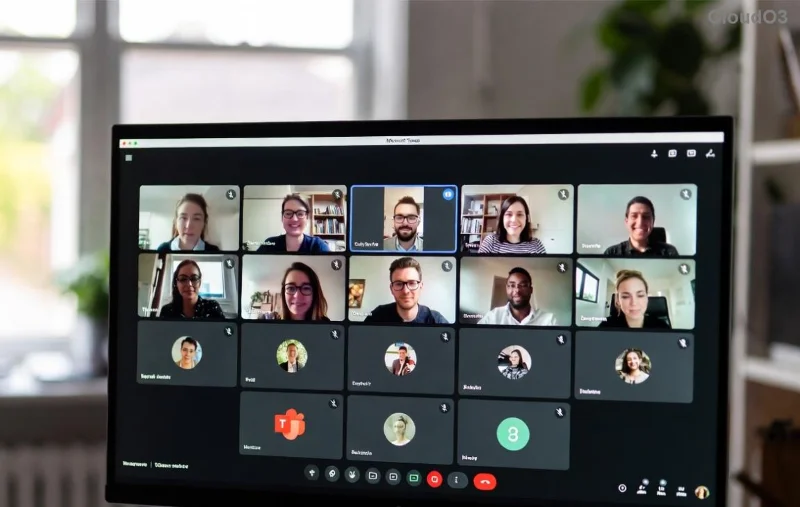
Quick tip: If it's a widespread issue, visit Microsoft's service health page first. Ready for fixes? Start with the basics.
✅ Quick Fixes: Resolve Something Went Wrong in Under 5 Minutes
These no-brainer steps fix 80% of cases. Try them first!
- 1️⃣ Restart Teams and Your Device
Close Teams completely (use Task Manager on Windows: Ctrl+Shift+Esc > Processes > End Teams tasks). Restart your computer. Simple, yet powerful!
- 2️⃣ Check Your Internet
Switch to a wired connection or toggle airplane mode. Test speed at speedtest.net. VPN users: Disconnect temporarily.
- 3️⃣ Sign Out and Back In
In Teams, click your profile picture > Sign out. Relaunch and log in. Clears temporary glitches.
If these don't work, proceed to deeper troubleshooting Microsoft Teams Unknown Error steps. You're making progress—keep going! 🚀
Step-by-Step Troubleshooting Microsoft Teams Unknown Error: Clear Cache & More
Cache corruption is a top villain. Here's how to nuke it safely.
For Windows Desktop:
- Quit Teams fully.
- Press Win+R, type
%appdata%\Microsoft\Teams, hit Enter.
- Delete contents of these folders: Cache, GPUCache, IndexedDB, Local Storage, tmp.
- Restart Teams. Boom—fixed for most!
For macOS:
- Quit Teams (Cmd+Q).
- Open Finder > Go > ~/Library/Application Support/Microsoft/Teams.
- Delete: Cache, Code Cache, GPUCache, etc.
- Relaunch.
For Web Browser (Edge/Chrome):
- Clear browser cache: Settings > Privacy > Clear browsing data (select Cached images/files).
- Disable extensions: Toggle off ad-blockers or VPN add-ons.
![Step-by-step guide to clearing Microsoft Teams cache on Windows]()
| Platform |
Cache Clear Path |
Pro Tip |
| Windows |
%appdata%\Microsoft\Teams |
Backup meetings first! 📅 |
| macOS |
~/Library/Application Support/Microsoft/Teams |
Use Shift+Cmd+G in Finder |
| Android/iOS |
App Settings > Clear Cache |
Force stop app too |
| Web |
Browser Settings |
Incognito mode test |
This table is your cheat sheet. Still stuck? Advanced fixes ahead.
🔧 Advanced Solutions for Stubborn Something Went Wrong Teams Errors
For persistent issues:
- 4️⃣ Update Teams
Help > Check for updates. Install the latest version—Microsoft rolls out patches regularly for stability.
- 5️⃣ Reset Teams (Nuclear Option)
Windows: Settings > Apps > Teams > Advanced > Reset. macOS: Delete and reinstall from teams.microsoft.com.
- 6️⃣ Check Permissions & Antivirus
Ensure Teams has mic/camera access (System Settings > Privacy). Pause antivirus (e.g., disable real-time scan temporarily).
- 7️⃣ Reinstall Fresh
Uninstall via Control Panel/Add/Remove Programs. Download latest from official site. Avoid third-party installers!
![Reinstalling Microsoft Teams for error resolution]()
Pro user? Run Teams in safe mode: Hold Ctrl while launching to disable add-ins.
📱 Mobile & Web-Specific Fixes
Android/iOS: Force stop > Clear cache/storage > Update via Play Store/App Store. Toggle notifications off/on.
Web Version: Try another browser. Clear site data specifically for teams.microsoft.com.
🛡️ Prevent Future Microsoft Teams Unknown Error
- ✅ Update Teams weekly
- ⭐ Use stable Wi-Fi
- 🎉 Clear cache monthly
- 🔒 Limit extensions/antivirus interference
Bonus: Join Microsoft Teams forums for community tips—link in bio!
Still Not Fixed? Next Steps 🎯
If all fails, gather logs: Teams > Help > Give feedback > Include logs. Submit a ticket via admin portal or support.microsoft.com. Describe your OS, version, and steps tried.
Congratulations—you've conquered the Troubleshooting Microsoft Teams Unknown Error: Something Went Wrong! 👏 Share this guide if it helped. Back to crushing those meetings. Questions? Drop a comment below. Stay productive! 🚀