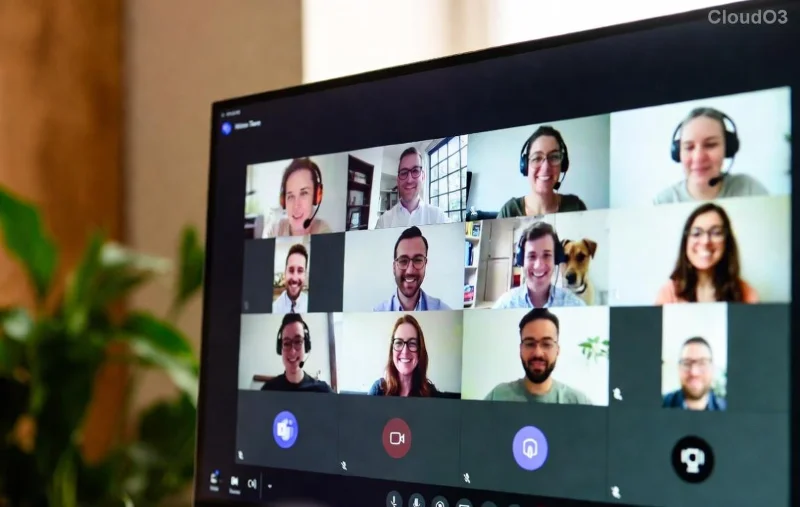
Imagine joining an important Microsoft Teams video call only to face a black screen, frozen video, or "no camera detected" message. Frustrating, right? 😩 Don't worry—you're not alone. Troubleshooting Microsoft Teams "Video call" Error is a common headache, but with these targeted steps, you'll be back to crystal-clear video in minutes. This guide cuts through the noise, focusing on proven fixes using the latest Microsoft Teams updates. Let's dive in and get your video flowing! ⭐
Common Causes of Microsoft Teams Video Call Errors
Before fixing, understand the culprits. Most Teams video issues stem from:
- 🖥️ Permissions problems: Camera access blocked by OS or browser.
- 🌐 Network glitches: Unstable Wi-Fi or firewall blocks.
- 🔄 Outdated software: Teams or drivers lagging behind.
- ⚙️ App conflicts: Hardware acceleration or cache overload.
- 📱 Hardware faults: Faulty webcam or multiple cameras confusing Teams.
Spot your issue? Great—now let's troubleshoot systematically. Follow these steps in order for the fastest results. 👍
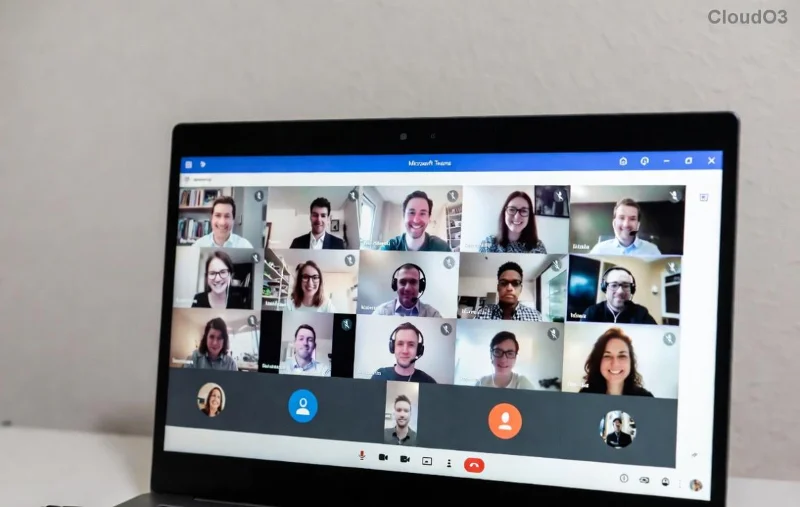
👆 Quick Fixes: Start Here for 80% of Teams Video Errors
These basics resolve most Troubleshooting Microsoft Teams "Video call" Error cases. No tech expertise needed!
- Check Permissions:
- Windows: Settings > Privacy > Camera > Allow apps (toggle Teams on).
- Mac: System Preferences > Security & Privacy > Camera (check Teams).
- Browser: Click camera icon in address bar > Allow.
Test in a new call. Fixed? 🎉
- Restart Everything: Close Teams (use Task Manager on Windows), restart your device, and relaunch. Simple but magical! 🔄
- Switch Devices: In Teams, click the camera icon > Select another camera. Multiple webcams? Disable extras in Device Manager.
📊 Error-Specific Solutions: Your Troubleshooting Table
Use this handy table for targeted Microsoft Teams video troubleshooting. Match your symptom and jump to the fix!
| Error/Symptom |
Quick Check |
Fix Steps |
| No Video/Black Screen |
Camera works elsewhere? |
1. Toggle video off/on. 2. Update camera drivers via Device Manager. 3. Disable hardware acceleration (Teams Settings > General). |
| Frozen/Laggy Video |
Network speed test? |
1. Switch to wired connection. 2. Lower video quality (More options > Quality). 3. Close bandwidth hogs like downloads. |
| "Camera in Use" Error |
Other apps open? |
Close Zoom/Skype. Restart Teams. Use Task Manager to end conflicting processes. |
| Blurry or No HD Video |
Teams version current? |
Help > Check for updates. Ensure 30Mbps+ upload speed for HD. |
Pro tip: After each fix, test with Teams Test Call (search in Teams app). Keeps things efficient! 🚀
🔧 Advanced Troubleshooting Microsoft Teams "Video call" Error Steps
If basics fail, level up. These handle stubborn issues in recent Teams versions.
- Clear Teams Cache:
- Windows: %appdata%\Microsoft\Teams > Delete contents of folders (Cache, GPUCache, etc.). Restart.
- Mac: ~/Library/Application Support/Microsoft/Teams > Same delete routine.
Revives performance like new! ✨
- Disable VPN/Firewall Temporarily: Corporate firewalls love blocking UDP ports (3478-3481). Test without VPN. Persistent? Whitelist Teams domains.
- Update Everything:
- Teams: Profile > Check for updates.
- OS/Drivers: Windows Update or manufacturer's site (e.g., Logitech for webcams).
- Reset Teams Network Settings: In Teams web (teams.microsoft.com), it bypasses desktop glitches. Or reinstall via official download.
![Step-by-step visual guide to fixing Microsoft Teams video call errors including cache clear and permissions]()
📱 Mobile & Browser-Specific Fixes for Teams Video Issues
On phone? Android/iOS: Force stop app > Clear cache > Permissions. Browser users: Use Edge/Chrome (Teams optimized), clear site data.
For hybrid work pros: Enable Cloud Video Record as backup—ensures meetings continue glitch-free.
❌ When to Call in the Pros
Still stuck? Check Microsoft Teams Video Support or your IT admin. Enterprise users: Review admin center policies.
🎯 Bonus Tips to Prevent Future Microsoft Teams Video Call Errors
- ⭐ Use Ethernet over Wi-Fi.
- 👍 Schedule pre-meeting tests.
- 🔒 Keep antivirus updated (disable real-time scan during calls if needed).
- 📈 Monitor with Teams' built-in diagnostics (Settings > Help > Give feedback).
There you have it—a complete, no-fluff blueprint to conquer Troubleshooting Microsoft Teams "Video call" Error. Your next meeting will be smooth sailing! Share your success story below—what fixed it for you? 👇 Stay connected and error-free. 🚀