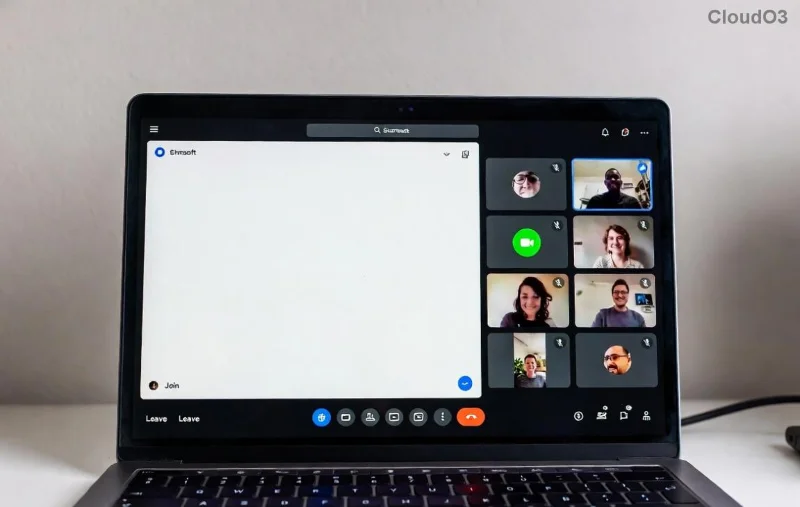
Struggling to get Microsoft Teams for Mac up and running on your MacBook Air or Pro? You're in the right place! Whether you're collaborating with your team, joining virtual meetings, or boosting productivity, Microsoft Teams is a must-have app for macOS users. This guide delivers how to download Microsoft Teams for Mac and MacBook Air/Pro with crystal-clear steps, insider tips, and solutions to common hiccups. No fluff—just results that'll have you chatting in seconds. Let's dive in! 😊
Why Choose Microsoft Teams for MacBook Air/Pro?
Microsoft Teams shines on Apple silicon (M1/M2/M3 chips) and Intel Macs alike, offering native performance for smooth video calls, file sharing, and chat. It's free for personal use, integrates with Office 365, and supports the latest macOS versions like Sonoma and beyond. Ready to unlock seamless teamwork? Follow these proven methods.
Method 1: Download Microsoft Teams for Mac from the Official Website (Recommended)
The direct download from Microsoft ensures the freshest version with full features. Perfect for MacBook Air and Pro users wanting control over updates.
- 1️⃣ Open your browser (Safari or Chrome) and head to the official Microsoft Teams download page.
- 2️⃣ Scroll to the Teams for work or school section (or personal if that's your vibe) and click the Download for Mac button. It auto-detects your macOS architecture.
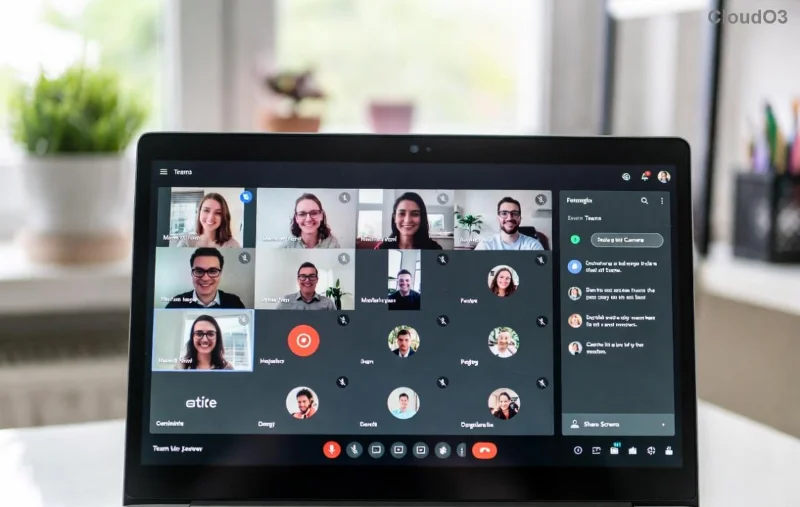
- 3️⃣ A
Teams.pkg file (around 200MB) downloads to your Downloads folder. No login required yet!
- 4️⃣ Double-click the .pkg file. Follow the installer wizard: Agree to terms, drag Teams to Applications if prompted, and hit Install.
- 5️⃣ Launch Microsoft Teams from Applications or Spotlight (⌘ + Space, type "Teams"). Sign in with your Microsoft account—voilà!
Pro Tip: For MacBook Pro users with external displays, Teams optimizes multi-monitor setups automatically. Feeling the speed? You're set! 🚀
Method 2: Get Teams for MacBook Air/Pro from the Mac App Store
Prefer auto-updates and sandboxed security? The App Store is your go-to, especially on M-series MacBook Air for effortless integration.
![Microsoft Teams in Mac App Store interface]()
- 1️⃣ Open the Mac App Store (blue icon in Dock or Spotlight).
- 2️⃣ Search for "Microsoft Teams". It's the official app by Microsoft Corporation—verify the developer badge.
- 3️⃣ Hit Get or the cloud arrow if previously installed. Enter your Apple ID if prompted.
- 4️⃣ Once downloaded, open from Launchpad or Applications. Sign in and customize notifications right away.
| Method |
Best For |
Pros |
Cons |
| Official Website |
MacBook Pro power users |
Latest features first, full installer control |
Manual updates |
| Mac App Store |
MacBook Air portability |
Auto-updates, seamless Apple integration |
Slightly delayed releases |
Troubleshooting: Fix Common Download Microsoft Teams for Mac Issues
Hit a snag? We've got your back—no frustration here! 😤
- Download fails? Check internet, disable VPN, or try another browser. Clear cache with ⌘ + Shift + R in Safari.
- Installation blocked? Go to System Settings > Privacy & Security and approve the Microsoft developer.
- App won't launch on M1/M2 MacBook Air? It's fully native—restart or update macOS via System Settings > General > Software Update.
- Slow performance on MacBook Pro? Quit background apps, enable hardware acceleration in Teams Settings > General.
- Error codes? Search "Teams [code]" in Microsoft Teams support for instant fixes.
Star tip ⭐: Pin Teams to your Dock for one-click access. Customize backgrounds and reactions for fun meetings!
Bonus: Optimize Microsoft Teams for MacBook Air/Pro Post-Install
Downloaded? Level up your setup:
- Enable Do Not Disturb during focus hours (Teams Settings > Notifications).
- Integrate with Calendar for auto-meeting joins.
- Use keyboard shortcuts: ⌘ + Shift + M (mute), ⌘ + Shift + H (hang up).
- For battery life on MacBook Air, set Teams to low-data mode in settings.
These tweaks make Teams on Mac feel like home. Share files faster, host larger calls, and collaborate like a pro.
Final Thoughts: Ready to Team Up?
Congrats—you've mastered how to download Microsoft Teams for Mac and MacBook Air/Pro! With millions of users loving its reliability, you're joining an epic productivity revolution. Got questions or a killer setup tip? Drop a comment below—we read them all! 👇 Stay tuned for more Mac guides that'll supercharge your workflow. Happy teaming! 🎉