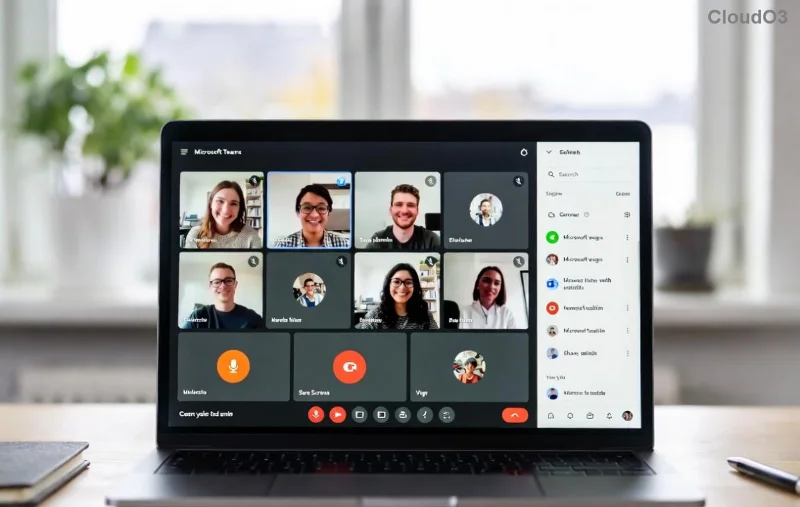
Ever been invited to a Microsoft Teams meeting as a guest but unsure how to dive in without a hitch? 😎 You're in the right place! This 2026 guide breaks it down into foolproof steps, ensuring you join Microsoft Teams meetings as a guest lightning-fast—no account, no fuss. Whether for work, webinars, or casual chats, get connected seamlessly with the latest updates.
Microsoft Teams has made guest access even smoother in recent years, supporting browsers, apps, and mobiles. Ready to jump in? Let's go! ➡️
✅ Prerequisites for Microsoft Teams Guest Join
Before clicking that link, ensure you're set up:
- Internet connection: Stable Wi-Fi or data.
- Device: Windows, Mac, iOS, Android, or Linux.
- Browser: Latest Chrome, Edge, Firefox, or Safari for web joins.
- Teams app (optional): Download from Microsoft's site for better experience.
- No Microsoft account needed for most public meetings! 🎉
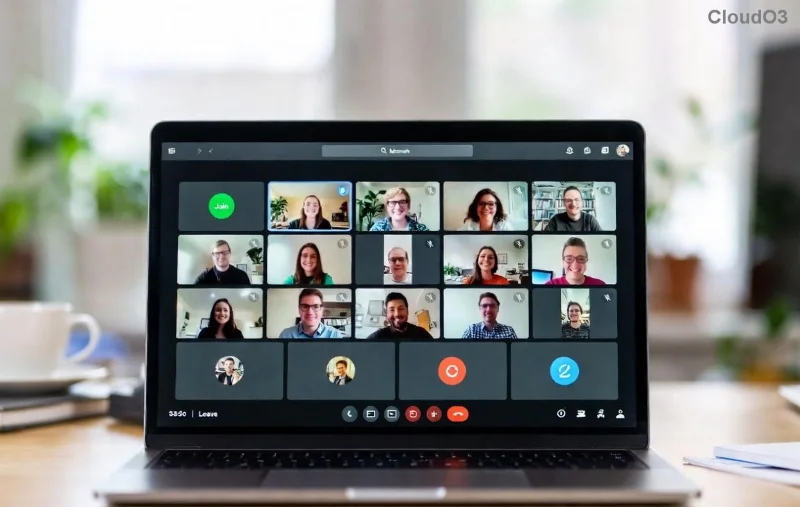
1️⃣ How to Join Microsoft Teams Meeting as Guest via Web Browser (Easiest Way)
The quickest method—no downloads required. Perfect for one-off joins!
- Get the invite link: Check your email, chat, or calendar for the Teams link (e.g., teams.microsoft.com/l/meetup-...).
- Click the link: It opens in your default browser.
- Select "Join as guest": If prompted, choose this option. Skip sign-in! 🚀
- Enter your name: Type a display name (e.g., "John Guest").
- Customize settings:
- Turn on/off video/audio.
- Choose "Don't join audio" if dialing in by phone.
- Hit "Join now": You're in! 🎊
Pro tip: If the host requires a waiting room, stay patient—they'll admit you shortly.
![Step-by-step <strong>join Teams as guest</strong> web browser interface 2026]()
2️⃣ Using the Microsoft Teams App as Guest
For frequent users, the app shines with better performance.
| Platform |
Steps |
| Desktop (Windows/Mac) |
1. Open Teams app or install if needed.
2. Paste invite link in "Join or create" field.
3. Click "Join as guest".
4. Enter name > Join! |
| Mobile (iOS/Android) |
1. Tap link in email.
2. "Open in Teams" or download app.
3. Select guest mode.
4. Name & join. 📱 |
Bonus: App supports background blur and reactions for immersive participation! ⭐
3️⃣ Troubleshooting Common Teams Guest Join Issues
Stuck? These fixes from the latest 2026 updates will save the day:
- "Can't join" error: Clear browser cache or try incognito mode. ❌
- Audio/Video fails: Allow camera/mic permissions. Test in Teams settings.
- Waiting room limbo: Ask host via chat or alternative contact.
- Corporate restrictions: Hosts must enable guest access in meeting options (official guide).
- Mobile woes: Update app to latest version. 🔧
![<strong>Troubleshoot Microsoft Teams guest meeting join</strong> errors 2026]()
💡 Pro Tips to Ace Your Guest Teams Meeting
- Prepare ahead: Test your setup with a free Teams meeting simulator.
- Phone dial-in: Use the meeting's phone number + conference ID as backup.
- Share screen: Request permission from host for presentations.
- Reactions & chat: Engage without interrupting—thumbs up! 👏
- Post-meeting: No account? You'll still get chat transcripts if enabled.
With these, you'll feel like a Teams pro in no time! 🌟
Why Join as Guest Rocks in 2026
Teams' guest access empowers collaboration without barriers. From freelancers to global teams, it's inclusive and secure. Hosts control permissions, so privacy stays intact.
Mastered it? Share this guide and join your next meeting confidently! Got questions? Drop them below—we're here to help. 👇
Stay tuned for more Teams hacks in our 2026 series!