πŸš€ Master Your Meetings: How to Test Microsoft Teams Audio and Camera Before Every Call

Imagine joining a crucial Microsoft Teams meeting only to hear echoes, static, or see a frozen feed. 😩 No more! Testing your setup beforehand ensures crystal-clear audio and sharp video, boosting your confidence and professionalism. In this guide, we'll walk you through how to test your Microsoft Teams audio and camera before a call with the latest features for seamless experiences.

Why Bother Testing Your Microsoft Teams Audio and Camera?

Quick tests prevent mishaps like muted mics or upside-down cameras. According to Microsoft, over 300 million users rely on Teams dailyβ€”don't be the one causing delays! ⭐ Plus, it's lightning-fast, taking just 2-3 minutes.

πŸ”§ Step-by-Step: How to Test Your Microsoft Teams Audio on Desktop

  1. 1️⃣ Open the Microsoft Teams app and click your profile picture > Settings (gear icon).
  2. 2️⃣ Go to Devices tab.
  3. 3️⃣ Under Audio devices, select your microphone from the dropdown.
  4. 4️⃣ Click Make a test call. Teams will ringβ€”speak naturally and listen for playback. βœ…
  5. 5️⃣ Adjust speaker volume with the slider and test again.

Pro Tip: Enable Noise suppression for cleaner sound in noisy environments.
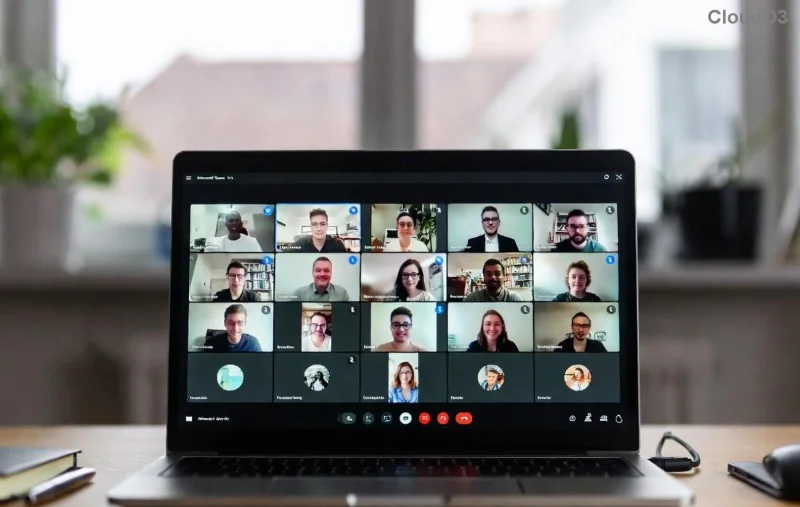
Microsoft Teams audio test interface showing microphone selection and test call button

πŸ“Ή How to Test Your Microsoft Teams Camera Before a Call

Visuals matter! Follow these for a polished look:

  1. 1️⃣ In Devices settings, pick your camera.
  2. 2️⃣ Preview appearsβ€”check lighting, background, and framing. Smile! 😊
  3. 3️⃣ Toggle effects like Background Blur for privacy.
  4. 4️⃣ Test in a mock meeting: New Meeting > Start a quick test call.
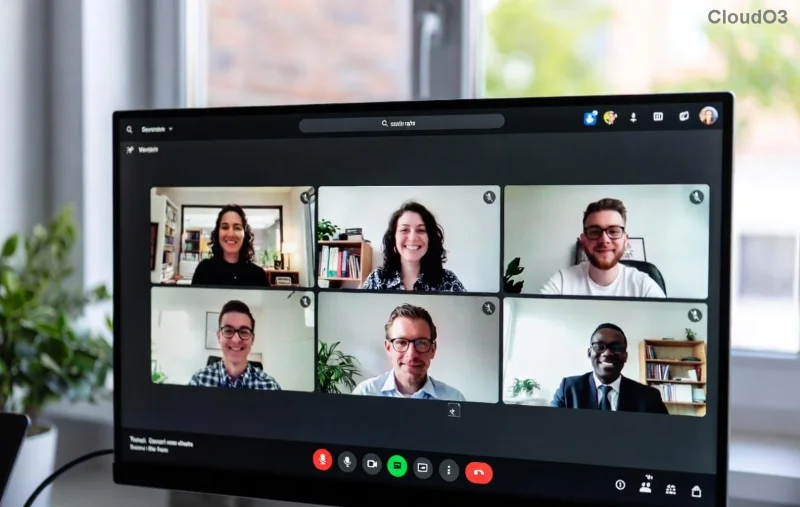
Teams camera preview with device selection and video effects

🌐 Quick Tests for Teams Web and Mobile

Teams Web Browser

No app? No problem:

  • Join via teams.microsoft.com.
  • Before joining, click Check camera and microphoneβ€”it auto-tests both! πŸŽ‰

Mobile App (iOS/Android)

  1. 1️⃣ Tap profile > Settings > Devices.
  2. 2️⃣ Test mic by recording voice memo; preview camera live.
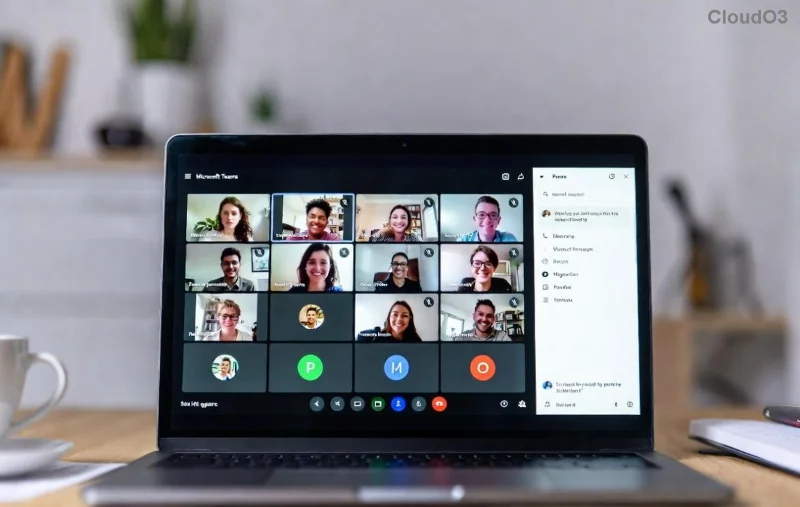
Mobile Teams settings for audio and camera testing

πŸ“‹ Handy Checklist Table for Microsoft Teams Audio and Camera Tests

βœ… Test Item Status Check Quick Fix
Microphone Hear clear playback? Grant permissions; try different mic.
Speaker Volume balanced? Adjust system volume; disable Bluetooth interference.
Camera Sharp image, good lighting? Face light source; update drivers.
Permissions Browser/OS allowed? Check site settings.

⚠️ Common Issues and Fixes

Stuck? Here's troubleshooting gold:

  • No audio? Ensure Teams isn't muted (speaker icon) and restart app. Test hardware in Windows Sound settings.
  • Camera black? Update drivers via Device Manager. Close other apps using camera.
  • Firewall blocking? Whitelist Teams per Microsoft Support.
  • Mobile woes? Toggle Airplane mode briefly.

Still fuzzy? Run the built-in Teams device diagnostic in Settings.

🎯 Advanced Tips to Elevate Your Setup

  • Use external USB mic/webcam for pro quality.
  • Enable Live captions for accessibility.
  • Schedule recurring tests via Teams reminders.
  • Share your screen? Test that too in Devices tab!
"Testing takes seconds; embarrassment lasts minutes." – Virtual Meeting Wisdom πŸ‘

Ready to Rock Your Next Call?

Now you know exactly how to test your Microsoft Teams audio and camera before a call. Practice once today, and thank us later during your glitch-free meeting! Got a tip? Drop it in the comments. πŸ‘‡ Stay tuned for more Teams hacks.


For the most current guidance, visit Microsoft Teams Support.


Leave a Comment

πŸš€ Fix Microsoft Teams Network Error Offline: 10 Proven Steps to Get Back Online Fast!

πŸš€ Fix Microsoft Teams Network Error Offline: 10 Proven Steps to Get Back Online Fast!

Struggling with Microsoft Teams "Network Error" Offline? Discover proven, step-by-step fixes to resolve it quickly. From cache clearing to network resets, get Teams working smoothly againβ€”no tech skills needed!

Fix Microsoft Teams Password Error Recovery: Proven Steps to Regain Access Instantly

Fix Microsoft Teams Password Error Recovery: Proven Steps to Regain Access Instantly

Struggling with Microsoft Teams Password Error Recovery? Discover step-by-step fixes for password errors, cache clears, and account recovery to get back to seamless collaboration. Updated with the latest solutions.

Stuck on Microsoft Teams Welcome Screen? 7 Proven Fixes to Get Back Online Instantly!

Stuck on Microsoft Teams Welcome Screen? 7 Proven Fixes to Get Back Online Instantly!

Frustrated by the Microsoft Teams "Welcome" screen stuck error? Follow our step-by-step guide with proven solutions to fix it fastβ€”no tech skills needed. Get back to seamless collaboration today!

πŸ”§ Instant Fix: How to Fix Microsoft Teams Win 7 Error Compatibility Issues Fast!

πŸ”§ Instant Fix: How to Fix Microsoft Teams Win 7 Error Compatibility Issues Fast!

Tired of the Microsoft Teams 'Win 7 Error'? Discover proven, step-by-step fixes for compatibility problems. Get Teams running smoothly on older Windows setups without hassle. Updated with the latest solutions!

🚨 Fix Microsoft Teams Layout Error Sidebar FAST – Proven Troubleshooting Guide 2026

🚨 Fix Microsoft Teams Layout Error Sidebar FAST – Proven Troubleshooting Guide 2026

Master Troubleshooting Microsoft Teams "Layout Error" Sidebar with this ultimate guide. Step-by-step fixes for layout glitches, sidebar crashes, and more – get back to seamless collaboration in minutes!

🚨 Fix Microsoft Teams Wiki Error Formatting FAST: Ultimate 2026 Troubleshooting Guide

🚨 Fix Microsoft Teams Wiki Error Formatting FAST: Ultimate 2026 Troubleshooting Guide

Tired of Microsoft Teams Wiki Error ruining your formatting? Get instant fixes for bold, italics, lists & more. Step-by-step guide with proven solutions for seamless Teams Wiki editing.

πŸš€ Fix Microsoft Teams Installing Error on Windows Server: Proven 2026 Guide

πŸš€ Fix Microsoft Teams Installing Error on Windows Server: Proven 2026 Guide

Struggling with Microsoft Teams installing error on Windows Server? Discover proven step-by-step fixes, from prerequisites to advanced troubleshooting, to resolve it instantly and boost your productivity. Updated with the latest solutions.

Why Cant I See Breakout Rooms in Teams? 7 Proven Fixes to Unlock Them Now!

Why Cant I See Breakout Rooms in Teams? 7 Proven Fixes to Unlock Them Now!

Can't spot Breakout Rooms in your Microsoft Teams meeting? Uncover the top reasons why Breakout Rooms in Microsoft Teams are missing and follow our step-by-step fixes to enable them effortlessly for seamless collaboration.

πŸš€ Unlock Vacation Mode: How to Set Out of Office Status in Microsoft Teams Instantly

πŸš€ Unlock Vacation Mode: How to Set Out of Office Status in Microsoft Teams Instantly

Discover the easiest ways to set Out of Office status in Microsoft Teams. Sync from Outlook, custom messages, mobile tips & troubleshooting for seamless away time. Stay productive even when offline!

πŸš€ Fix Microsoft Teams Cho Mac Error on Mac OS in Minutes – Proven Solutions!

πŸš€ Fix Microsoft Teams Cho Mac Error on Mac OS in Minutes – Proven Solutions!

Tired of the frustrating Microsoft Teams "Cho Mac" error crashing your Mac OS workflow? Discover quick, step-by-step fixes to resolve it permanently and boost productivity. Updated with the latest patches.







