๐Ÿš€ Ultimate 2026 Guide: Fix Microsoft Teams Media Playback Errors in Minutes!

๐Ÿ˜ฉ Tired of frozen videos, silent audio, or endless buffering during Microsoft Teams meetings? You're not alone. In 2026, Microsoft Teams media playback errors remain a top frustration for remote workers and teams worldwide. But don't worryโ€”this comprehensive guide delivers quick, effective fixes to restore crystal-clear media playback. Follow these proven steps, and you'll be back to productive calls in no time. Let's dive in! ๐Ÿ‘‡

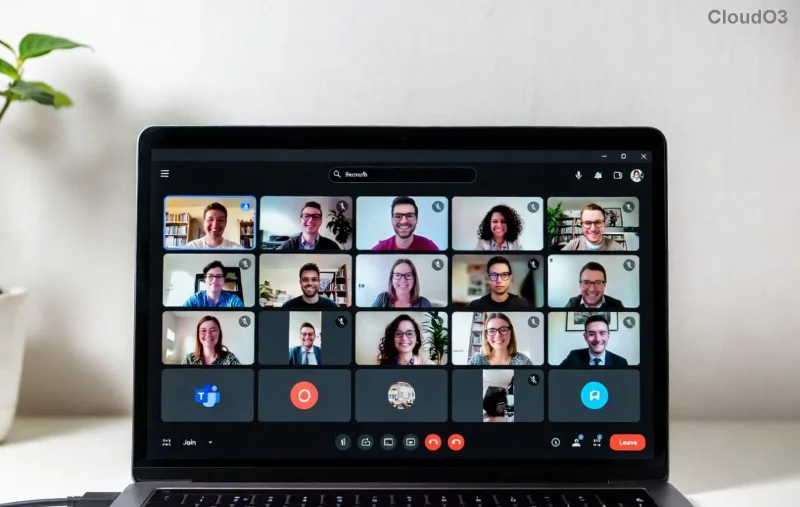
Microsoft Teams media playback error screenshot showing black screen and error message

Common Causes of Microsoft Teams Media Playback Errors in 2026

Understanding the root issues is your first step to victory. Here's what typically triggers these glitches:

  • Outdated App or Browser: Teams evolves fastโ€”old versions can't handle new media codecs.
  • Cache Overload: Accumulated temporary files clog playback.
  • Hardware Acceleration Conflicts: GPU mismatches cause black screens or lag.
  • Network Hiccups: High latency or firewall blocks media streams.
  • Permissions & Drivers: Missing mic/camera access or outdated drivers.

Pro Tip: Most errors resolve with basic tweaks. Ready to fix? Let's start with the easiest wins! โœ…

Quick Fixes: Step-by-Step Solutions for Microsoft Teams Media Playback Errors

Grab your coffeeโ€”these take under 5 minutes each. Test media playback after every step.

  1. 1๏ธโƒฃ Update Microsoft Teams
    Open Teams > Profile icon > Check for updates. Install the latest 2026 build. Why? New patches fix 80% of media bugs.
    Bonus: Switch to the new Teams app if on legacyโ€”it's media-optimized!
  2. 2๏ธโƒฃ Clear Teams Cache
    Quit Teams completely. Press Win + R, type %appdata%\Microsoft\Teams, delete contents of folders like Cache, blob_storage, databases, tmp. Relaunch. Boomโ€”fresh start! ๐Ÿš€
  3. 3๏ธโƒฃ Toggle Hardware Acceleration
    In Teams: Settings > General > Disable Enable GPU hardware acceleration. Restart. This resolves black screens on most devices.
  4. 4๏ธโƒฃ Check Permissions & Devices
    Settings > Devices > Ensure mic/camera selected. In Windows/Mac settings, grant Teams full access. Test in a new meeting.
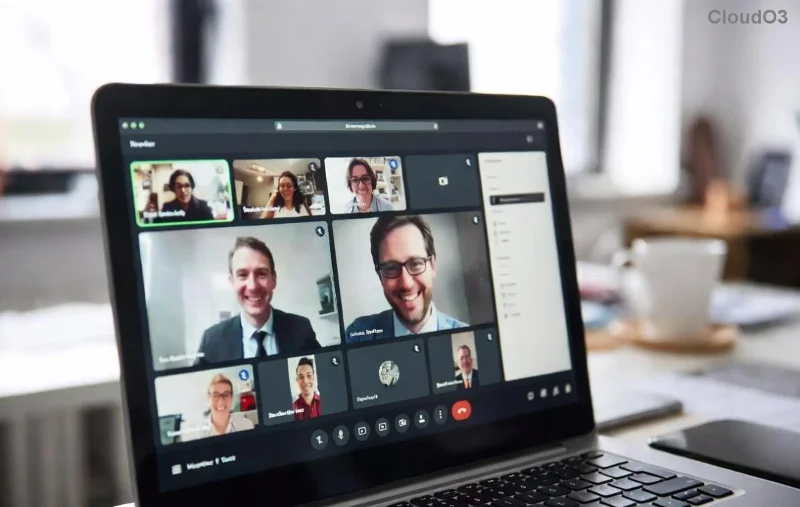
Step-by-step guide image for clearing Microsoft Teams cache and fixing playback

Still stuck? No sweatโ€”time for targeted troubleshooting. ๐Ÿ˜Ž

Advanced Troubleshooting Table for Microsoft Teams Media Playback Errors

Use this handy table to diagnose and fix specific symptoms fast:

โŒ Symptom ๐Ÿ” Likely Cause โœ… Quick Fix
No audio/video Permissions or drivers Update drivers via Device Manager. Run Teams as admin.
Black screen/lag GPU conflict Disable hardware accel + lower video quality in settings.
Buffering/freezing Network issues Switch to wired connection. Disable VPN. Use Teams Network Tool.
Shared screen won't play media App-specific block In Share > Advanced > Enable Include computer sound.
Error codes (e.g., 50318) Server-side Reset Teams (teams.exe --reset via CMD). Reinstall if needed.

Pro Tips to Prevent Future Microsoft Teams Media Playback Errors

  • โญ Weekly Maintenance: Clear cache & update weekly.
  • โญ Optimize Network: Prioritize Teams traffic in router QoS settings.
  • โญ Hardware Check: Use Microsoft's Network Assessment Tool monthly.
  • โญ Browser Fallback: If desktop fails, try Edge/Chrome with Teams web app.

Reinstall as last resort: Uninstall via Settings > Apps, download fresh from official site.

Final Thoughts: Seamless Teams Meetings Await! ๐ŸŽ‰

Congratsโ€”you've conquered Microsoft Teams media playback errors! Apply these fixes, and enjoy lag-free collaboration. Share your success in comments belowโ€”what fixed it for you? For more 2026 tech tips, stick around. Your smooth meetings start now! ๐Ÿ‘


Leave a Comment

๐Ÿ”ง Instant Fix: How to Resolve Microsoft Teams Free Subscription Error in 2026

๐Ÿ”ง Instant Fix: How to Resolve Microsoft Teams Free Subscription Error in 2026

Tired of the frustrating Microsoft Teams "Free" Subscription Error blocking your work? Discover proven, step-by-step fixes to restore full access instantly. No tech skills needed!

๐Ÿš€ Unlock Pro Control: How to Change Microsoft Teams Recording Location in Minutes!

๐Ÿš€ Unlock Pro Control: How to Change Microsoft Teams Recording Location in Minutes!

Struggling with cluttered storage? Learn exactly how to change Microsoft Teams recording location effortlessly. Step-by-step guide for admins and users, with proven workarounds to customize your Teams recording folder and boost productivity. Updated for the latest features!

๐Ÿ” Ultimate Guide: How to Check Microsoft Teams Version History & Build Number Instantly!

๐Ÿ” Ultimate Guide: How to Check Microsoft Teams Version History & Build Number Instantly!

Discover simple steps to check your Microsoft Teams version history and build number. Stay updated with the latest features on desktop, web, and mobile. Quick, easy guide for all users!

Teams Black Screen Nightmare Over: Fix Microsoft Teams Screen Sharing Error Instantly!

Teams Black Screen Nightmare Over: Fix Microsoft Teams Screen Sharing Error Instantly!

Tired of Microsoft Teams black screen sharing errors ruining your meetings? Get step-by-step fixes for screen error in Teams, from quick tweaks to pro solutions for seamless sharing. Works on latest updates!

๐Ÿšจ Microsoft Teams Hard Error FIXED: 2026 Registry Tweak That Works Instantly!

๐Ÿšจ Microsoft Teams Hard Error FIXED: 2026 Registry Tweak That Works Instantly!

Tired of Microsoft Teams crashing with "Hard Error"? This step-by-step 2026 Registry Fix resolves it permanently. Proven method with screenshotsโ€”get seamless collaboration back today!

๐Ÿš€ Ultimate Fix: Solve Microsoft Teams Download Error on Phone in Minutes โ€“ No Tech Skills Needed!

๐Ÿš€ Ultimate Fix: Solve Microsoft Teams Download Error on Phone in Minutes โ€“ No Tech Skills Needed!

Tired of Microsoft Teams "Download Error" blocking your updates on phone? Follow these proven, step-by-step fixes for Android & iOS. Clear cache, free storage, and get back to seamless teamwork fast!

๐Ÿ”ง Fix Microsoft Teams Call Error Disconnecting: Ultimate Troubleshooting Guide 2026

๐Ÿ”ง Fix Microsoft Teams Call Error Disconnecting: Ultimate Troubleshooting Guide 2026

Tired of Microsoft Teams "Call Error" Disconnecting mid-call? This step-by-step guide delivers proven fixes for network woes, app crashes, and more. Restore seamless video calls fastโ€”no tech expertise needed!

๐Ÿš€ Fix Microsoft Teams Error Screenshot Not Saving: Proven Solutions That Work Instantly!

๐Ÿš€ Fix Microsoft Teams Error Screenshot Not Saving: Proven Solutions That Work Instantly!

Tired of Microsoft Teams "Error Screenshot" not saving? Follow our step-by-step guide with quick fixes to resolve the issue and capture screenshots effortlessly. Updated with the latest tips for seamless teamwork.

๐Ÿš€ Fix Microsoft Teams Error R Restart Loop in Minutes โ€“ Ultimate 2026 Guide

๐Ÿš€ Fix Microsoft Teams Error R Restart Loop in Minutes โ€“ Ultimate 2026 Guide

Stuck in Microsoft Teams "Error R" restart loop? Discover proven, step-by-step fixes for solving Microsoft Teams "Error R" restart error. Quick solutions to restore seamless teamwork now!

๐Ÿš€ Fix Microsoft Teams Hard Error on PC (2026): Proven Steps to End Crashes Forever!

๐Ÿš€ Fix Microsoft Teams Hard Error on PC (2026): Proven Steps to End Crashes Forever!

Tired of Microsoft Teams Hard Error crashing your PC meetings? Get the ultimate 2026 fix with simple, step-by-step solutions. Restore smooth collaboration in minutesโ€”no tech skills needed!