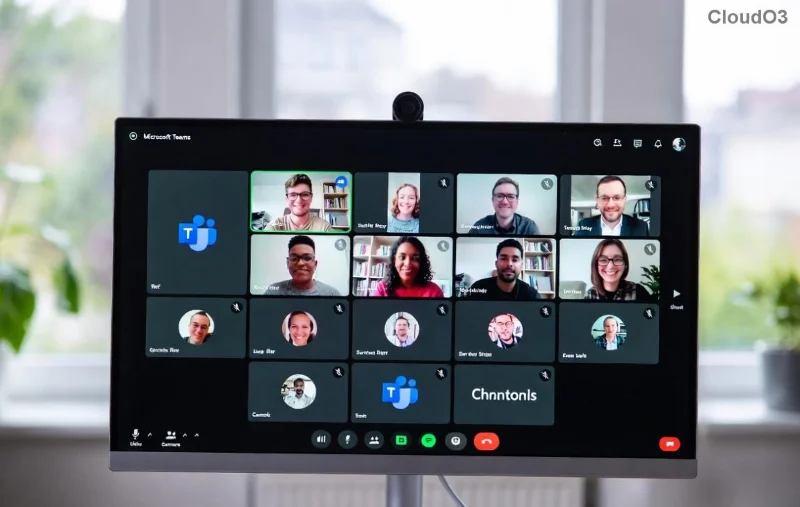
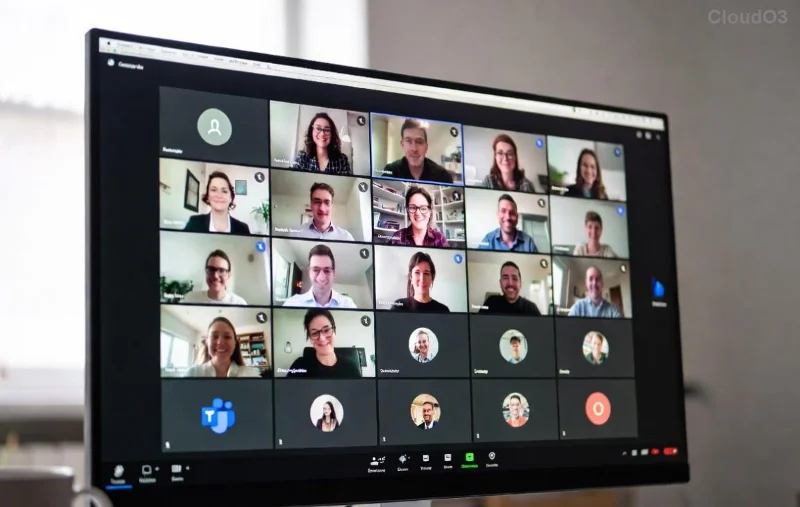
Frustrated with Microsoft Teams VDI errors disrupting your virtual desktop flow on Citrix or VMware? You're not alone—audio dropouts, video black screens, and choppy calls plague many VDI users. But don't worry! This guide delivers precise, actionable steps to resolve Microsoft Teams VDI Error on Citrix/VMware fast. We'll focus on the latest optimizations, keeping your collaboration crystal clear. Let's dive in and get Teams humming again! 💪
Common Microsoft Teams VDI Errors and Why They Happen
VDI environments like Citrix Virtual Apps/Desktops or VMware Horizon optimize Teams via media redirection, but glitches occur due to outdated plugins, policy misconfigs, or hardware acceleration conflicts. Top issues include:
- 🔴 No audio/video in meetings (media not redirecting).
- ⚠️ Black or frozen screens during calls.
- ❌ Sign-in failures or crashes on launch.
- 📉 Poor performance despite optimizations.
Good news: Microsoft's VDI media optimizations (latest machine-wide installer) and platform-specific tweaks fix 90% of cases. Ready to troubleshoot? Follow these targeted fixes.
Step-by-Step: Fix Microsoft Teams VDI Error on Citrix
Citrix HDX tech shines with Teams, but errors stem from VDA versions or policy gaps. Use Citrix Workspace app (latest LTSR) and follow these steps:
- ✅ Update Citrix VDA and Workspace App: Ensure VDA 2203+ (or newer Cumulative Update). Download from Citrix Docs.
- 🛠️ Install Microsoft Teams Optimization Package:
- Deploy the Teams Machine-Wide Installer (msi) via Citrix Studio or Intune.
- Run:
Teams_machine_installer.exe -A for all users.
- 🔧 Configure Citrix Policies:
| Policy Setting | Value | Why? |
|---|
| Enable HDX Media Redirection | Allowed | Routes A/V to client hardware. |
| Client audio redirection | Prohibited (for optimization) | Prevents double audio. |
| Video redirection | Allowed | Optimizes video decoding. |
| USB Device Redirection | Prohibited | Avoids webcam conflicts. |
- 📱 Test on Client Side: Launch Teams via Citrix Workspace. Enable Teams Optimization in Citrix settings (gear icon > Teams Optimization).
- 🔄 Restart and Verify: Log off/on. Join a test meeting—audio/video should redirect seamlessly.
If errors persist, check Event Viewer for "WebRTC" logs and ensure GPU passthrough if using hardware acceleration.
Proven Fixes for Microsoft Teams VDI Error on VMware
VMware Horizon uses Blast Extreme for top-tier Teams support. Errors often hit due to Blast config or outdated agents. Target Horizon 8+ with Blast Adaptive.
- ⭐ Update Horizon Agent and Client: Horizon Agent 2206+ and Horizon Client 5.13+. Get from VMware Docs.
- ⚙️ Deploy Teams VDI Optimization:
- Install Teams MSP (Media Service Provider) MSI silently:
msiexec /i Teams_msi_x64.msi ALLUSERS=1.
- Enable in registry:
HKEY_LOCAL_MACHINE\SOFTWARE\WOW6432Node\Microsoft\TeamsVdi\IsTeamsVDI=true.
- 📊 Horizon Policies via ADMX:
| GPO Setting | Value | Impact |
|---|
| Configure Blast Multimedia Redirection | Windowed/Fullscreen | Boosts A/V offload. |
| Allow H.264 with High Color Depth | Enabled | Sharper video. |
| PCoIP Webcam Support | Disabled (use Blast) | Prevents conflicts. |
- 🖥️ Client Tweaks: In Horizon Client > Protocol > Blast > Enable H.264 and High Quality.
- ✅ Validate: Use Horizon Performance Tracker (Ctrl+Alt+Shift+R) to confirm media redirection.
![Step-by-step Teams optimization setup on VMware Horizon dashboard]()
Universal Microsoft Teams VDI Fixes for Both Platforms
Cross-platform boosters to supercharge reliability:
- 🔥 Latest Teams Version: Always use the new Teams client (not classic). Auto-updates via VDI deployment.
- 🛡️ Disable Hardware Acceleration: In Teams Settings > General > Disable GPU hardware acceleration if glitches persist.
- 📈 Network Optimization: Ensure UDP ports 3478-3481 open; use QoS for Teams traffic (tag 56).
- 🔍 Diagnostics Tools:
- Teams Logs: %appdata%\Microsoft\Teams\logs.txt
- Citrix Scout / VMware Log Insight for deep dives.
![Before and after comparison of fixed Teams VDI call quality on Citrix]()
Advanced Tips to Prevent Future Teams VDI Errors ⭐
Lock in success:
- Automate updates with Citrix/VMware Lifecycle Management.
- Test in golden image before rolling out.
- Monitor with Microsoft Call Quality Dashboard (CQD).
- For large deploys, script MSI installs via PowerShell.
Pro tip: If using Azure Virtual Desktop alongside, align with MS's unified VDI packs for hybrid wins.
FAQ: Quick Wins for Microsoft Teams VDI Error on Citrix/VMware
- Why no video in screen share?
- Enable "Optimize for video" in Citrix/VMware policies. Restart session.
- Teams crashes on VDI login?
- Clear Teams cache: %appdata%\Microsoft\Teams\Cache folder delete.
- Best for 1000+ users?
- FSLogix profile containers + App Volumes for Teams isolation.
Congrats—you're now equipped to banish Microsoft Teams VDI errors forever! Implement these, and watch productivity soar. Got a unique setup? Drop a comment below—we're here to help. Happy teaming! 🎉