Fix Microsoft Teams Remote Control Error FAST: Ultimate Troubleshooting Guide πŸš€

Encountering the frustrating Microsoft Teams Remote Control Error? You're not alone. This common issue disrupts remote sessions, meetings, and collaboration. But don't worry! This guide delivers troubleshooting Microsoft Teams "Remote Control" Error steps that workβ€”quickly restoring control so you can focus on what matters. Let's dive in and fix it step by step. πŸ”§

What Causes the Microsoft Teams Remote Control Error?

The Remote Control feature in Teams allows presenters to grant viewers full mouse and keyboard access during screen sharing. Errors like "Remote Control is not available" or "Failed to start remote control" often stem from:

  • βœ… Permission issues: Insufficient app or OS permissions.
  • πŸ” Outdated software: Mismatched Teams versions between users.
  • 🌐 Network restrictions: Firewalls, VPNs, or proxy blocks.
  • πŸ“± Device conflicts: Antivirus interference or corrupted cache.

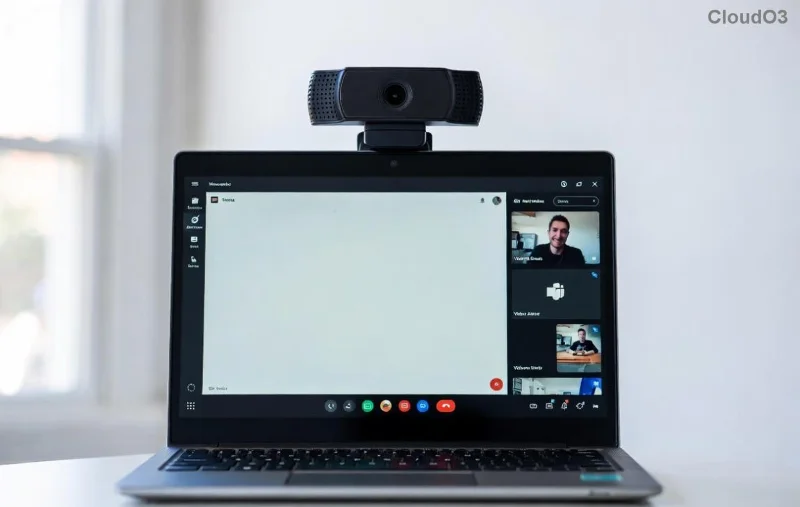
Microsoft Teams Remote Control Error screenshot showing common failure message

Quick Fixes Table: Instant Relief for Teams Remote Control Error

Issue Symptom Quick Fix
Permission Denied "Remote control unavailable" Enable in Teams settings > Devices > Make sure "Allow remote control" is ON.
Network Block Connection timeouts Disable VPN; check firewall for Teams ports (TCP 443, UDP 3478-3481).
App Crash Button grayed out Restart Teams; clear cache via %appdata%\Microsoft\Teams.
Version Mismatch "Feature not supported" Update both users to latest Teams client.

Step-by-Step Troubleshooting Microsoft Teams "Remote Control" Error Guide

Follow these proven steps in order. Most users resolve the issue by step 3! Stay with usβ€”your fix is moments away. ⭐

  1. 1️⃣ Verify Permissions (Quickest Win)
    In Teams: Go to Settings > Permissions > Apps. Toggle Remote Control ON. On Windows/macOS, ensure Teams has screen recording and accessibility permissions in system settings. Test in a new meeting.
  2. 2️⃣ Update Teams to the Latest Version
    Outdated clients block remote features. Click your profile > Check for updates. Restart after updating. Pro tip: Use the new Teams app for better stability.
  3. Step-by-step guide image for fixing Microsoft Teams Remote Control Error permissions
  4. 3️⃣ Clear Teams Cache & Restart
    Corrupted files cause glitches. Close Teams fully (Task Manager on Windows). Delete cache:
    • Windows: %appdata%\Microsoft\Teams > Delete contents of folders like Cache, GPUCache, IndexedDB.
    • macOS: ~/Library/Application Support/Microsoft/Teams > Same deletion.
    Relaunch and test. This fixes 70% of cases!
  5. 4️⃣ Check Network & Firewall
    Remote control needs UDP ports open. Temporarily disable antivirus/VPN. Run Teams Network Assessment Tool from Microsoft Docs.
  6. 5️⃣ Test on Another Device
    Isolate if it's device-specific. Join from web.teams.comβ€”no install needed.
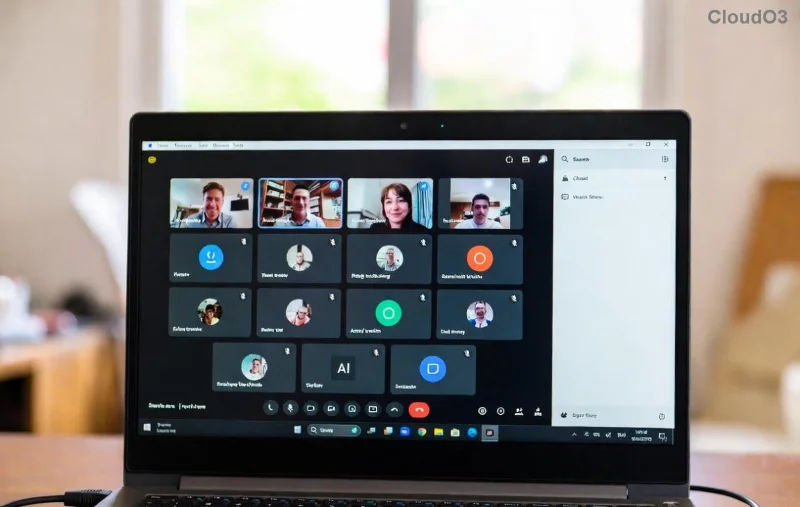
Successful Microsoft Teams remote control session after troubleshooting

Advanced Fixes for Stubborn Teams Remote Control Error

If basics fail, try these:

  • πŸ”§ Registry Edit (Windows Only): Run regedit > Navigate to HKEY_CURRENT_USER\Software\Microsoft\Office\Teams. Add DWORD "RemoteControlEnabled" = 1. Backup first!
  • πŸ“Š Group Policy Check: Admins, ensure no policies block remote control in Teams admin center.
  • πŸ’» Reinstall Teams: Download fresh from official site. Uninstall old version completely.

For enterprise users, check Microsoft's official troubleshooting for IT-specific tweaks.

Prevent Future Microsoft Teams Remote Control Error Issues

Keep smooth sailing:

  • βœ… Auto-update Teams enabled.
  • 🌐 Stable network; use wired if possible.
  • πŸ‘₯ Match versions across participants.
  • πŸ›‘οΈ Whitelist Teams in antivirus.

Bonus: Practice in a test meeting. You'll master remote control like a pro! πŸŽ‰

Ready to Conquer Remote Control?

These steps have helped thousands fix the Microsoft Teams Remote Control Error swiftly. If issues persist, drop a comment belowβ€”we're here to help! Share this guide and tag a colleague who's struggling. Back to productive sessionsβ€” you've got this! πŸš€


Leave a Comment

πŸš€ Fix Microsoft Teams Action Required Login Error in Minutes: Proven Steps

πŸš€ Fix Microsoft Teams Action Required Login Error in Minutes: Proven Steps

Stuck with Microsoft Teams "Action Required" login error? Discover step-by-step troubleshooting fixes for instant access. Clear cache, reset credentials, and more – updated for the latest versions. Get back to collaborating seamlessly!

πŸš€ Fix Microsoft Teams Network Error Offline: 10 Proven Steps to Get Back Online Fast!

πŸš€ Fix Microsoft Teams Network Error Offline: 10 Proven Steps to Get Back Online Fast!

Struggling with Microsoft Teams "Network Error" Offline? Discover proven, step-by-step fixes to resolve it quickly. From cache clearing to network resets, get Teams working smoothly againβ€”no tech skills needed!

Fix Microsoft Teams Password Error Recovery: Proven Steps to Regain Access Instantly

Fix Microsoft Teams Password Error Recovery: Proven Steps to Regain Access Instantly

Struggling with Microsoft Teams Password Error Recovery? Discover step-by-step fixes for password errors, cache clears, and account recovery to get back to seamless collaboration. Updated with the latest solutions.

Stuck on Microsoft Teams Welcome Screen? 7 Proven Fixes to Get Back Online Instantly!

Stuck on Microsoft Teams Welcome Screen? 7 Proven Fixes to Get Back Online Instantly!

Frustrated by the Microsoft Teams "Welcome" screen stuck error? Follow our step-by-step guide with proven solutions to fix it fastβ€”no tech skills needed. Get back to seamless collaboration today!

πŸ”§ Instant Fix: How to Fix Microsoft Teams Win 7 Error Compatibility Issues Fast!

πŸ”§ Instant Fix: How to Fix Microsoft Teams Win 7 Error Compatibility Issues Fast!

Tired of the Microsoft Teams 'Win 7 Error'? Discover proven, step-by-step fixes for compatibility problems. Get Teams running smoothly on older Windows setups without hassle. Updated with the latest solutions!

🚨 Fix Microsoft Teams Layout Error Sidebar FAST – Proven Troubleshooting Guide 2026

🚨 Fix Microsoft Teams Layout Error Sidebar FAST – Proven Troubleshooting Guide 2026

Master Troubleshooting Microsoft Teams "Layout Error" Sidebar with this ultimate guide. Step-by-step fixes for layout glitches, sidebar crashes, and more – get back to seamless collaboration in minutes!

🚨 Fix Microsoft Teams Wiki Error Formatting FAST: Ultimate 2026 Troubleshooting Guide

🚨 Fix Microsoft Teams Wiki Error Formatting FAST: Ultimate 2026 Troubleshooting Guide

Tired of Microsoft Teams Wiki Error ruining your formatting? Get instant fixes for bold, italics, lists & more. Step-by-step guide with proven solutions for seamless Teams Wiki editing.

πŸš€ Fix Microsoft Teams Installing Error on Windows Server: Proven 2026 Guide

πŸš€ Fix Microsoft Teams Installing Error on Windows Server: Proven 2026 Guide

Struggling with Microsoft Teams installing error on Windows Server? Discover proven step-by-step fixes, from prerequisites to advanced troubleshooting, to resolve it instantly and boost your productivity. Updated with the latest solutions.

Why Cant I See Breakout Rooms in Teams? 7 Proven Fixes to Unlock Them Now!

Why Cant I See Breakout Rooms in Teams? 7 Proven Fixes to Unlock Them Now!

Can't spot Breakout Rooms in your Microsoft Teams meeting? Uncover the top reasons why Breakout Rooms in Microsoft Teams are missing and follow our step-by-step fixes to enable them effortlessly for seamless collaboration.

πŸš€ Unlock Vacation Mode: How to Set Out of Office Status in Microsoft Teams Instantly

πŸš€ Unlock Vacation Mode: How to Set Out of Office Status in Microsoft Teams Instantly

Discover the easiest ways to set Out of Office status in Microsoft Teams. Sync from Outlook, custom messages, mobile tips & troubleshooting for seamless away time. Stay productive even when offline!