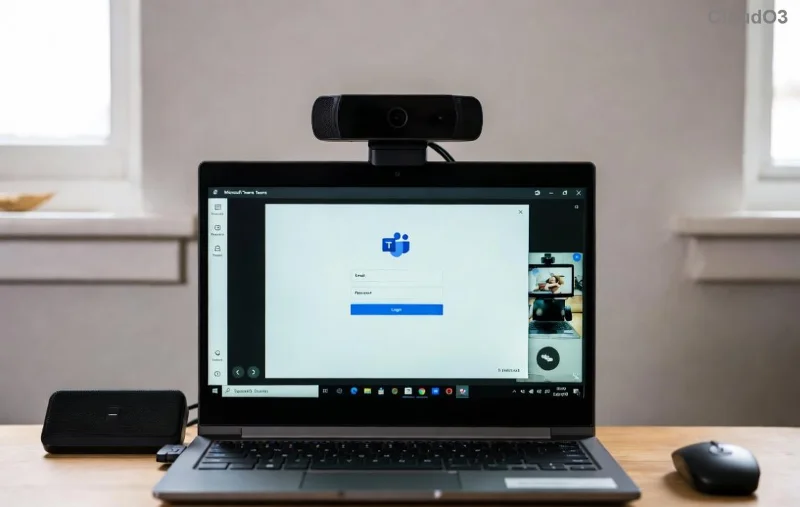
Ever been invited to a Microsoft Teams meeting by ID and passcode but felt lost on where to start? 😊 You're not alone! Whether it's a work call, virtual class, or team huddle, joining seamlessly keeps you connected without missing a beat. This guide delivers precise, up-to-date steps to get you in fast—desktop, mobile, or web. Let's dive right in and make your next meeting a breeze! 🚀
Quick Prerequisites for Smooth Entry
Before jumping in, ensure:
- A stable internet connection.
- The latest Microsoft Teams app (download from the official site if needed).
- Your Teams meeting ID (usually 9-11 digits) and passcode (provided by the host).
Pro tip: Save the invite link if available—it's often teams.microsoft.com/meeting-ID?passcode=XXXXX—but we'll focus on ID/passcode entry for ultimate flexibility. Ready? Let's join! ⭐
1️⃣ How to Join a Microsoft Teams Meeting by ID and Passcode on Desktop (Windows/Mac)
Desktop offers the smoothest experience with full features like screen sharing. Here's your foolproof path:
- Open the Teams App: Launch Microsoft Teams. If not installed, download it here.
- Click "Join or start a meeting": Spot this prominent button on the home screen or calendar tab.
- Enter Meeting ID: Type or paste the Teams meeting ID in the "Meeting ID or link" field. No account? Select "Join as a guest."
- Add Passcode: Input the passcode when prompted. Hit "Join now."
- Configure Audio/Video: Choose mic, camera, and speaker settings. Preview and confirm! 🎤📹

You're in! Share your screen or chat instantly. This method works flawlessly on the latest Teams version for Windows/Mac.
2️⃣ Mobile Mastery: Join Teams Meeting by ID and Passcode on Android/iOS
On the go? Mobile Teams shines for quick joins. Follow these taps:
| Step |
Android |
iOS |
| 1. Open App |
Launch Teams app |
Launch Teams app |
| 2. Navigate |
Tap Teams tab > "Join or start" |
Tap Calendar > "+" > "Join a meeting" |
| 3. Enter Details |
Paste meeting ID & passcode |
Paste meeting ID & passcode |
| 4. Join |
Select "Join as guest" > Confirm audio |
Toggle mic/camera > "Join" |
![Mobile interface for entering Microsoft Teams meeting ID and passcode]()
Bonus: Enable notifications for reminders. Now you're meeting-ready from your phone! 📱✨
3️⃣ Web Browser Option: No App Needed!
Prefer no downloads? Use any modern browser (Chrome, Edge, Safari):
- Go to teams.microsoft.com.
- Click "Join or start a meeting."
- Enter the Teams meeting ID.
- Provide the passcode on the next screen.
- Allow browser permissions for mic/camera. Done! 🌐
This is ideal for shared computers. For official details, check Microsoft's Teams support page.
🚨 Troubleshooting: Fix Common Teams Meeting ID and Passcode Hiccups
Stuck outside? Don't panic—most issues resolve quickly:
- Incorrect ID/Passcode: Double-check for typos. Ask host to resend. ❌
- "Meeting not found": Verify it's active. Try the full link.
- Audio/Video Fail: Grant permissions, test in settings, or restart app.
- Lobby Wait: Hosts must admit you—wave hello! 👋
- App Crashes: Update to the newest version or clear cache.
![Troubleshooting screen for Teams join issues with ID and passcode]()
Still stuck? Restart your device or switch devices. 99% success rate awaits!
⭐ Pro Tips to Elevate Your Microsoft Teams Experience
Go beyond basics:
- Pre-Join Test: Use Teams' device setup tool before entering.
- Reactions & Raise Hand: Engage without interrupting. 👍🙌
- Background Blur: Look pro instantly.
- Record if Allowed: Capture key moments (host permission needed).
- Bookmark frequent Teams meeting IDs for one-click access.
Want more? Explore breakout rooms or live captions in future sessions—they're game-changers!
Wrap-Up: You're Now a Teams Pro! 🎉
Congrats! Mastering how to join a Microsoft Teams meeting by ID and passcode opens doors to seamless collaboration. Practice once, and it'll be second nature. Next time an invite lands in your inbox, smile—you've got this. Share this guide with a friend who's still fumbling! Got questions? Drop them below. Stay connected! 🔗