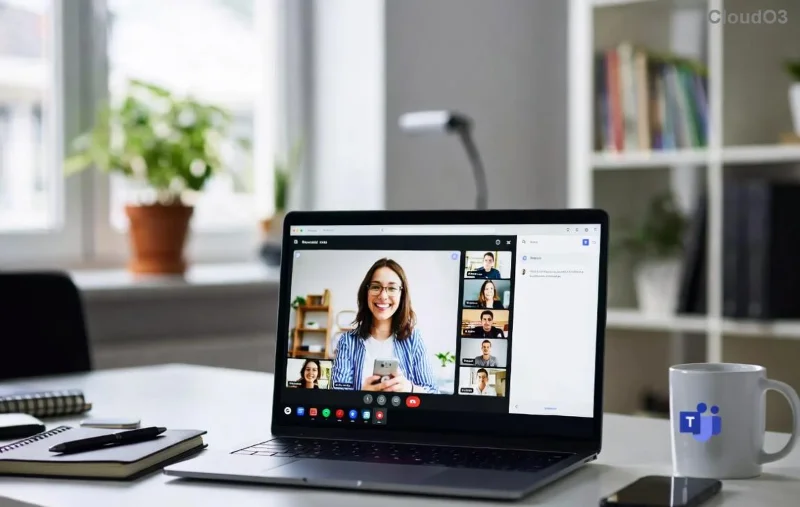
Imagine jumping into productive meetings, chats, and file sharing without downloading a single app. That's the magic of the Microsoft Teams Web App! 🌟 Whether you're on a work laptop, personal tablet, or even a shared computer, this browser-based powerhouse delivers full-featured collaboration. No installations, no compatibility headaches—just pure efficiency. Ready to dive in? Let's get you set up in minutes for smoother teamwork.
What Makes Microsoft Teams Web App a Game-Changer?
The Microsoft Teams Web App is the no-fuss version of Teams, accessible via any modern browser. It mirrors desktop capabilities like video calls, screen sharing, and channel chats, ideal for quick access or restricted environments. Perfect for remote workers, students, or anyone dodging software installs. Plus, it syncs seamlessly with your Microsoft account for real-time updates across devices.
Browser Compatibility: Which Ones Work Best?
Microsoft Teams Web App shines on major browsers. Here's a quick compatibility breakdown:
| Browser |
Supported Versions |
Best For |
| Google Chrome |
Latest & stable |
Full features, top performance ⭐ |
| Microsoft Edge |
Latest Chromium-based |
Native integration, smoothest calls |
| Mozilla Firefox |
Latest ESR |
Reliable for chats & files |
| Safari |
macOS/iOS latest |
Apple users, solid video |
| Others (Opera, Brave) |
Chromium-based latest |
Good with tweaks |
Pro tip: Always update your browser for the latest security and features. Avoid outdated versions to prevent glitches.
Step-by-Step: How to Use Microsoft Teams Web App Right Now
Getting started is as easy as 1-2-3. Follow these steps for instant access:
- 🔍 Open your preferred browser (Chrome or Edge recommended).
- 📝 Navigate to the official Microsoft Teams Web App URL: teams.microsoft.com.
- 👤 Sign in with your Microsoft work, school, or personal account. New? Click "Sign up for free" for a trial.
- 🚀 Once logged in, your dashboard loads—chats, teams, and calendar at your fingertips!
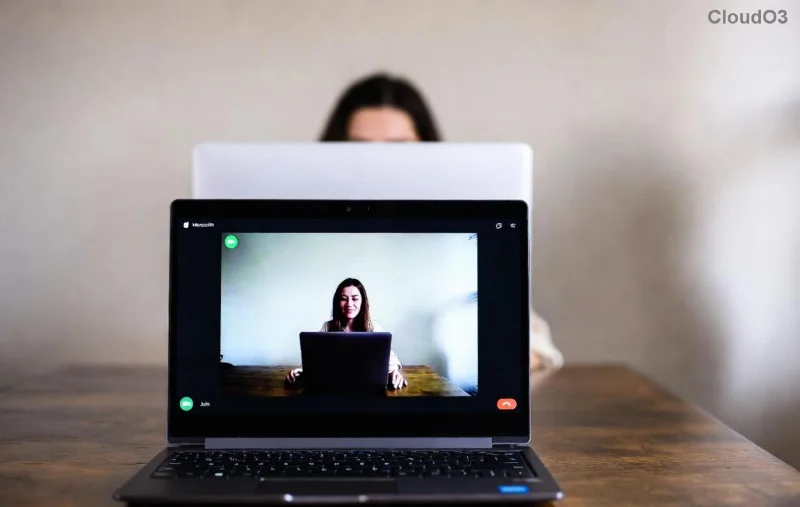
That's it! You're now in the Microsoft Teams Web App. Jump into a channel or start a call to feel the speed. 😊
Master Key Features in the Teams Web App
Don't think "web" means limited. Here's what you get:
- 📹 Video & Audio Calls: HD meetings with up to 1,000 participants. Share screens effortlessly.
- 💬 Chat & Channels: Real-time messaging, emojis, GIFs, and @mentions.
- 📎 File Sharing & Collaboration: Upload, edit Office docs in-browser with co-authoring.
- 📅 Calendar & Scheduling: Book meetings directly, integrate with Outlook.
- 🔒 Security First: End-to-end encryption, compliance tools for enterprises.
Explore apps like Whiteboard or Loop for creative boosts—all browser-native!
Tips for Peak Performance with Microsoft Teams Web App on Any Browser
Maximize your experience with these hacks:
- ⚡ Use Incognito/Private Mode for quick guest access without cache issues.
- 📱 Pin the tab or add to home screen for app-like feel on mobile browsers.
- 🔊 Enable notifications via browser settings for never-miss alerts.
- 💻 Close unused tabs—Teams loves RAM for smooth video.
- 🌐 Switch to "New Teams" toggle if available for fresher UI.
![Microsoft Teams Web App dashboard and features in browser]()
These tweaks turn casual users into powerhouses. Feel the difference in your next huddle! 👏
Troubleshooting: Fix Common Teams Web App Hiccups Fast
Running into snags? No sweat—most are quick fixes:
| Issue |
Solution |
| ❌ Login fails |
Clear cookies/cache or try another browser. |
| 🔇 No audio/video |
Grant mic/camera permissions; check site settings. |
| ⏳ Slow loading |
Disable extensions; use wired connection. |
| 🚫 Features missing |
Ensure account has licenses; check admin policies. |
![Troubleshooting Microsoft Teams Web App issues in browser]()
For deeper dives, visit Microsoft's support: support.microsoft.com/teams. You're back online in seconds!
Why Stick with Microsoft Teams Web App? Your Collaboration Future Awaits
From solo hustles to global teams, the Microsoft Teams Web App on any browser frees you from app clutter. It's lightweight, universal, and always updated. Start a test call today—your team will thank you. What's your first Teams Web App task? Drop it in the comments and keep collaborating smarter! 🚀