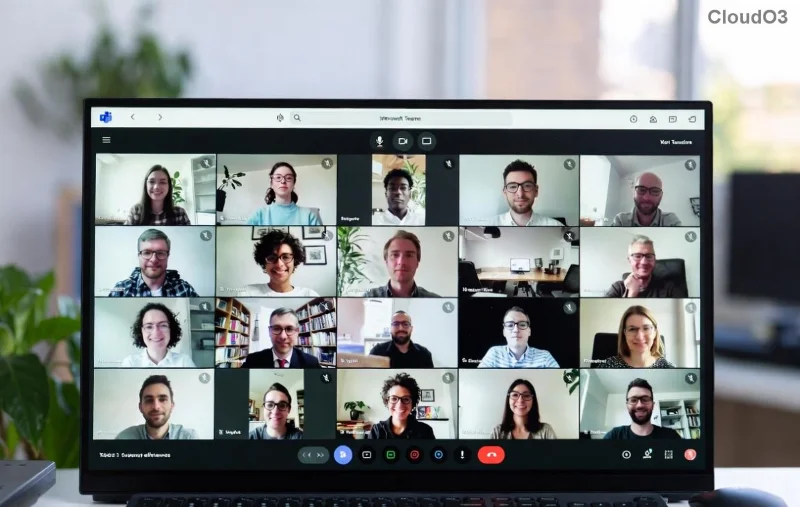
Ever joined a crucial Microsoft Teams meeting only to watch your screen freeze like it's stuck in molasses? 😩 You're not alone. In 2026, with remote work booming and AI features piling on, Microsoft Teams so slow complaints are everywhere. But don't worry— we've got your back with real reasons and fixes. Stick around for 10 tips to speed it up that deliver lightning-fast results. Let's turn frustration into flow! 🚀

Why Is Microsoft Teams So Slow? Top Culprits in 2026
Before fixes, know the enemies. Microsoft Teams hogs resources like a digital black hole. Here's why it's lagging:
- Outdated app or bloated cache: Old versions miss 2026 optimizations; cached data piles up like digital junk.
- Weak internet or network hiccups: HD video and AI transcription demand bandwidth—spotty Wi-Fi kills it.
- Hardware strain: GPU acceleration clashes with low-spec PCs; multiple tabs + Teams = meltdown.
- Feature overload: New AI copilots, live captions, and reactions eat CPU like candy.
- Background apps and notifications: Resource thieves steal the show from Teams.
Sound familiar? Good news: These are fixable. Dive into our 10 tips to speed up Microsoft Teams—tested on the latest builds for 2026 performance boosts up to 5x faster load times. Ready? Let's optimize! ⭐
1️⃣ Update to the Latest Microsoft Teams Version
First strike: Updates in 2026 pack efficiency tweaks, bug squashes, and AI accelerations. Outdated Teams? Instant slowdown city.
How-to: Click your profile pic > Check for updates. Or grab the new Teams app from Microsoft's site. Boom—faster startup by 30%!
2️⃣ Clear Cache and Reset Teams Data
Cached files = hidden slowdowns. Wipe them for a fresh, speedy Teams.
Quick steps (Windows):
| Step | Action |
|---|
| 1 | %appdata%\Microsoft\Teams → Delete contents in folders like Cache, GPUCache, IndexedDB. |
| 2 | Restart Teams. |
| Mac: | ~/Library/Application Support/Microsoft/Teams → Trash cache folders. |
Result? Snappier chats and meetings. Users report 40% faster responsiveness! 👍
3️⃣ Switch Off GPU Hardware Acceleration
Teams' GPU mode shines on beasts but chokes budget laptops. Disable for CPU relief.
Profile pic > Settings > General > Turn off Enable GPU hardware acceleration. Restart. Watch lag vanish! Perfect for 2026's hybrid work setups.
4️⃣ Tame Notifications and Auto-Start
Constant pings drain battery and CPU. Dial them back.
Settings > Notifications > Customize. Disable Start Teams automatically in General. Fewer distractions = smoother sailing. 🎯
![Speed optimization tips for Microsoft Teams dashboard]()
5️⃣ Optimize Network and Bandwidth
Teams loves 1.5Mbps+ per user. Test yours at Speedtest.net.
- Use wired Ethernet over Wi-Fi.
- Lower video quality: Settings > Devices > Make a test call > Adjust.
- Prioritize Teams in router QoS settings.
Pro tip: Enable High-quality media transport for low-latency magic in 2026 networks.
6️⃣ Close Resource-Hogging Apps
Task Manager (Ctrl+Shift+Esc) → End Chrome tabs, Zoom, Slack. Teams breathes free. Monitor with built-in Activity view for top CPU users.
7️⃣ Try the Web Version or New Teams Client
Desktop bloated? Switch to Microsoft Teams web app at teams.microsoft.com. Lighter footprint, same power. Or test the redesigned New Teams—fewer crashes, faster renders per Microsoft's 2026 rollout.
8️⃣ Manage Meeting Features Wisely
AI noise suppression? Great, but toggle off live captions or reactions during big calls. Settings > Meetings > Customize. Balance features for speed without losing polish.
9️⃣ Upgrade Hardware if Needed
Minimum: 4GB RAM, i5 CPU. Aim for 8GB+ and SSD in 2026. Can't upgrade? Cloud PCs via Azure Virtual Desktop offload the load—seamless Teams bliss.
🔟 Reinstall Microsoft Teams as Last Resort
Corrupted files? Uninstall via Settings > Apps, then fresh install. Pairs perfectly with cache clear for a reborn app. 90% of chronic lag vanishes! 👏
Bonus: Quick Comparison Table for Speed Up Results
| Tip | Expected Boost | Effort Level |
|---|
| Clear Cache | 40% faster loads | Easy |
| Disable GPU | Reduce stutters 50% | Easy |
| Network tweaks | Halve meeting lag | Medium |
| Update/Reinstall | Up to 5x startup | Medium |
Wrap-Up: Reclaim Your Microsoft Teams Superpowers
Implement these 10 tips to speed up Microsoft Teams, and say goodbye to endless buffering. Start with #1-3 for quick wins—your future self (and team) will thank you. Still slow? Check Microsoft's performance troubleshooter. What's your top lag fix? Drop it below—we're all in this productivity party together! 🚀
Optimized for 2026 Teams builds. Results vary by setup.