Fix Microsoft Teams Not Syncing: Full Guide
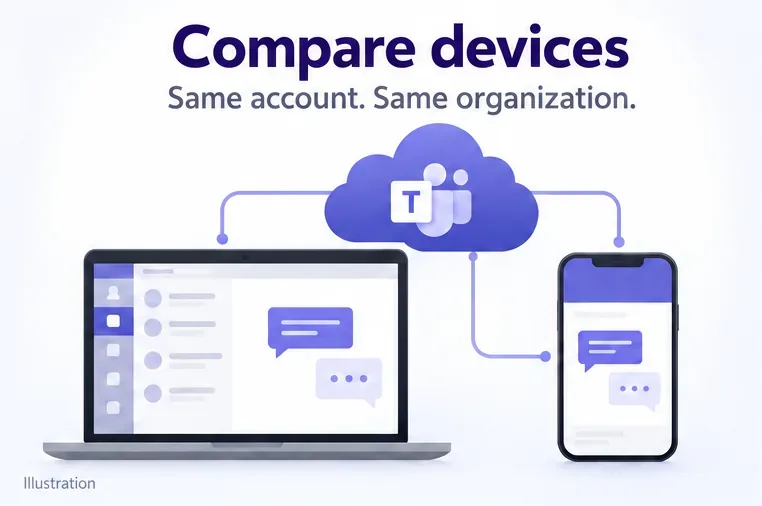
Microsoft Teams not syncing? Refresh messages across desktop, web, iPhone, and Android, identify account or file issues, and avoid unnecessary cache resets.
Microsoft Teams not syncing? Refresh messages across desktop, web, iPhone, and Android, identify account or file issues, and avoid unnecessary cache resets.
Fix Microsoft Teams’ “We’re having trouble finding your notebook” error by checking OneNote access, restoring missing notebooks, and reconnecting the tab.
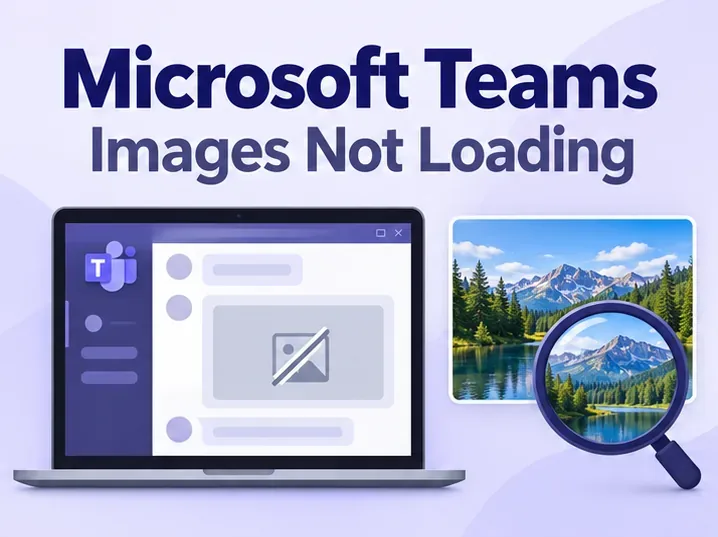
Fix Microsoft Teams images not loading with web-app checks, fresh uploads, updates, and targeted local-data resets, plus guidance on when to contact IT.
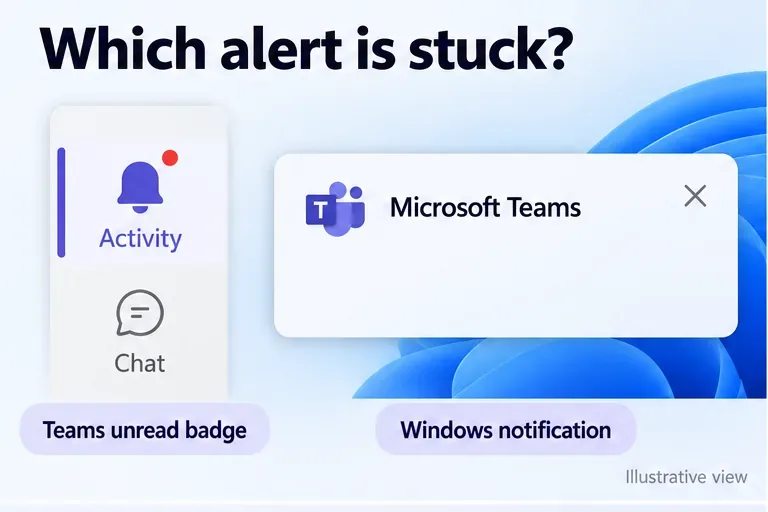
Fix Microsoft Teams notifications not going away by checking unread activity, clearing Windows alerts, and troubleshooting persistent badges and banners.
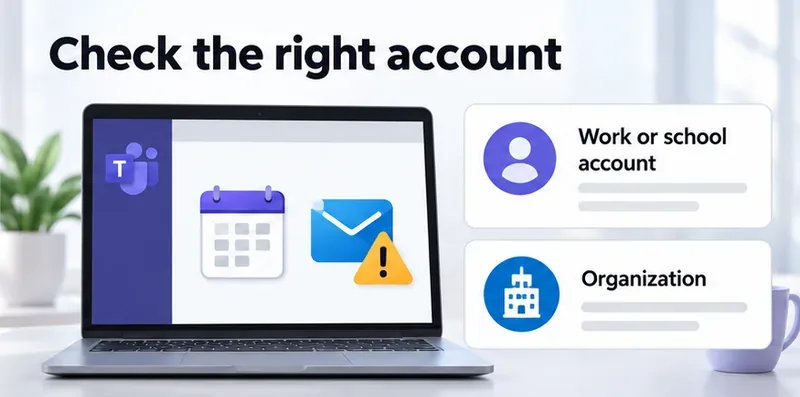
Fix the Microsoft Teams “Mailbox does not exist” error by checking your account, Exchange license, mailbox permissions, and calendar connectivity.
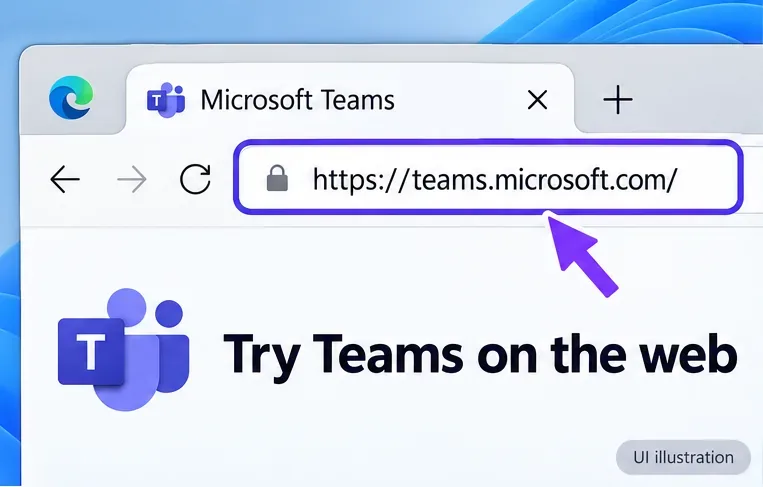
Troubleshoot Microsoft Teams error code CAA7000a with web sign-in checks, connection fixes, and current Windows repair, reset, and reinstall instructions.
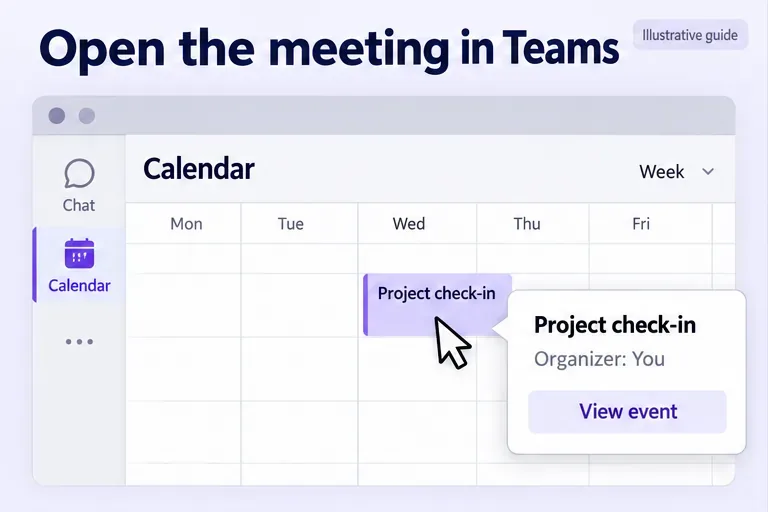
Learn how to cancel a meeting in Microsoft Teams, notify invitees, cancel one recurring event or a series, and end a meeting already in progress.

Discover the 2015 Wood Goat Chinese zodiac dates, personality, compatibility, love, school and career themes, money habits, lucky symbols, and 2027 outlook.
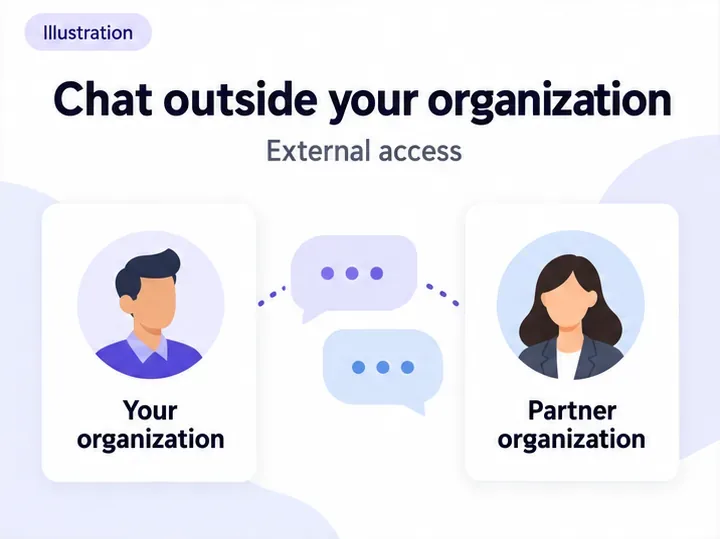
Learn to chat with external users in Microsoft Teams without adding guests, check admin permissions, and spot invitations that create guest accounts.
Manage Microsoft Teams memory usage with Efficiency mode, current update steps, background settings, and safe repair options when high RAM use causes slowdowns.
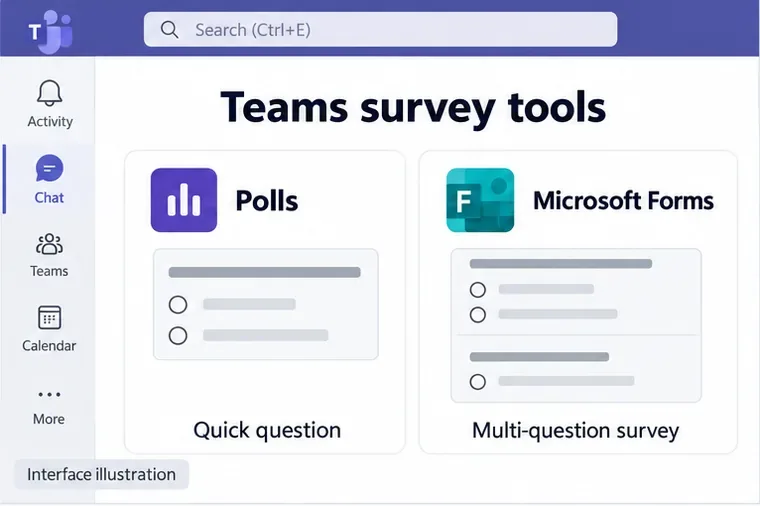
Learn how to use Microsoft Teams survey tools to create quick polls, share multi-question Forms surveys, control response access, and review results.
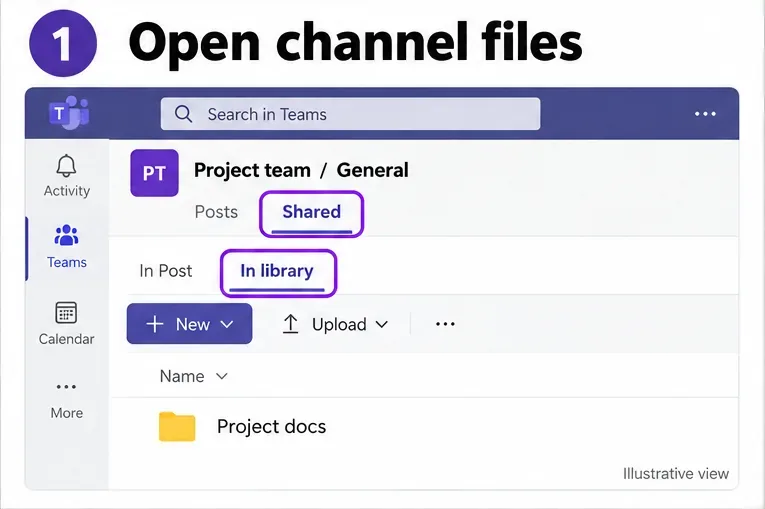
Learn how to share and manage Microsoft Teams files in a channel, including uploads, folders, sharing permissions, pinned files, and OneDrive syncing.
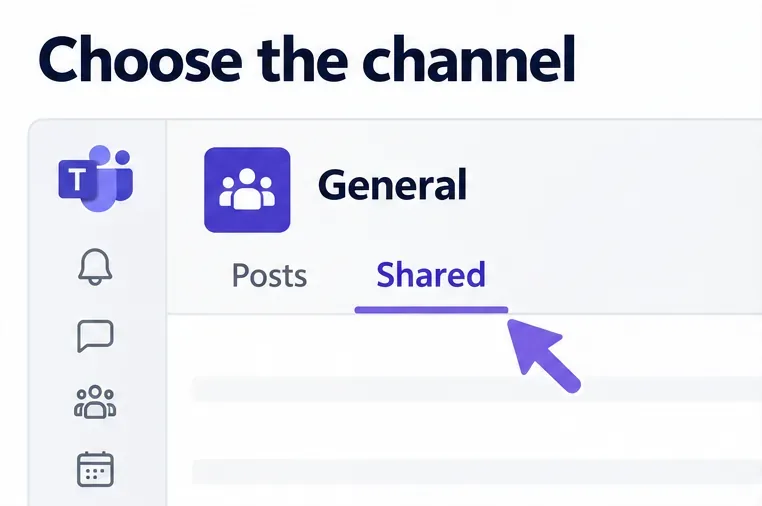
Open your Microsoft Teams SharePoint site from a channel, find the right document library, and fix account or permission problems with this guide.
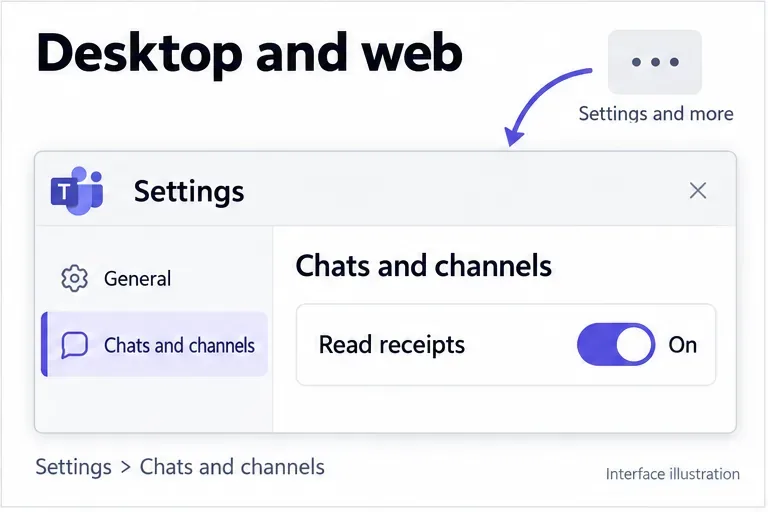
Learn how to enable or disable Microsoft Teams read receipts on desktop and mobile, check who read a message, and understand administrator policy limits.
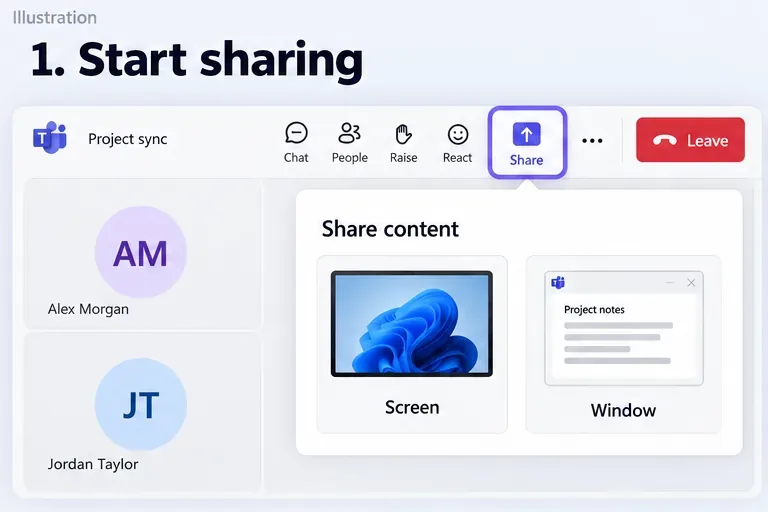
Learn how to give control in Microsoft Teams, request access to a shared screen, take control back, and fix missing controls or permission issues.
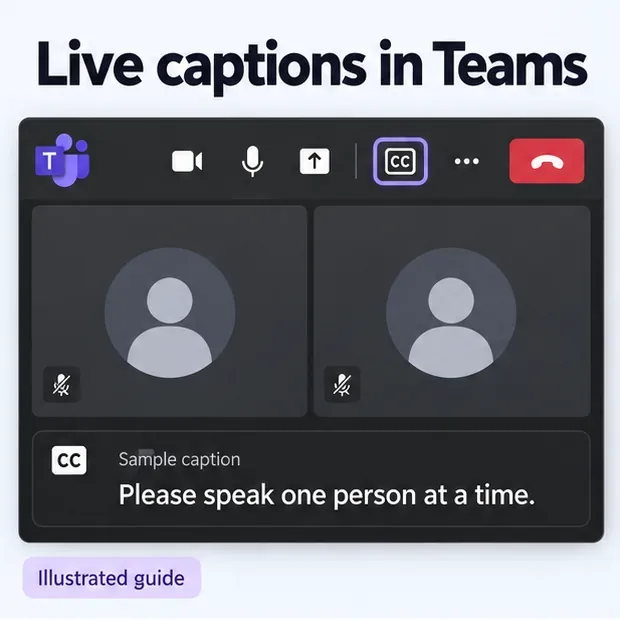
Learn how to use Microsoft Teams closed captioning, adjust language and text settings, access translated captions, and save a meeting transcript.
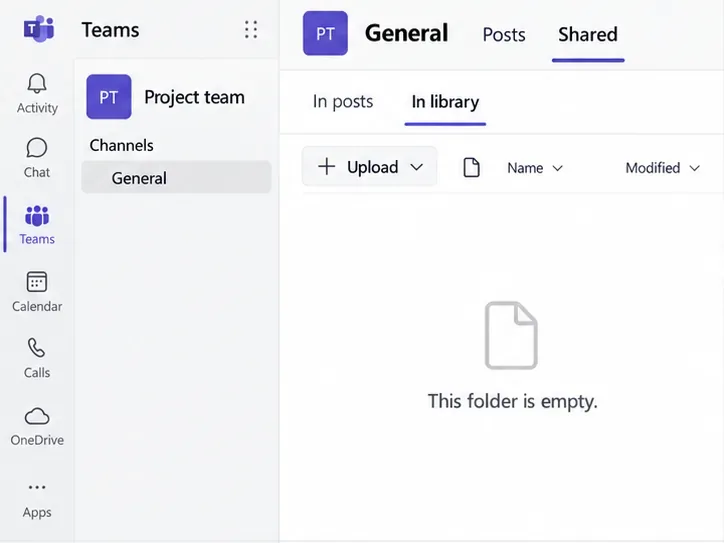
Learn how to upload files to Microsoft Teams channels and chats, use SharePoint, check sharing permissions, and fix common upload problems.
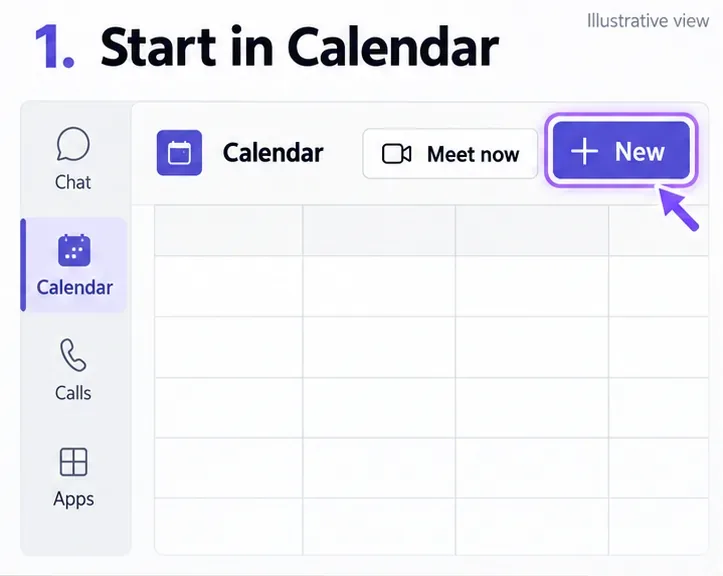
Learn how to send a Microsoft Teams meeting invite, add attendees later, invite people to Meet now, and fix missing meeting links or invitation issues.
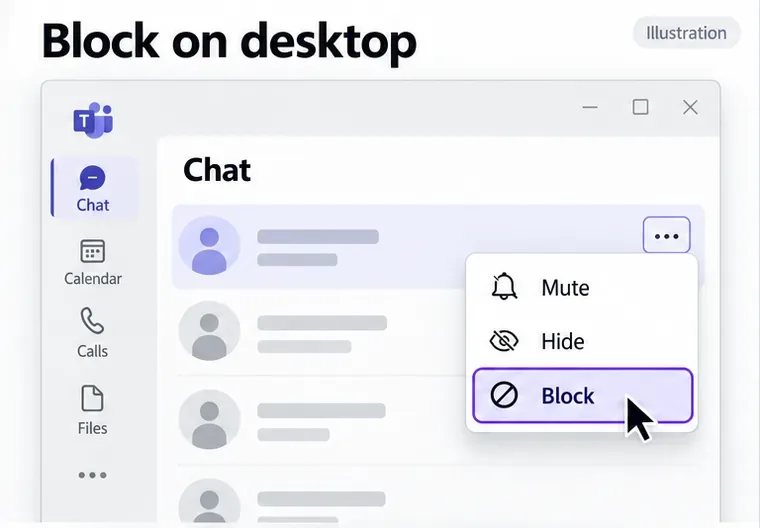
Learn how to block someone on Microsoft Teams on desktop and mobile, check work-account limits, mute chats, and unblock contacts when needed.
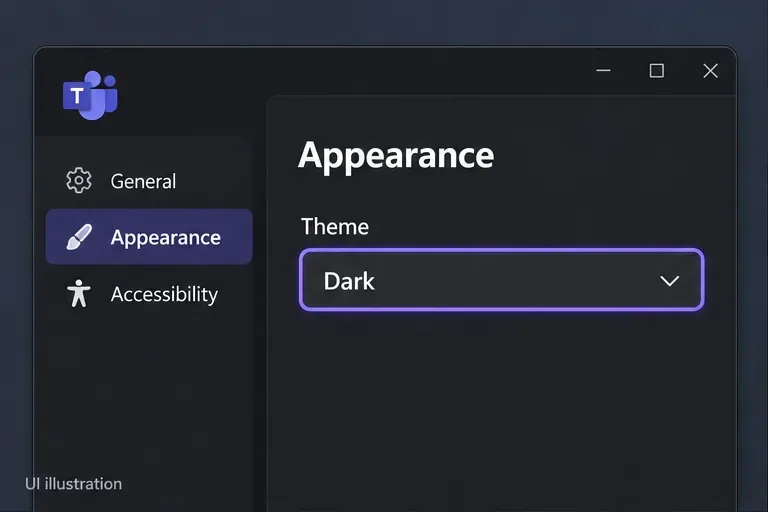
Enable Microsoft Teams dark mode on desktop, web, iPhone, and Android. Find current theme settings, system options, and fixes when dark mode will not apply.
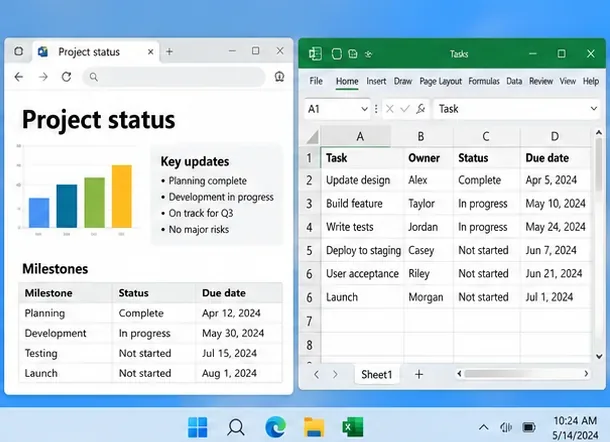
Learn how to share multiple screens in Microsoft Teams by switching displays, arranging apps on one screen, or combining monitors with OBS Studio.
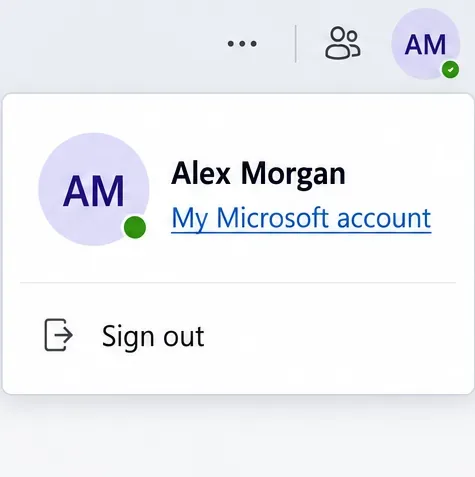
Learn how to change your name on Microsoft Teams with a personal, work, or school account, rename a team you own, and fix an outdated display name.
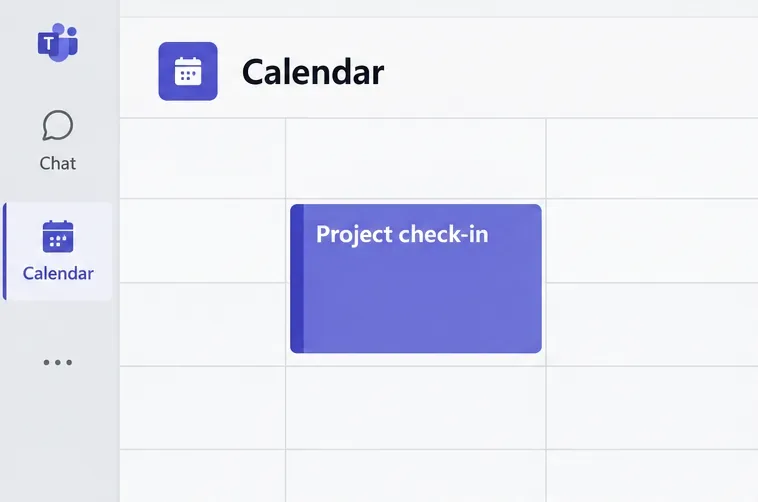
Find and copy a Microsoft Teams meeting link from your calendar, an active meeting, or Teams Free, with mobile steps and fixes for missing links.
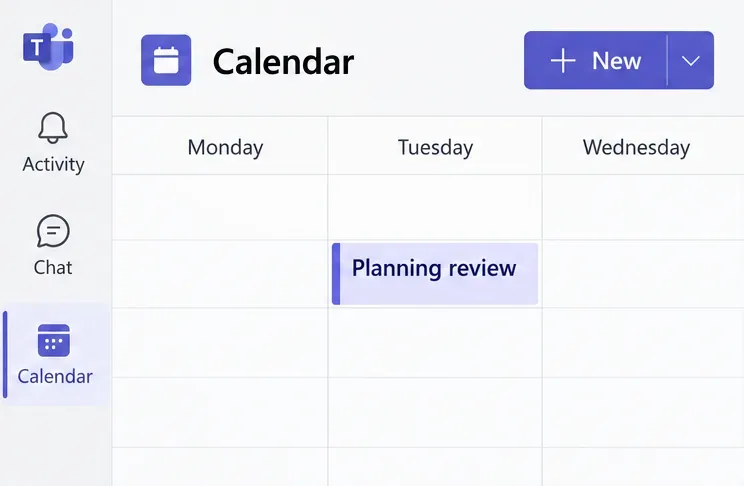
Use the Microsoft Teams calendar to schedule meetings, add a channel calendar, manage invitations, and understand how events sync with Outlook.
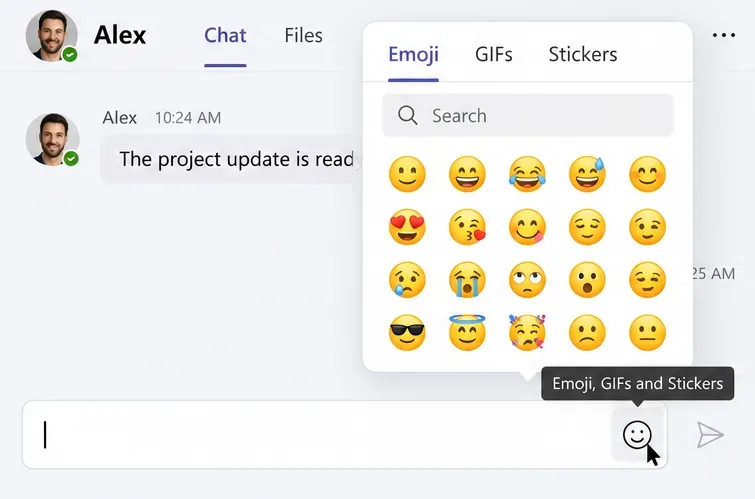
Learn how to use Microsoft Teams emoji, reactions, and GIFs in chats and meetings, remove reactions, and troubleshoot missing GIF or reaction controls.
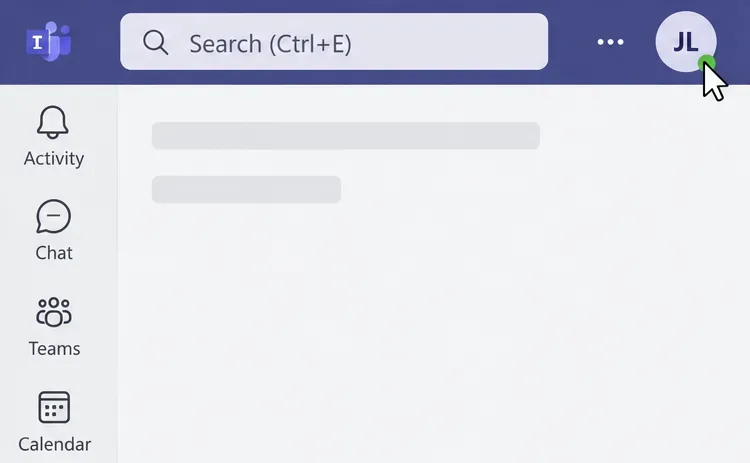
Change your Microsoft Teams profile picture on desktop, web, iPhone, or Android. Learn how to remove it and fix missing options or an outdated photo.
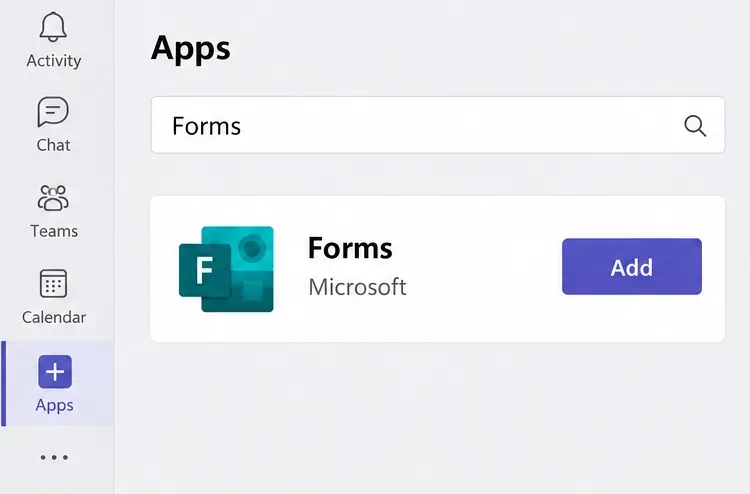
Learn how to use Microsoft Forms in Teams to create surveys, control response access, review results in Excel, and fix missing app or account permissions.
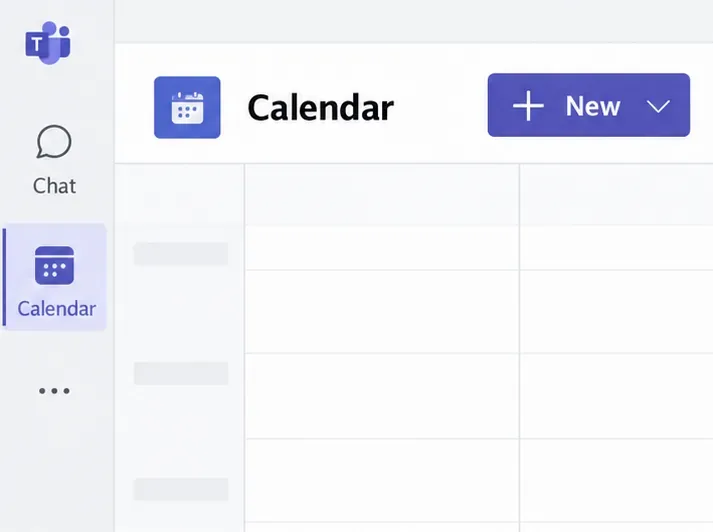
Learn how to invite external users to a Microsoft Teams meeting by email or link, manage the lobby, and help attendees join from a browser without an account.
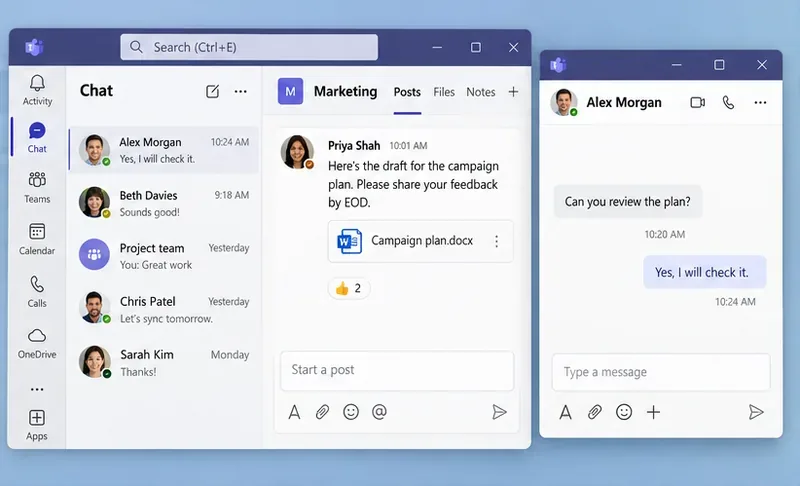
Use the Microsoft Teams multiple windows feature to open chats, channel conversations, apps, and meeting chat separately, with current steps and fixes.
Make a Microsoft Teams test call to check your microphone and speakers, preview your camera, and fix missing test-call options before your next meeting.