How to Make a Microsoft Teams Test Call Before a Meeting
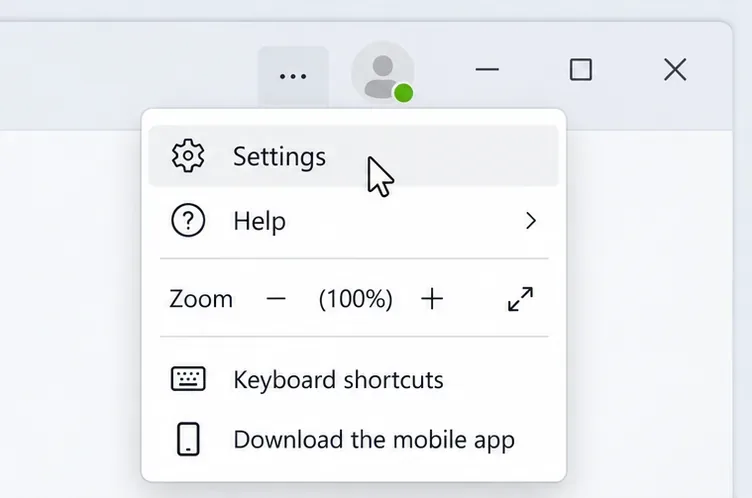
Make a Microsoft Teams test call to check your microphone and speakers, preview your camera, and fix missing test-call options before your next meeting.
Make a Microsoft Teams test call to check your microphone and speakers, preview your camera, and fix missing test-call options before your next meeting.
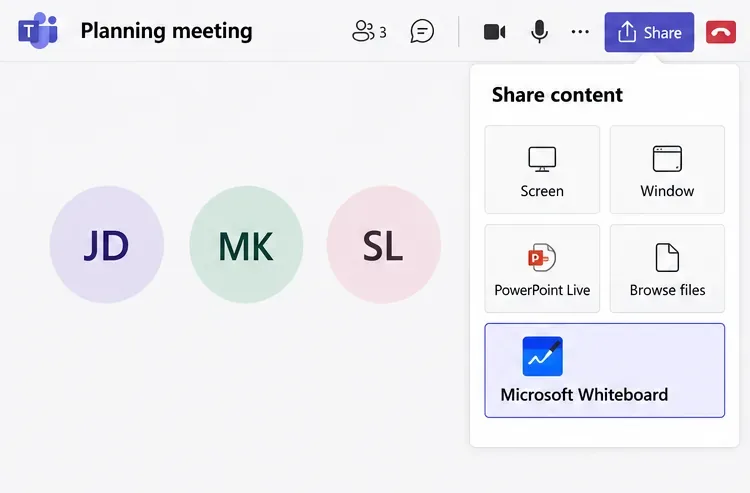
Learn how to use the Microsoft Teams whiteboard app to draw, add notes and images, collaborate in meetings or chats, and export your finished board.
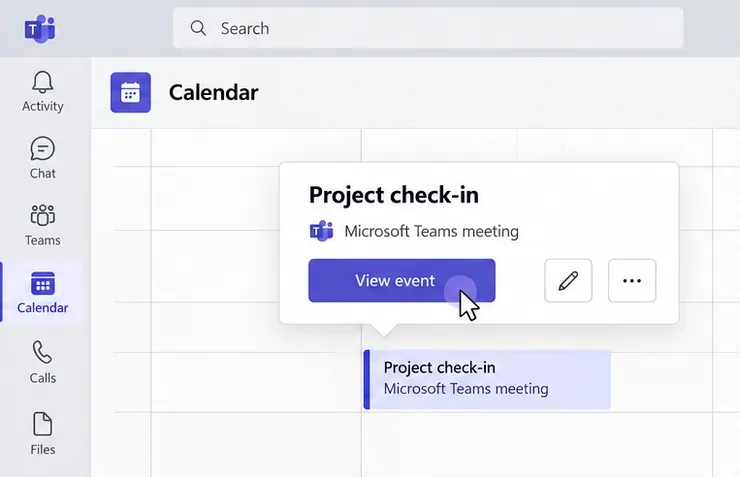
Set up a Microsoft Teams waiting room using lobby controls, choose who can enter directly, and admit attendees before or during a meeting.
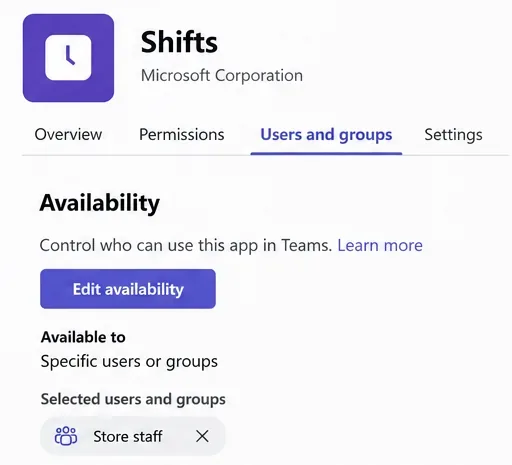
Learn how to enable Microsoft Teams Shifts, create and share staff schedules, assign shifts, and handle requests, with current setup and access guidance.
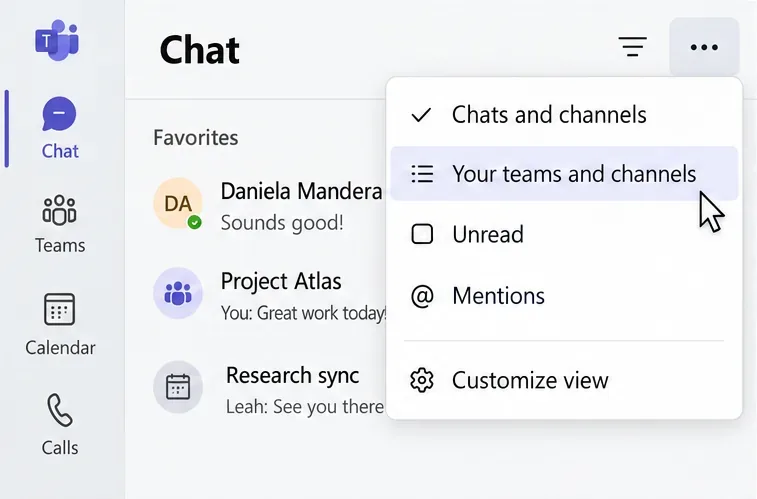
Learn how to archive a team or channel in Microsoft Teams, restore it later, manage SharePoint access, and hide chats without confusing them with archives.
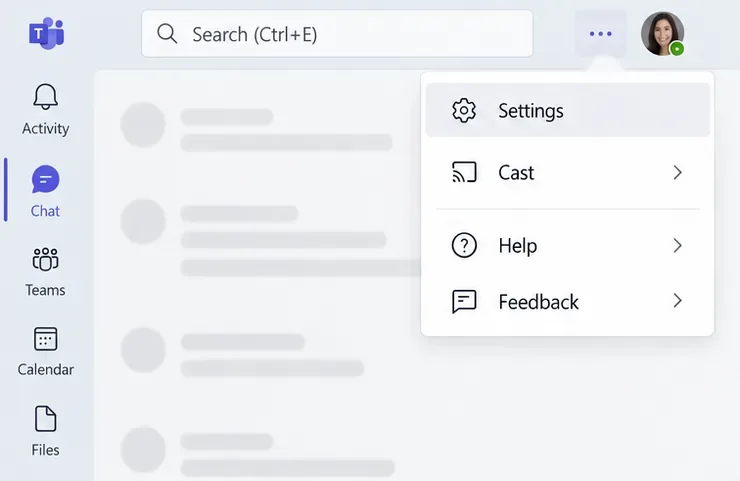
Customize Microsoft Teams notifications for chats, channels, meetings, and mobile. Control banners, sounds, missed-activity emails, and quiet hours.
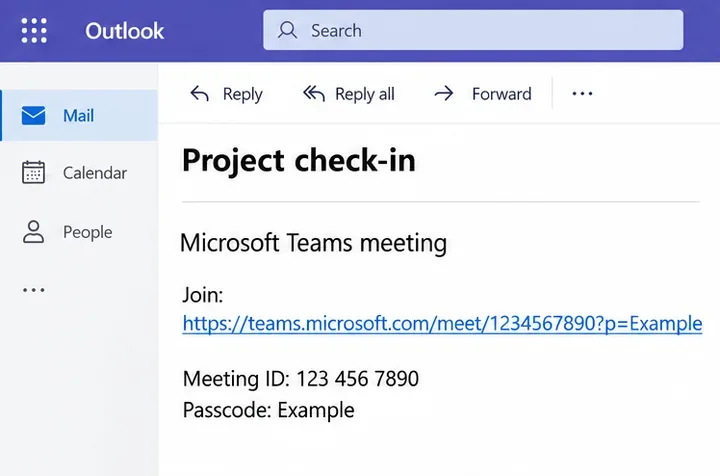
Join a Microsoft Teams meeting as a guest in a browser or mobile app. Learn when you need email verification, guest access, or help getting past the lobby.

Born in June 2013? Discover why your Chinese zodiac sign is the Water Snake, plus traditional personality, compatibility, lucky associations, and a grounded 2027 outlook.
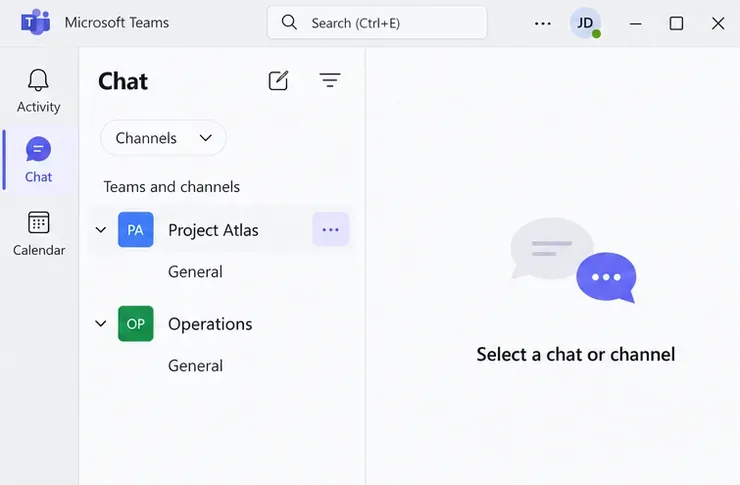
Learn how to leave a Microsoft team on desktop, web, and Android, what iPhone users should do, and why the Leave team option may be missing.
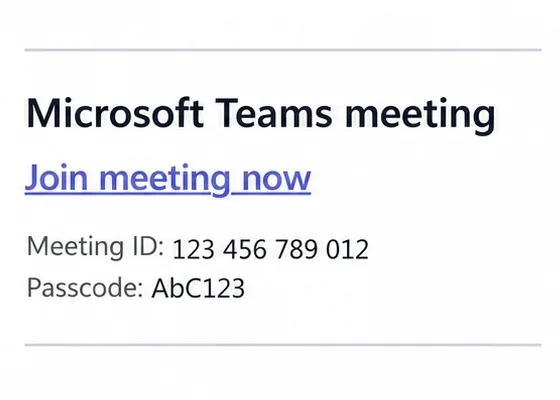
Learn how to join a Microsoft Teams meeting by link, browser, calendar, meeting ID, or phone, with guest access instructions and fixes for joining problems.
Change the download folder location in Microsoft Teams, choose where to save each file, and adjust Edge or Chrome settings when using Teams on the web.
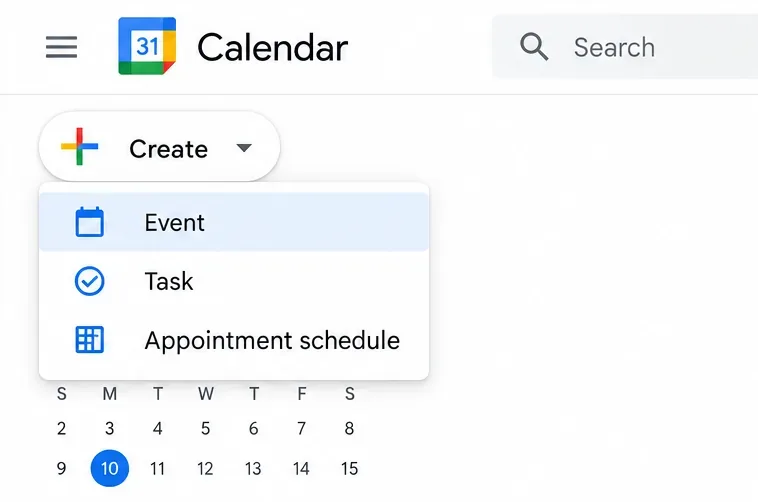
Use Google Calendar as a Google meeting scheduler: add Meet links, invite guests, reschedule meetings, or let people choose a time through a booking page.
Install the Microsoft Teams add-in for Outlook, enable it in classic Outlook, and learn how new Outlook’s built-in Teams meetings differ. Fix missing buttons.
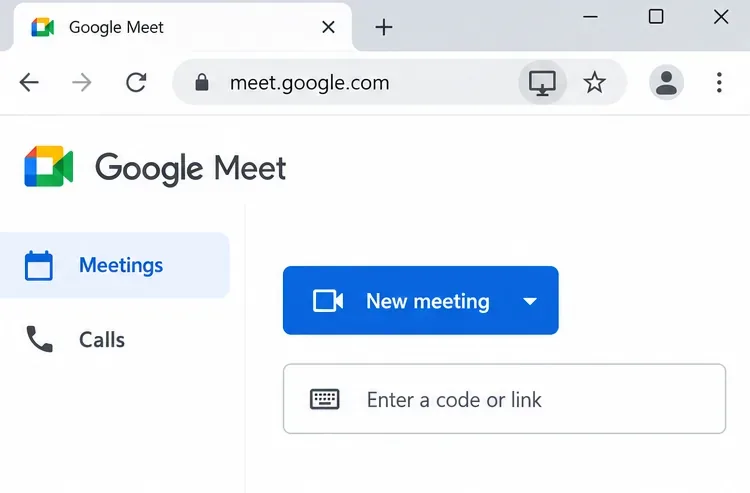
Download Google Meet for Android or iPhone, or install its web app on Windows and Mac. Follow the official links and fix common setup problems.
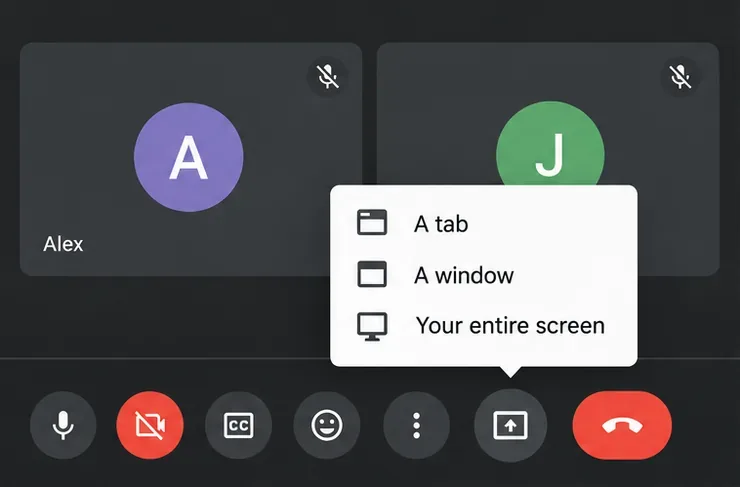
Use Google Meet screen sharing on computers and phones. Learn to present tabs, include audio, stop sharing, and fix common permission problems.
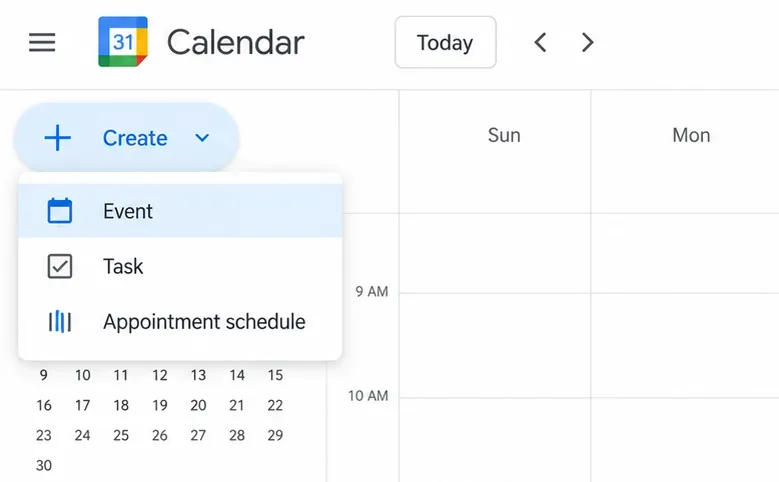
Learn how to schedule a Google Meet meeting in Calendar, invite guests on desktop or mobile, create a link for later, and manage recurring meetings.
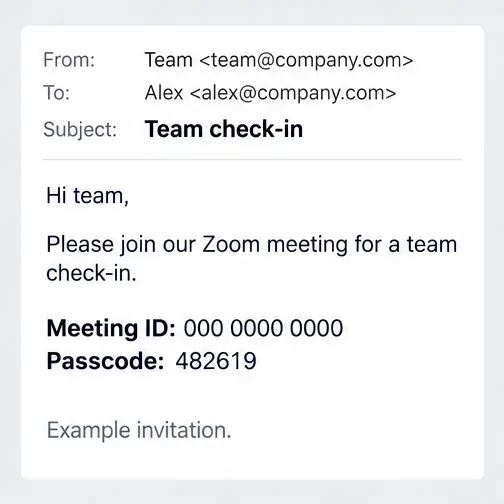
Use a Zoom meeting code to join on a computer, phone, or browser. Find the meeting ID and passcode, follow the steps, and fix common joining problems.
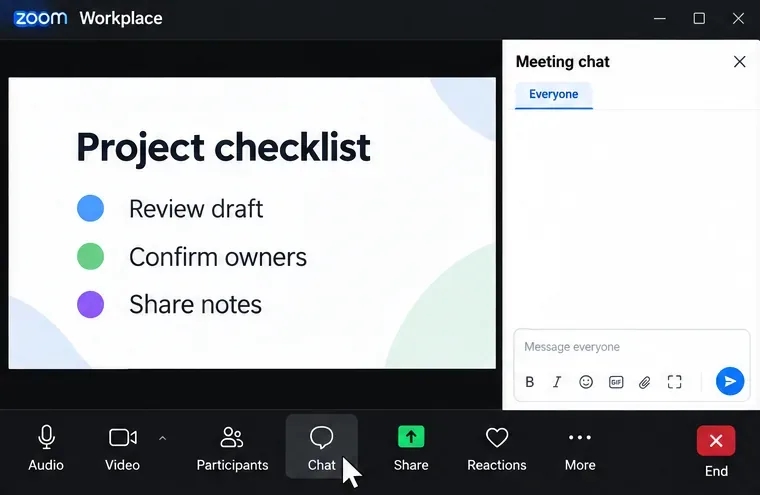
Learn how to use the Zoom meeting screenshot tool, send captures in chat, save images on Windows or Mac, and fix missing controls or blocked captures.
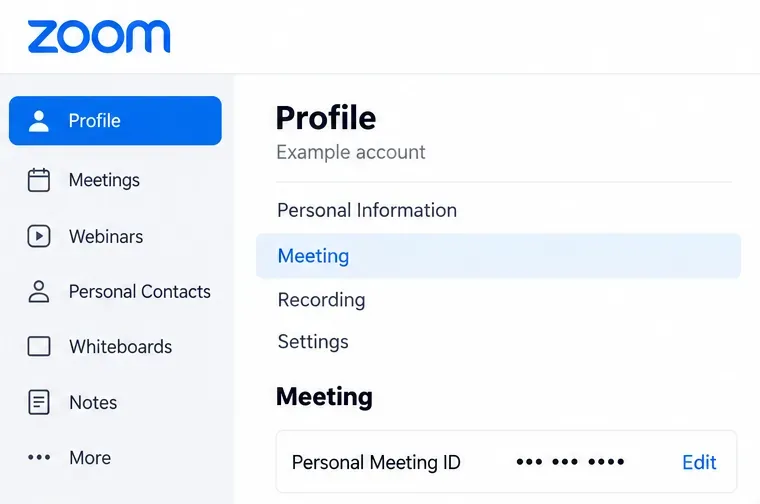
Learn how to find and use your Zoom personal meeting ID, schedule meetings, share invitations, change your PMI, and secure your personal meeting room.
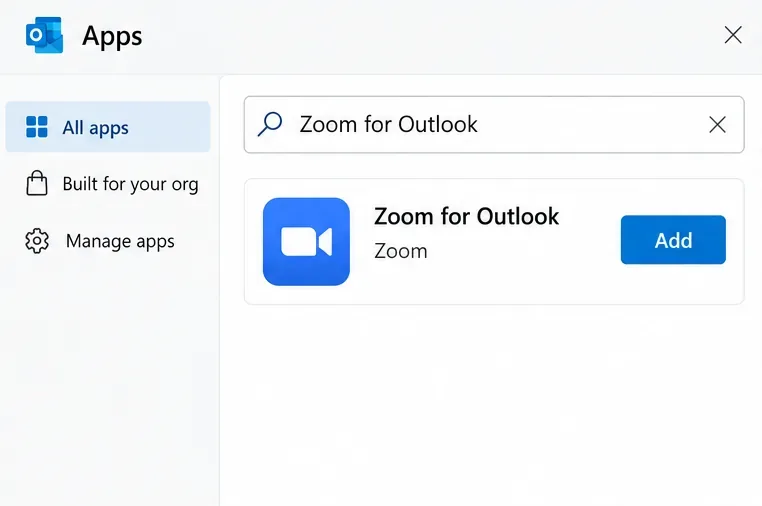
Set up a Zoom meeting in Outlook with the Zoom add-in. Follow desktop and web steps to add joining details, send invites, and update your schedule.
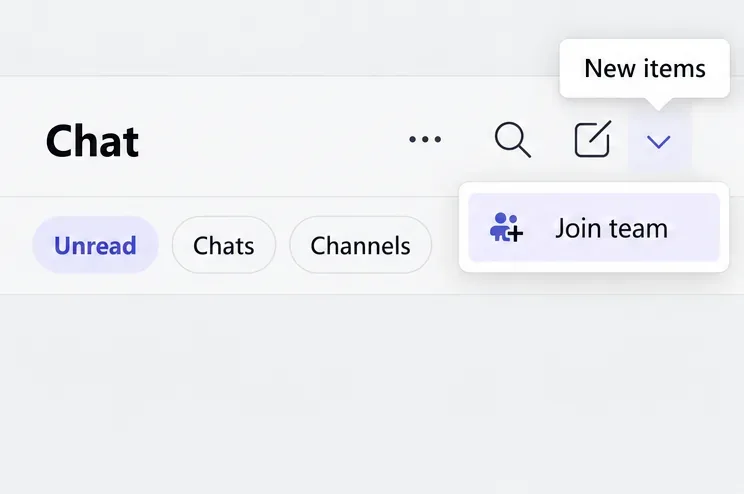
Learn how to join a team in Microsoft Teams with a code, link, or guest invitation, choose the right account, and fix common access problems.
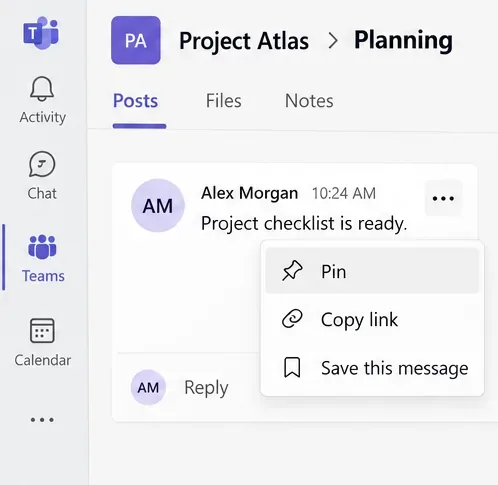
Learn how to pin posts, channels, video, and files in Microsoft Teams, use Favorites, and understand which pins are personal or visible to others.
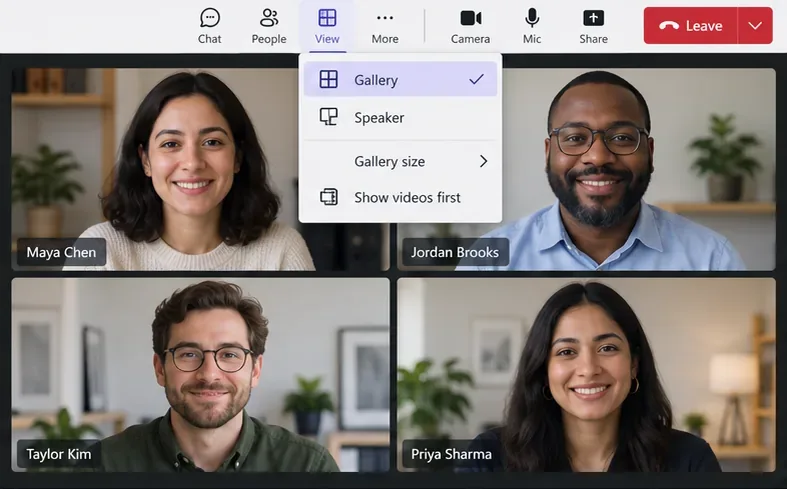
Use Microsoft Teams split screen to see multiple participants, keep shared content beside video, and present with the Side-by-side layout.
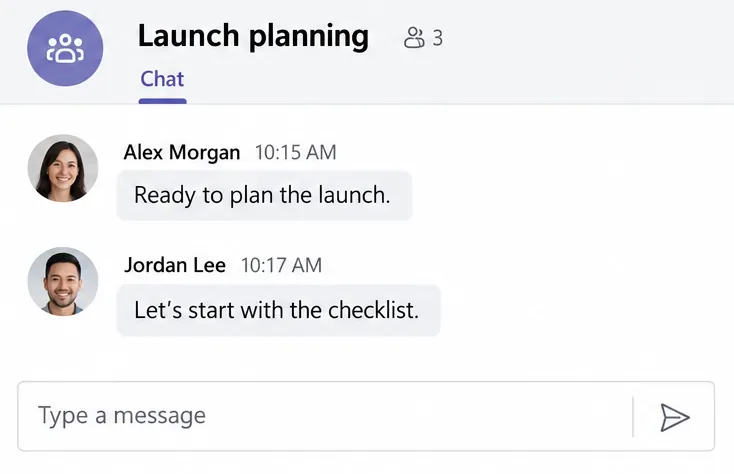
Create a Microsoft Teams group chat on desktop or mobile, give it a useful name, add people with the right chat history, and leave when you’re done.
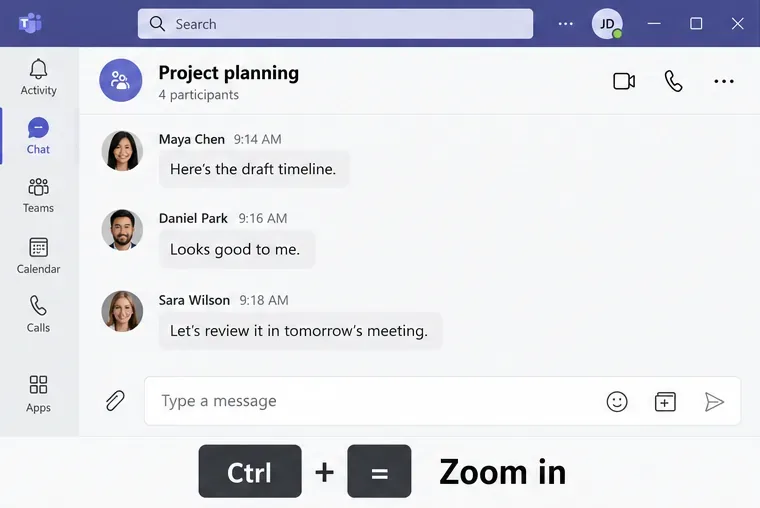
Learn how to zoom in Microsoft Teams, reset text size, enlarge shared content, and check webcam zoom controls on Windows or Mac.
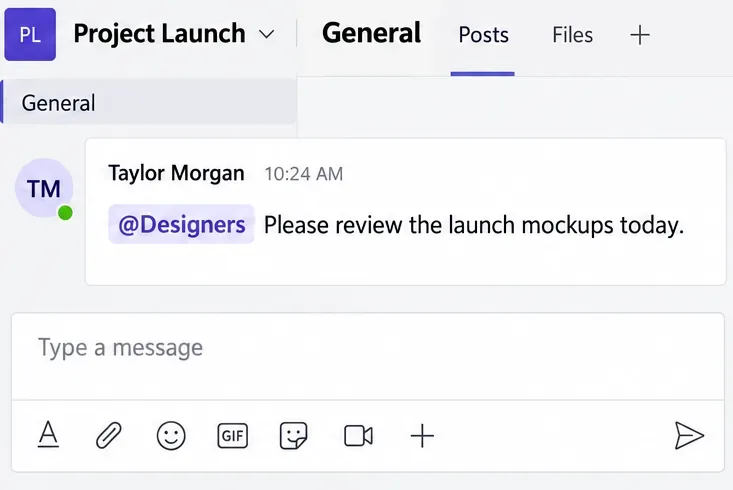
Learn how to create Microsoft Teams tags, check group members, mention a tag in a channel, start a group chat, and troubleshoot tag permissions.
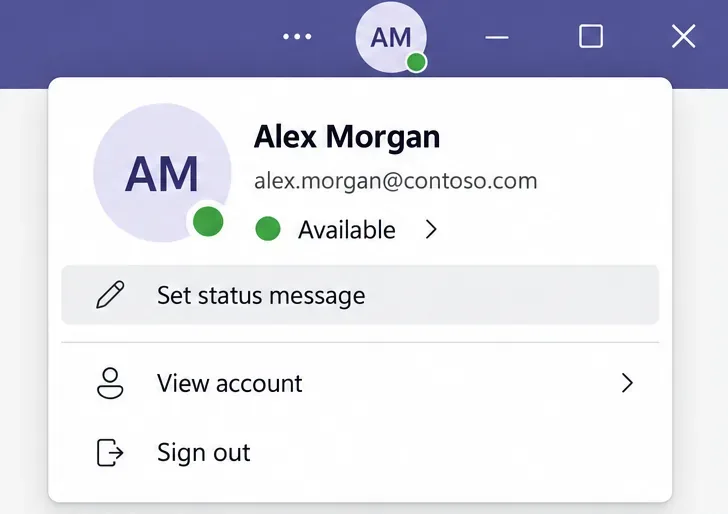
Set out of office in Teams on desktop or mobile, schedule automatic replies, sync with Outlook, and fix an absence message that will not clear.
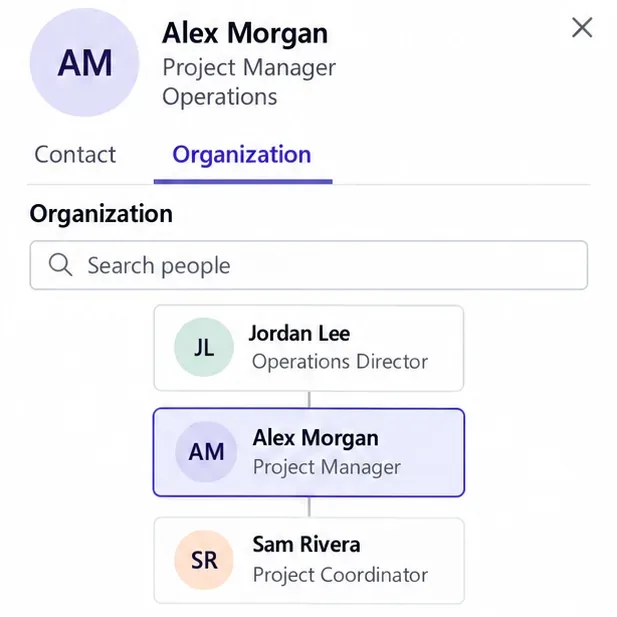
Set up the Microsoft Teams organization chart with manager relationships in Entra ID, enable Organization, and fix missing or incorrect reporting links.
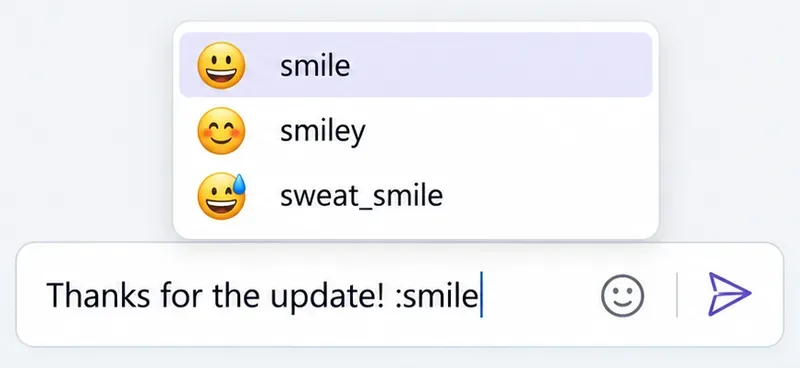
Use Microsoft Teams secret emoticons with colon shortcuts, find emoji in the picker, add reactions, and fix shortcuts that do not work on your device.
Install the Microsoft Teams iPad app, sign in, send messages, find channels, and join meetings. Learn which permissions to allow and how to fix common issues.